Video Engagement – Like, Dislike, Bookmark Plugin
Version 1.0 · WordPress Plugin · Built with WordPress, PHP, JavaScript, jQuery, CSS3
Overview#
Video Engagement adds like, dislike and bookmark buttons to videos, posts and pages. Counts update instantly through AJAX, so visitors never wait for a page reload.
From the Video Settings screen you set the button size, main colour, hover colour and active colour, and you can paste your own SVG code for each icon. A reset button puts everything back to default. Place the buttons anywhere with the [interactive_buttons] shortcode.
The plugin is small, loads only what it needs and stores counts efficiently in the database.

What is in the download#
- Plugin ZIP (installable)
- HTML documentation
- Licence and changelog
Requirements#
- WordPress 5.8 or newer
- PHP 7.4 or newer
- Works with any theme
Installation#
- In WordPress go to Plugins > Add New > Upload Plugin and upload the plugin ZIP.
- Click Activate.
- Open the new Video Settings menu in the admin.
- Pick the button size and colours, or paste your own SVG icons.
- Save, then add the shortcode [interactive_buttons] wherever the buttons should appear.
Features#

Buttons#
- Like, dislike and bookmark
- Live AJAX counts
- Shortcode placement anywhere
- Responsive on mobile
Settings#
- Button size
- Main, hover and active colours
- Custom SVG icon per button
- Instant preview
- One-click reset to defaults
Performance#
- Lightweight code
- Efficient count storage
- No page reloads
Mobile and page layouts#
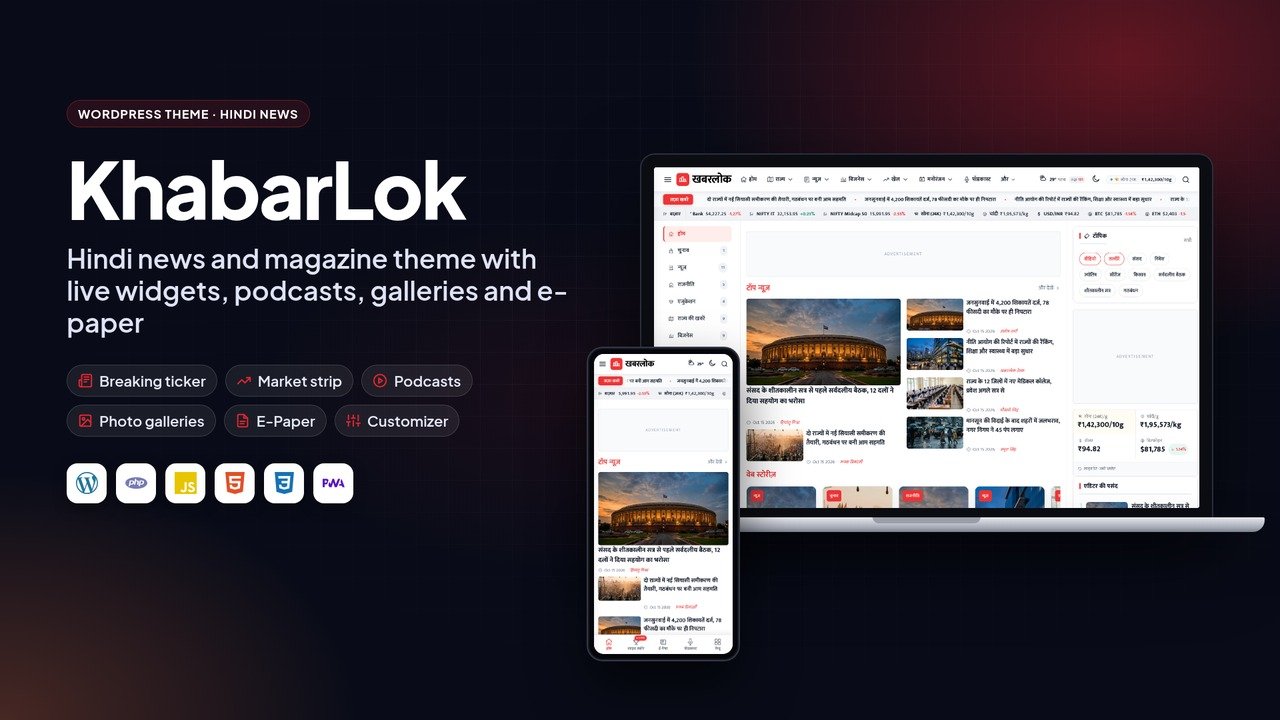
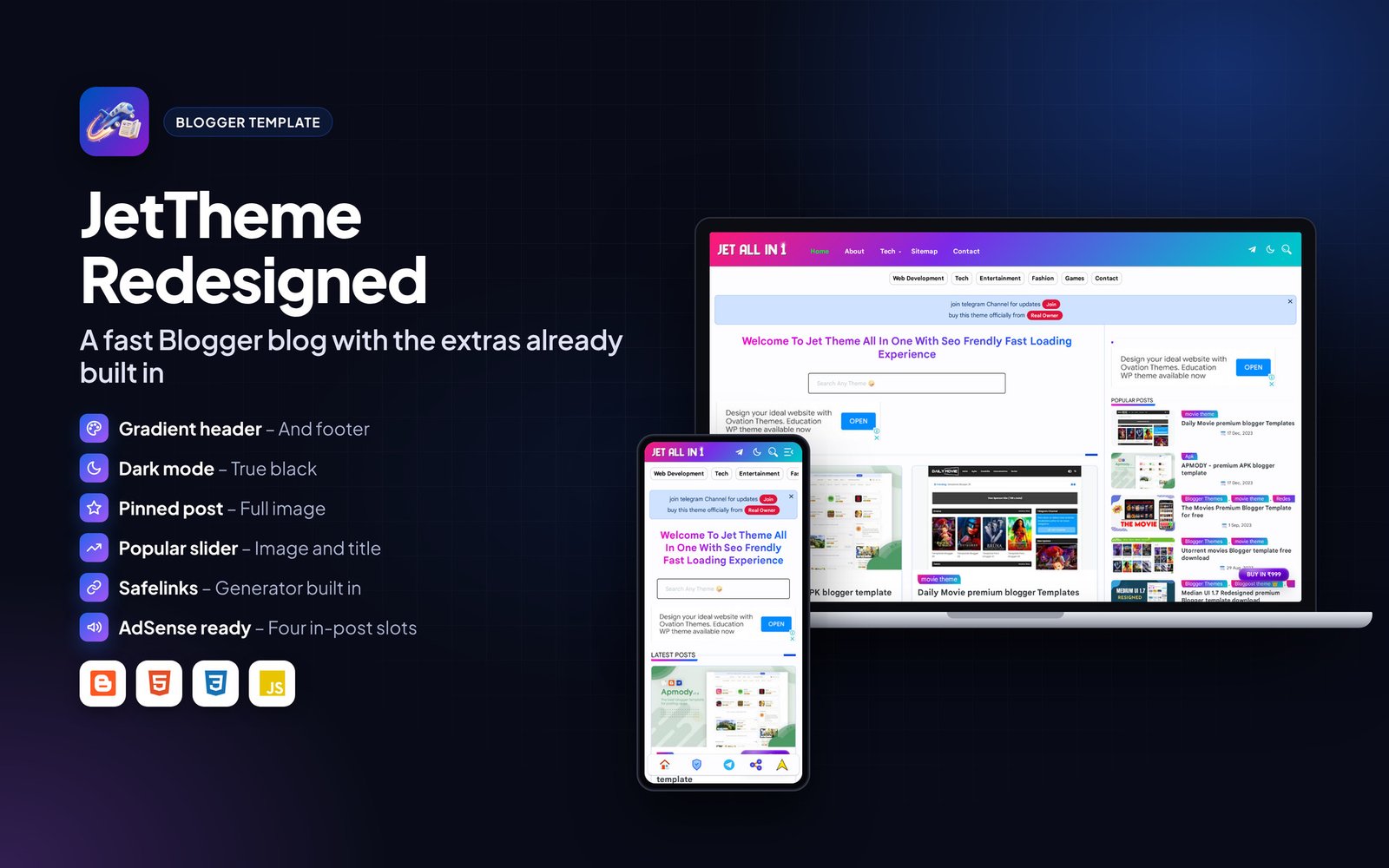
Every page is responsive. The images below show the layout on desktop and phone.

Frequently asked questions#
Does it work with my theme?
Yes. The buttons are added by shortcode, so they work with any theme.
Where are the counts stored?
In your WordPress database. Deactivating the plugin keeps the data.
Support#
Use the comments or support section on the Codester item page. Please include your hosting type, PHP or WordPress version and a screenshot of any error so the problem can be reproduced quickly.
Changelog#
Version 1.0 – First release on Codester.
Credits#
Interface icons follow the open-source Lucide style. Technology names and logos belong to their owners. Demo photos and articles are placeholders and are not included.