LibraryRoom – Library Management PHP Script
Version 1.0 · PHP Script · Built with PHP, SQLite, JavaScript, HTML5, CSS3, PWA
Overview#
LibraryRoom is a PHP script for self-study libraries, reading rooms and coaching centres that rent seats by the month.
Most of these places still work from a paper register, a fee notebook and a WhatsApp group. Someone has to remember which seat is free, whose plan ends this week, who has not paid and which book has been out for a month. LibraryRoom moves all of that into one admin panel and adds a public website where new students can see your plans, check how many seats are free and register on their own.
It runs on plain PHP with an SQLite database, so there is no MySQL to create and no framework to learn. Upload, make two folders writable, open the site and the database sets itself up.

What is in the download#
- Full PHP source code
- Admin panel and front end
- Auto-created SQLite database
- .htaccess rules
- HTML documentation
- Licence and changelog
Requirements#
- PHP 8.1 or newer
- PDO and PDO SQLite extensions (enabled on almost every host)
- mbstring, fileinfo and cURL extensions
- Apache or LiteSpeed (Nginx works with the rules in the documentation)
- Shared hosting, cPanel or VPS
- HTTPS recommended
Fees are entered by the admin. There is no built-in online payment gateway; students can pay by UPI using the generated QR code.
The WhatsApp hub needs your own WhatsApp API provider to send messages automatically.
Photos and sample books shown in the demo are for preview only.
Installation#
- Download the ZIP from Codester and extract it on your computer.
- Upload the contents of the source folder to public_html (or a subdomain folder) using File Manager or FTP.
- Make the data and uploads folders writable (755, or 775 if your host needs it).
- Open your domain in a browser. The SQLite database and default tables are created on the first visit.
- Log in to the admin panel with the default login listed in README.txt inside the package, then change the password straight away.
- Add your logo, site name, contact details and other settings.
- Add your own content and remove the demo data.
Folder permissions#
| Folder | Permission | Why |
|---|---|---|
data/ | 755 or 775 | Holds the SQLite database |
uploads/ | 755 or 775 | Images and files uploaded from the admin |
Nginx#
Apache and LiteSpeed read the included .htaccess. On Nginx, route all requests to index.php with try_files $uri $uri/ /index.php?$query_string; and deny direct access to the data folder.
Features#
Admin panel#
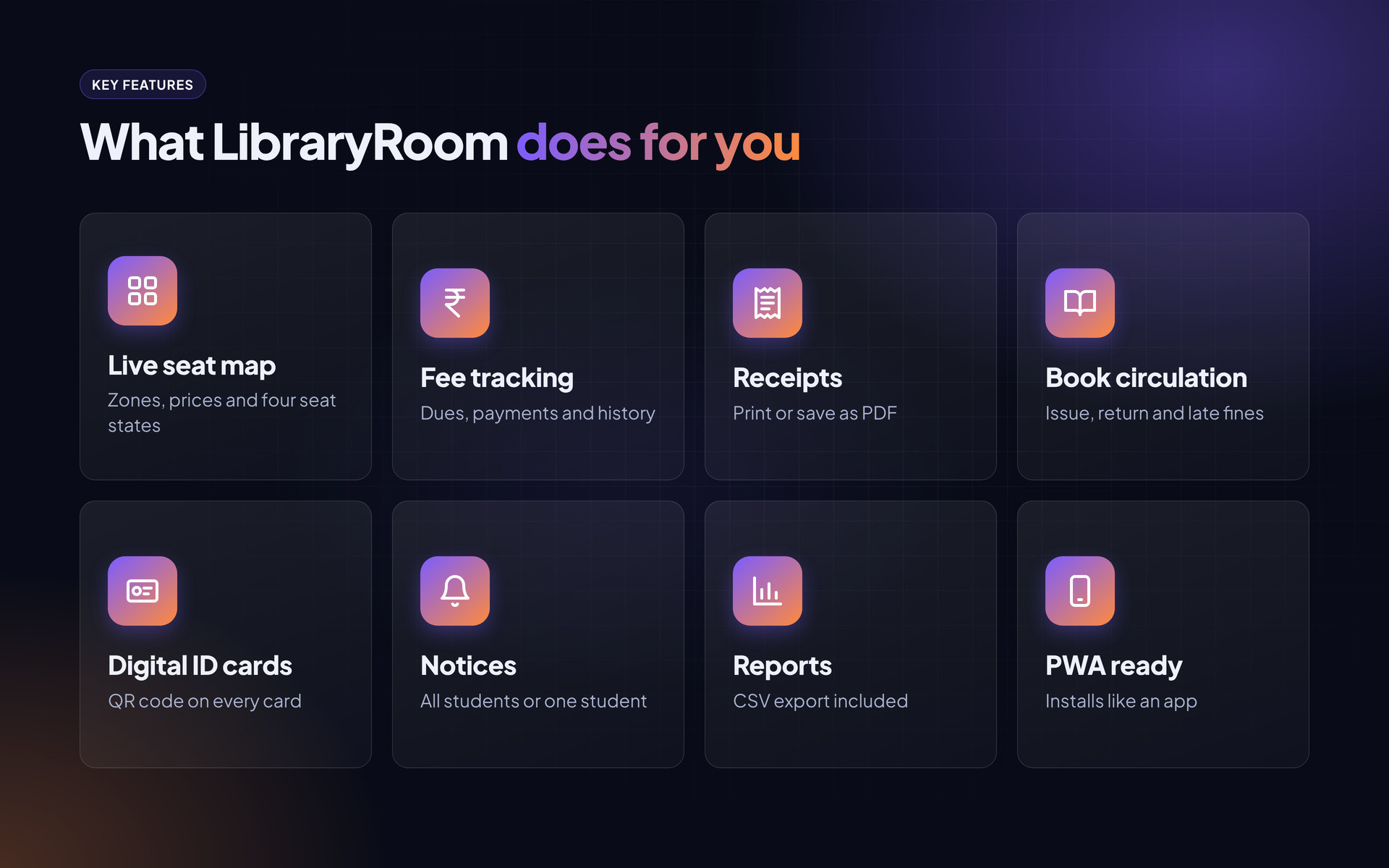
- Dashboard with students, active members, pending approvals, free and occupied seats, pending fees and revenue
- Student management with an approval queue for new sign-ups
- Seat zones, seat prices and a live seat map with four states
- Monthly fees, payments and full transaction history
- Printable receipts with receipt number, method and reference ID
- Book issue and return with due dates and late fines
- Notices to all students or to one student
- WhatsApp hub with message templates, ready for an API provider
- QR codes for library cards, seat labels and UPI payments
- Reports with CSV export
- CMS pages, gallery manager and settings
Student portal#
- Registration and login
- Seat, plan and expiry details
- Fee status and pending dues
- Notifications inbox
- Digital library card with QR code
Public website#
- Homepage with a live free-seat counter and book search
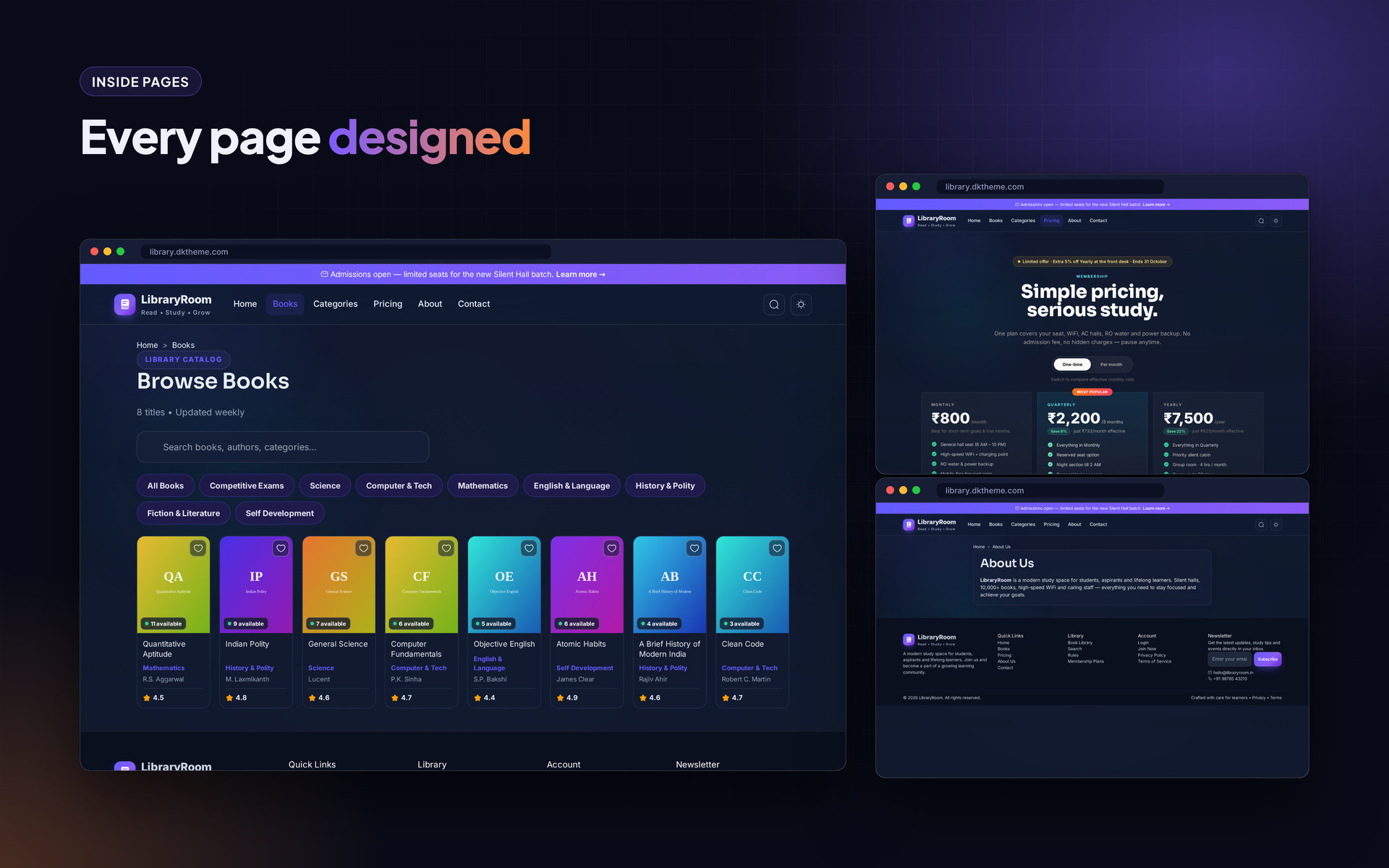
- Book catalogue with category filters and detail pages
- Pricing page with plan comparison table
- Blog, gallery, reviews, FAQ and contact page with map
- Light, dark and system colour modes
- Installable as a phone app (manifest and service worker included)
Mobile and page layouts#
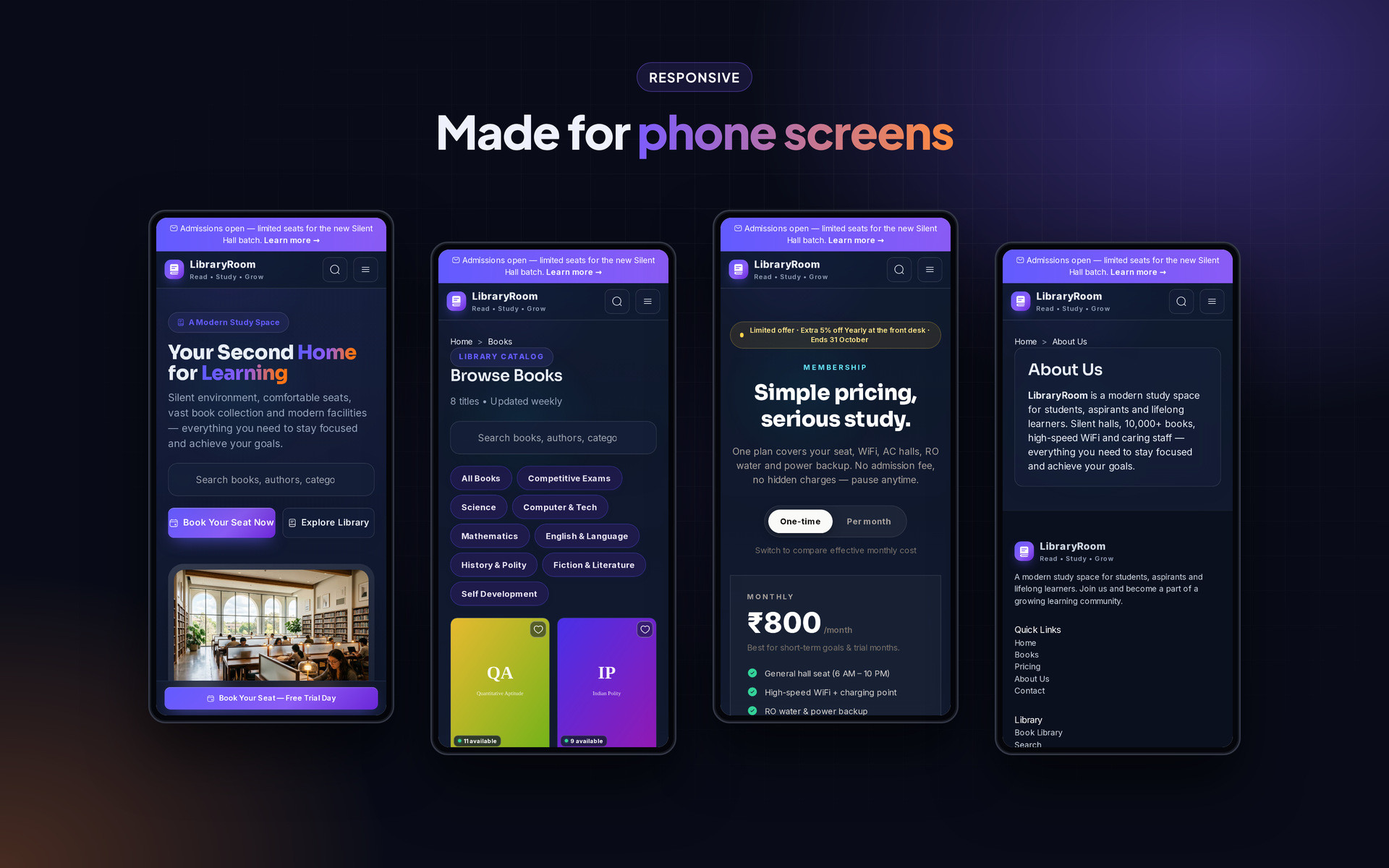
Every page is responsive. The images below show the layout on desktop and phone.
Frequently asked questions#
Do I need to create a MySQL database?
No. The script uses SQLite, a single database file that is created automatically on the first visit.
Can I install it in a subfolder or subdomain?
Yes. Upload the files to the subfolder or subdomain root and open that address.
How do I back up my data?
Download the data folder (it holds the database) and the uploads folder. Restoring is just uploading them back.
The page shows a permission error. What now?
Set the data and uploads folders to 755 (or 775 on some hosts) using File Manager, then reload.
Can I change the text and colours?
Most text and branding is in the admin settings. Remaining labels are in the template files and can be edited with any code editor.
Support#
Use the comments or support section on the Codester item page. Please include your hosting type, PHP or WordPress version and a screenshot of any error so the problem can be reproduced quickly.
Changelog#
Version 1.0 – First release on Codester.
Credits#
Interface icons follow the open-source Lucide style. Technology names and logos belong to their owners. Demo photos and articles are placeholders and are not included.