Genesis – Digital Products Marketplace PHP Script
Version 1.0 · PHP Script · Built with PHP, SQLite, Tailwind CSS, JavaScript, Razorpay, PayPal
Overview#
Genesis is a storefront for selling digital products: WordPress themes and plugins, PHP scripts, templates, documents and any other downloadable file.
Buyers get what they expect from a modern store: search with suggestions, filters, quick view, side-by-side comparison of up to four products, wishlist, reviews and buttons for live preview and documentation. Payment goes through Razorpay (UPI and cards) or PayPal with server-side verification, and files are delivered through expiring download tokens only after the purchase is confirmed.
It is built on PHP 8.1+ and SQLite with Tailwind CSS. No Composer and no Node build step, so it runs on shared hosting.

What is in the download#
- Full PHP source code
- Admin panel and front end
- Auto-created SQLite database
- .htaccess rules
- HTML documentation
- Licence and changelog
Requirements#
- PHP 8.1 or newer
- PDO and PDO SQLite extensions (enabled on almost every host)
- mbstring, fileinfo and cURL extensions
- Apache or LiteSpeed (Nginx works with the rules in the documentation)
- Shared hosting, cPanel or VPS
- HTTPS recommended
The live demo is a working store; the demo products are not included.
Installation#
- Download the ZIP from Codester and extract it on your computer.
- Upload the contents of the source folder to public_html (or a subdomain folder) using File Manager or FTP.
- Make the data and uploads folders writable (755, or 775 if your host needs it).
- Open your domain in a browser. The SQLite database and default tables are created on the first visit.
- Log in to the admin panel with the default login listed in README.txt inside the package, then change the password straight away.
- Add your logo, site name, contact details and other settings.
- Add your own content and remove the demo data.
Folder permissions#
| Folder | Permission | Why |
|---|---|---|
data/ | 755 or 775 | Holds the SQLite database |
uploads/ | 755 or 775 | Images and files uploaded from the admin |
Nginx#
Apache and LiteSpeed read the included .htaccess. On Nginx, route all requests to index.php with try_files $uri $uri/ /index.php?$query_string; and deny direct access to the data folder.
Features#

Storefront#
- Featured, recent and trending product sections
- Categories, tags, filters, sorting and AJAX search suggestions
- Quick view and compare up to four products
- Wishlist, cart and mini cart
- Live preview and documentation buttons per product
- Reviews, ratings, related and frequently bought together items
- INR and USD price display
Payments#
- Razorpay for UPI and cards
- PayPal
- Server-side payment verification
- Manual order fallback
Protected downloads#
- Private file storage for ZIP, RAR and 7z
- Purchase check before download
- Download tokens that expire
- Buyer download history
Accounts and admin#
- Registration, login, profile and avatar
- Password reset flow
- Order and download history
- Product, order, customer and settings management in admin
- SEO-friendly URLs, schema and sitemap
Mobile and page layouts#
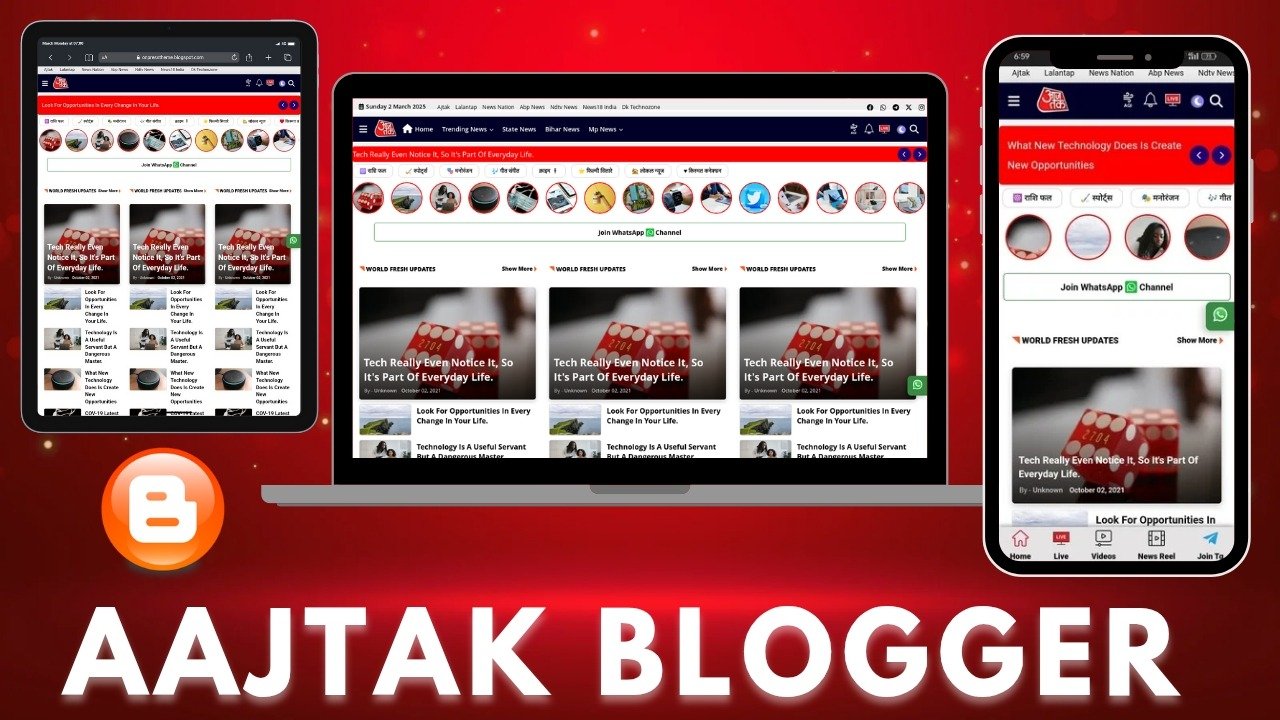
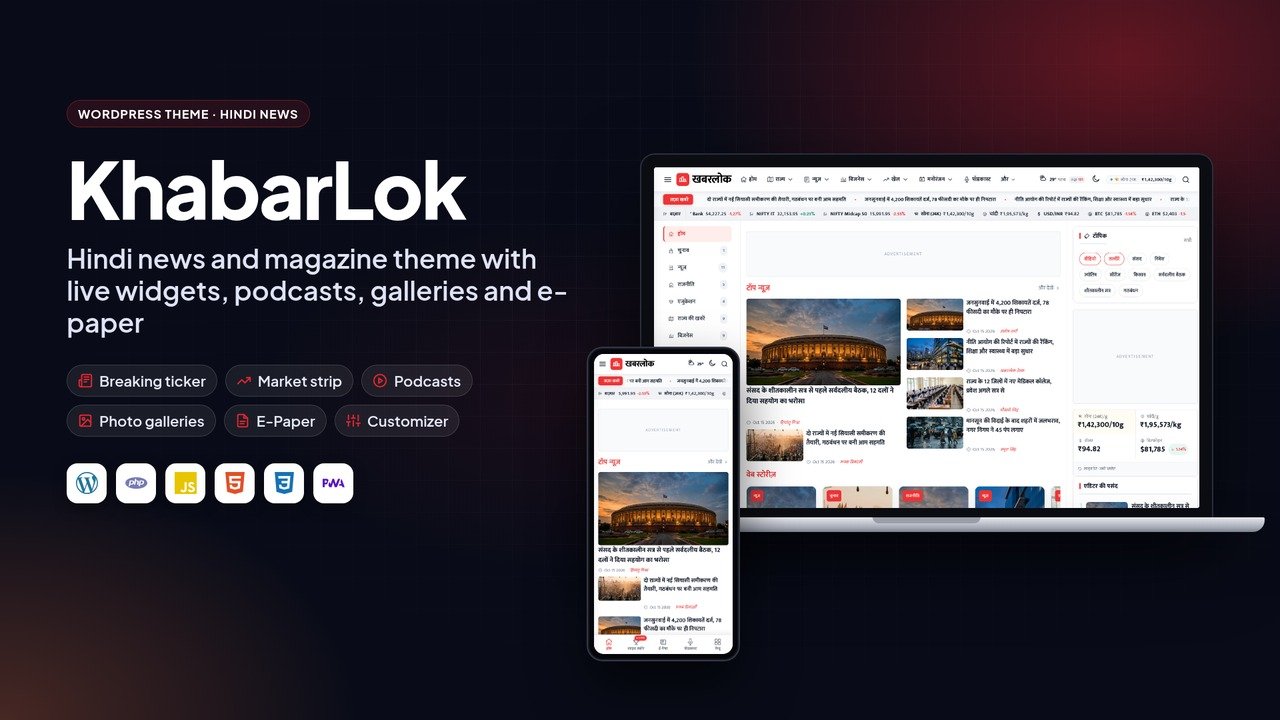
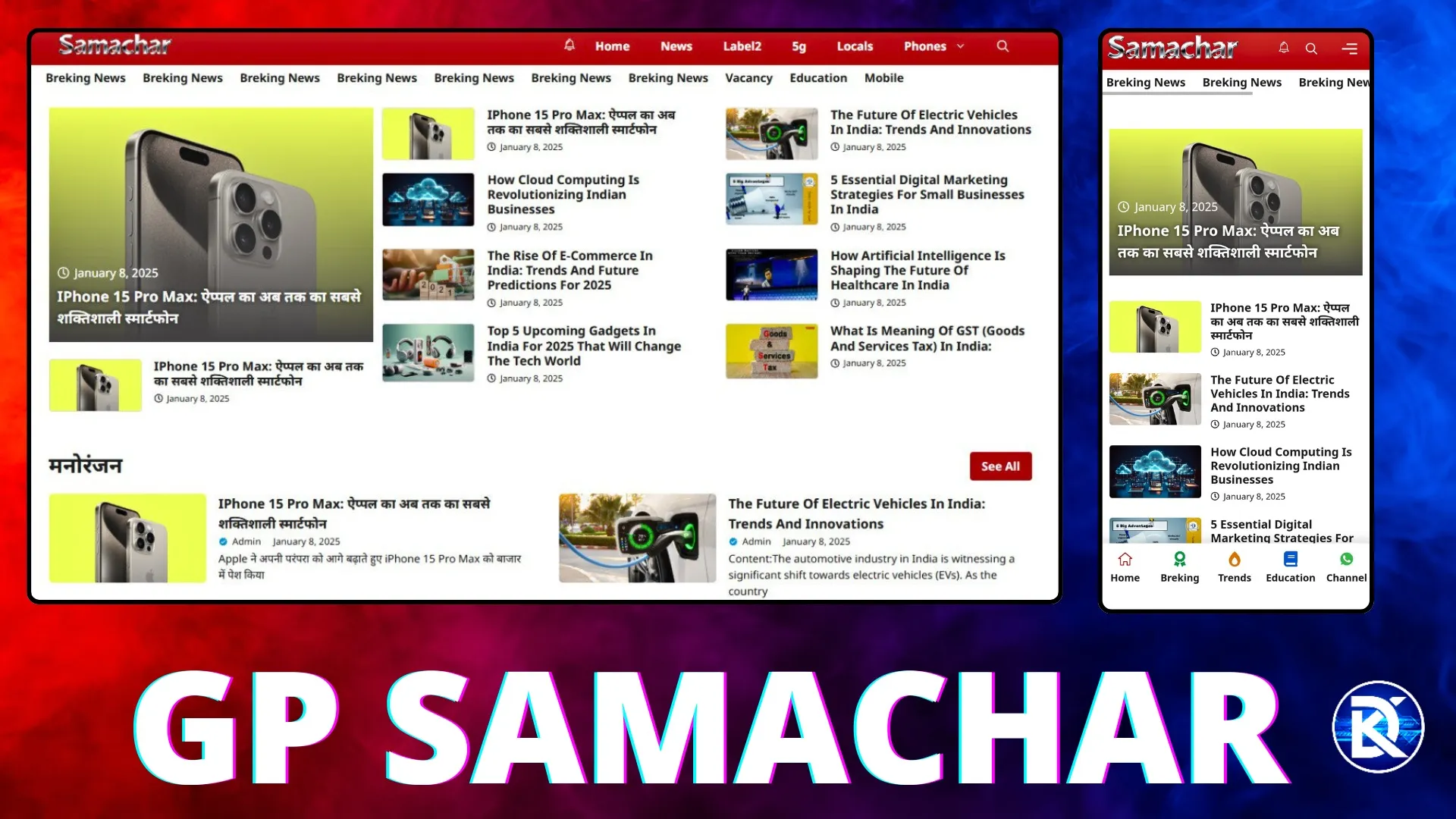
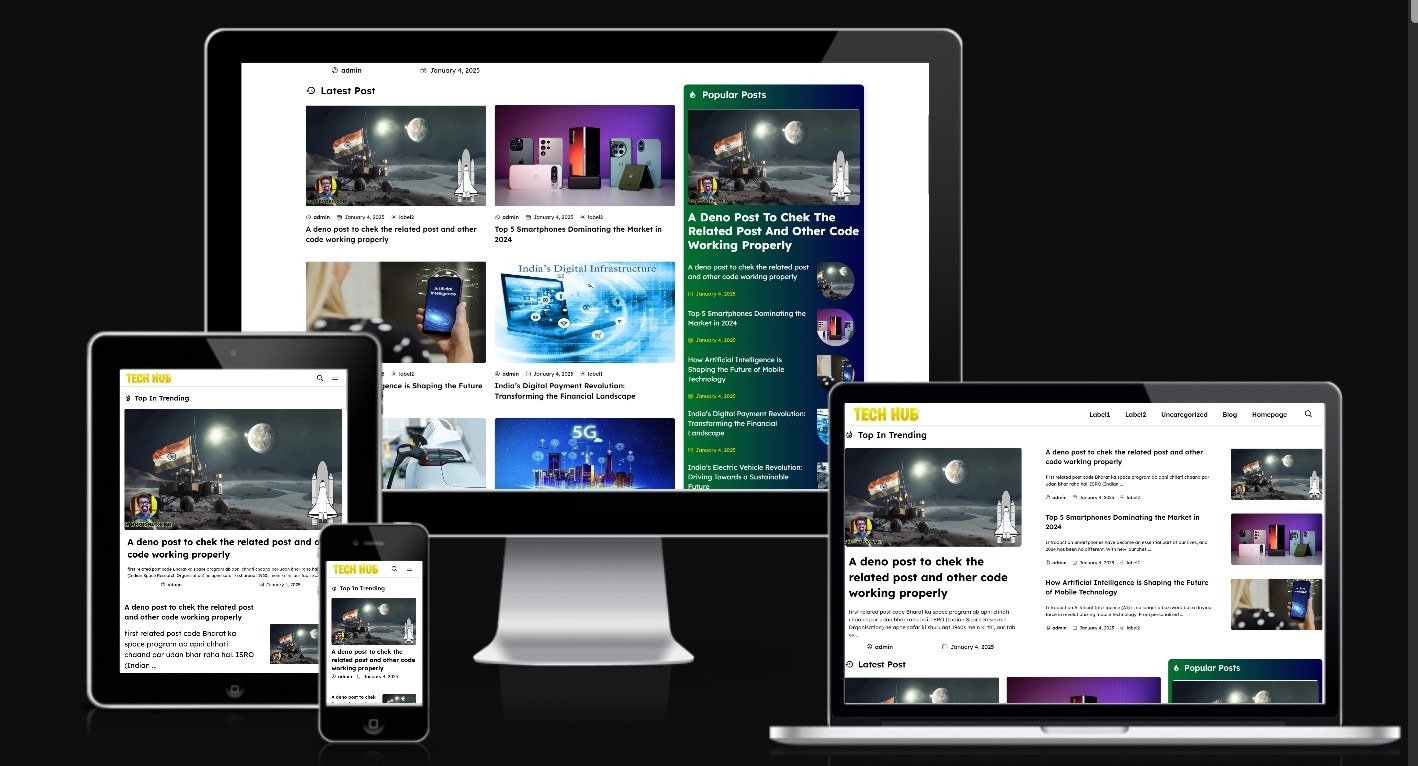
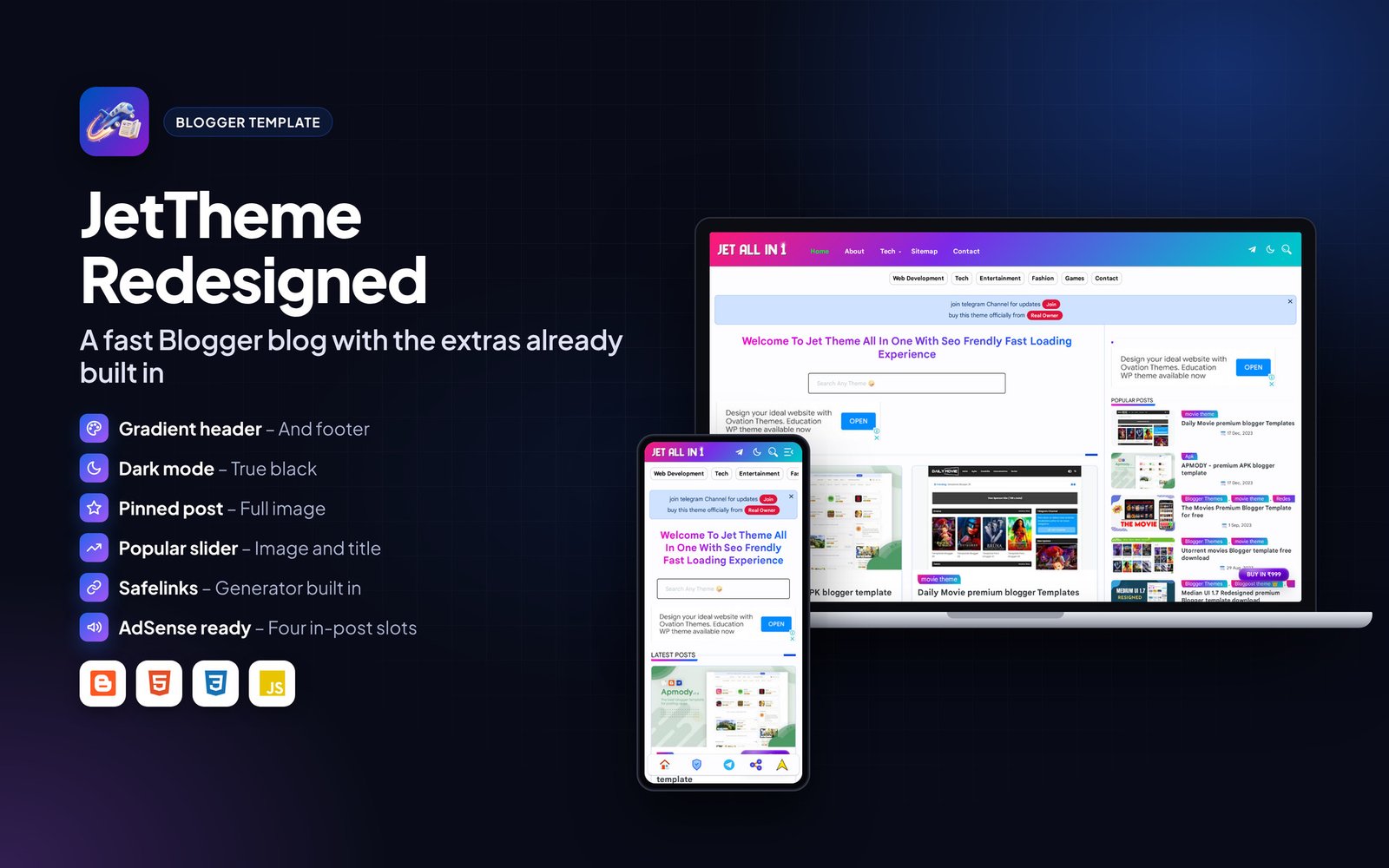
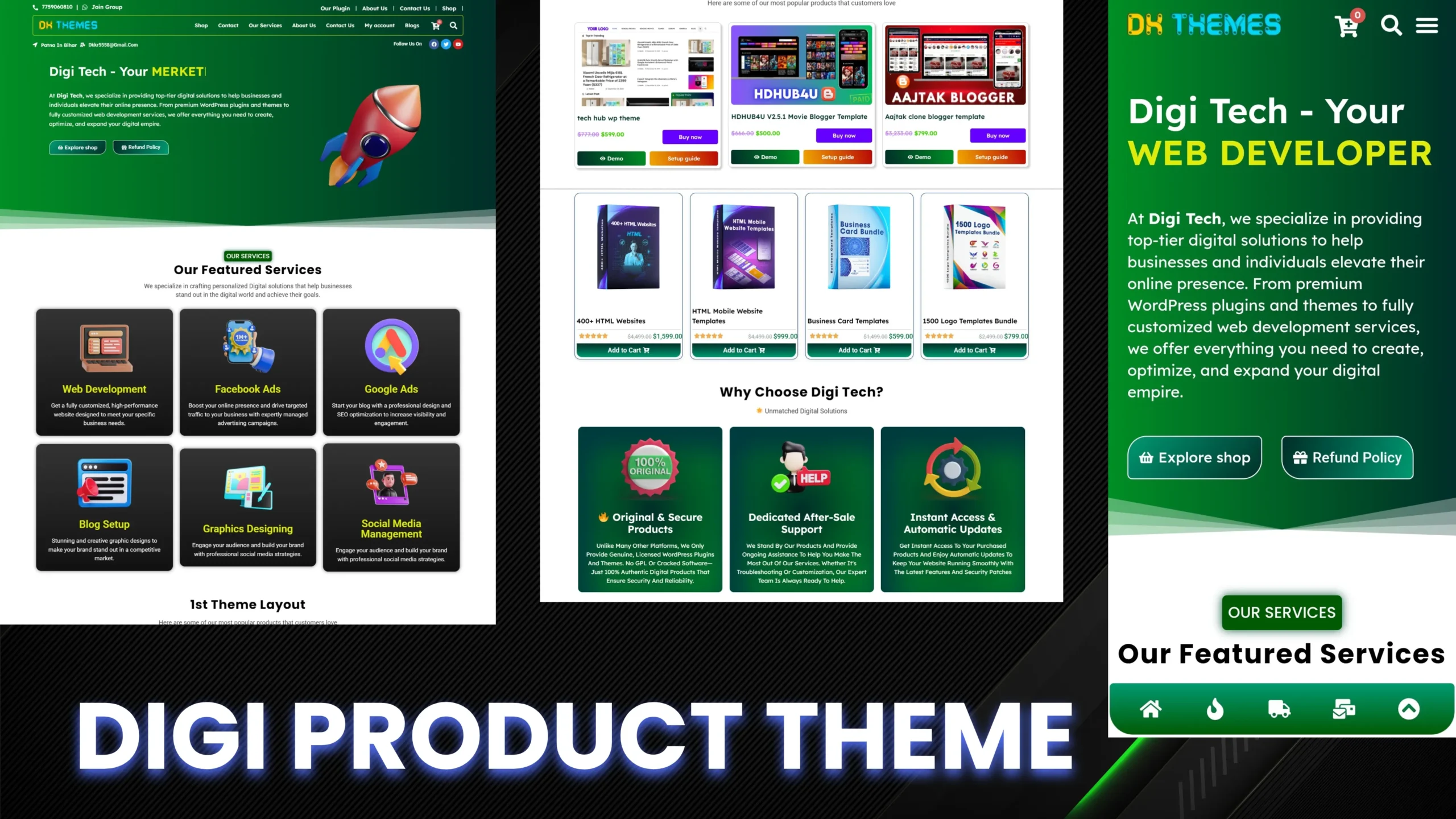
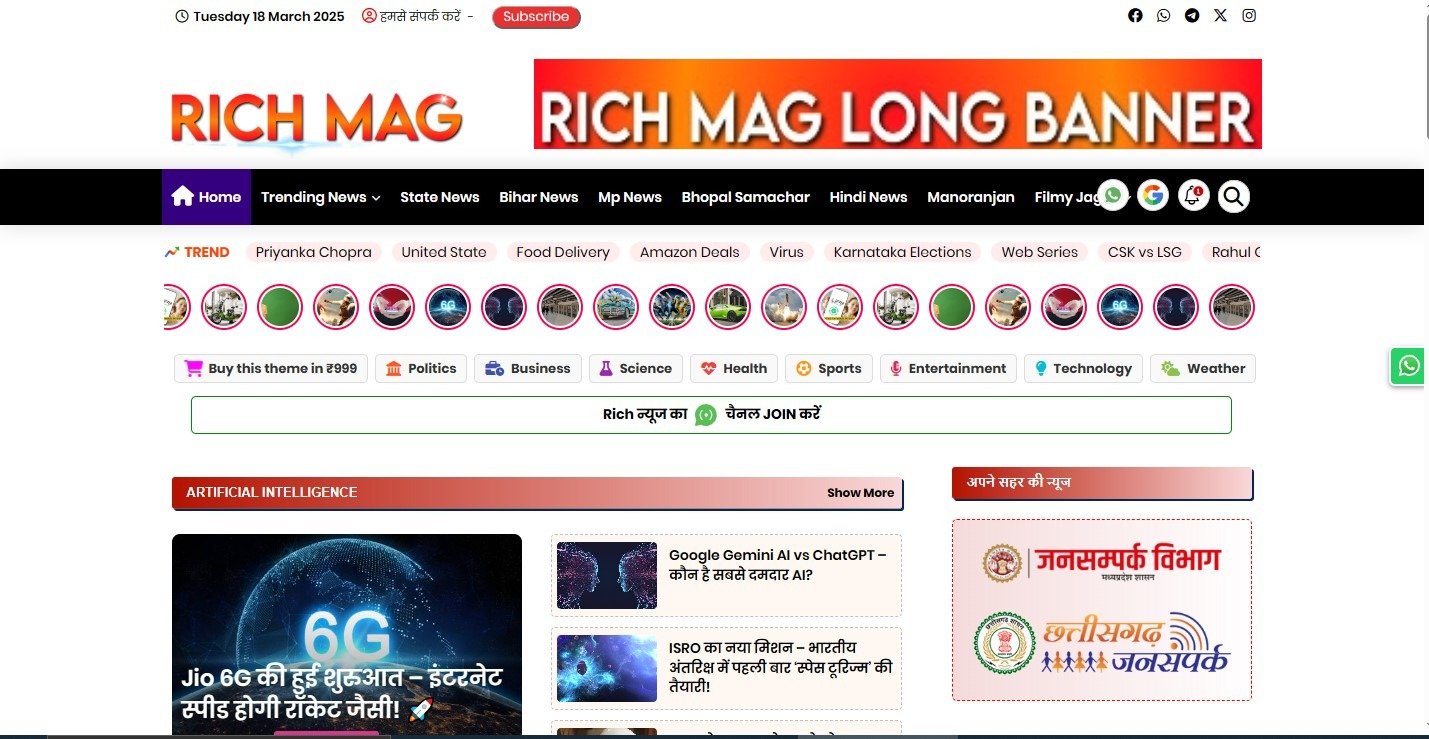
Every page is responsive. The images below show the layout on desktop and phone.


Frequently asked questions#
Do I need to create a MySQL database?
No. The script uses SQLite, a single database file that is created automatically on the first visit.
Can I install it in a subfolder or subdomain?
Yes. Upload the files to the subfolder or subdomain root and open that address.
How do I back up my data?
Download the data folder (it holds the database) and the uploads folder. Restoring is just uploading them back.
The page shows a permission error. What now?
Set the data and uploads folders to 755 (or 775 on some hosts) using File Manager, then reload.
Can I change the text and colours?
Most text and branding is in the admin settings. Remaining labels are in the template files and can be edited with any code editor.
Support#
Use the comments or support section on the Codester item page. Please include your hosting type, PHP or WordPress version and a screenshot of any error so the problem can be reproduced quickly.
Changelog#
Version 1.0 – First release on Codester.
Credits#
Interface icons follow the open-source Lucide style. Technology names and logos belong to their owners. Demo photos and articles are placeholders and are not included.