
🎉 GET 15% OFF ON ANY ORDER USE 15POFF COUPON CODE AND PURCHASE & DOWNLOAD YOUR THEME INSTANT 💎


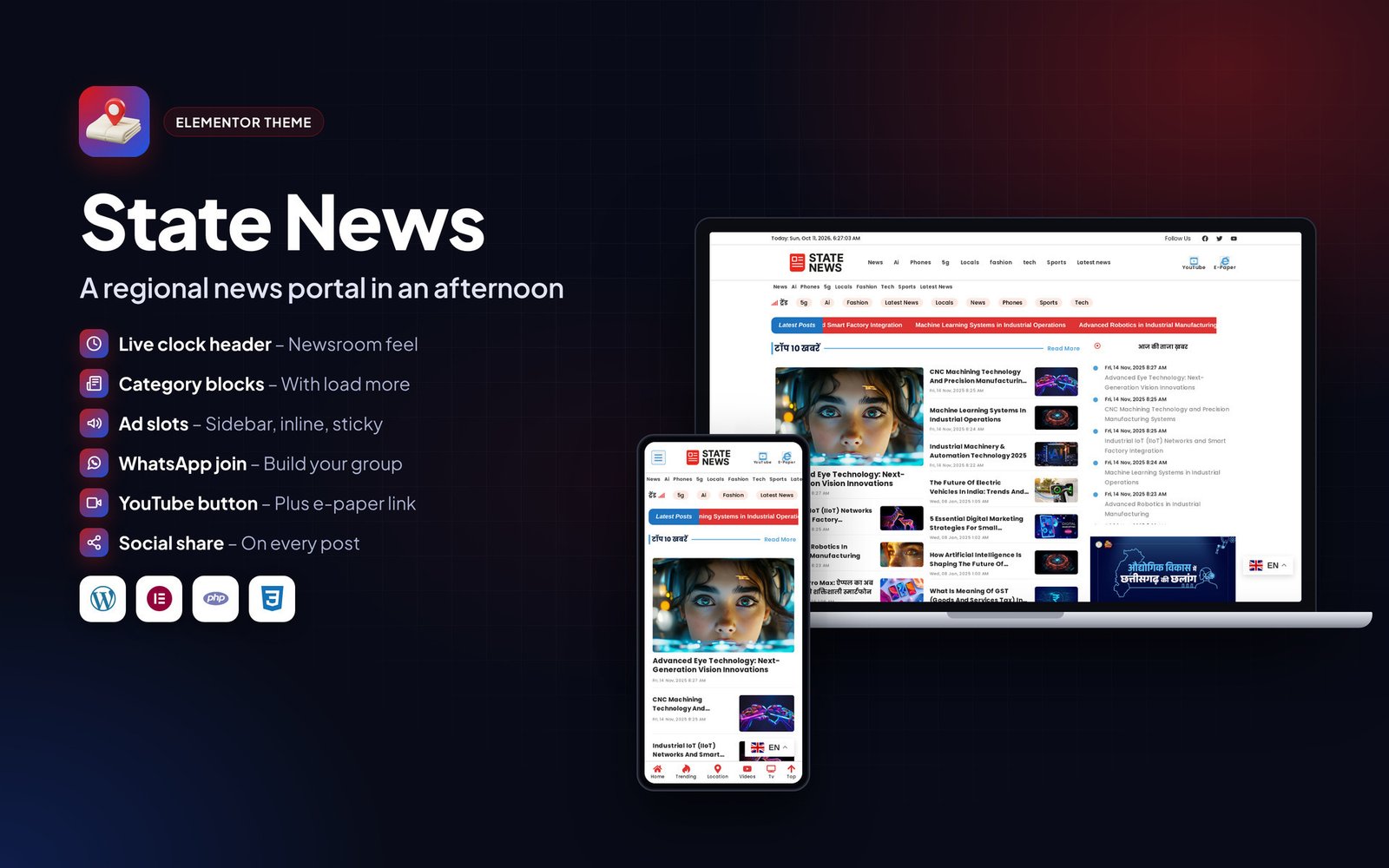

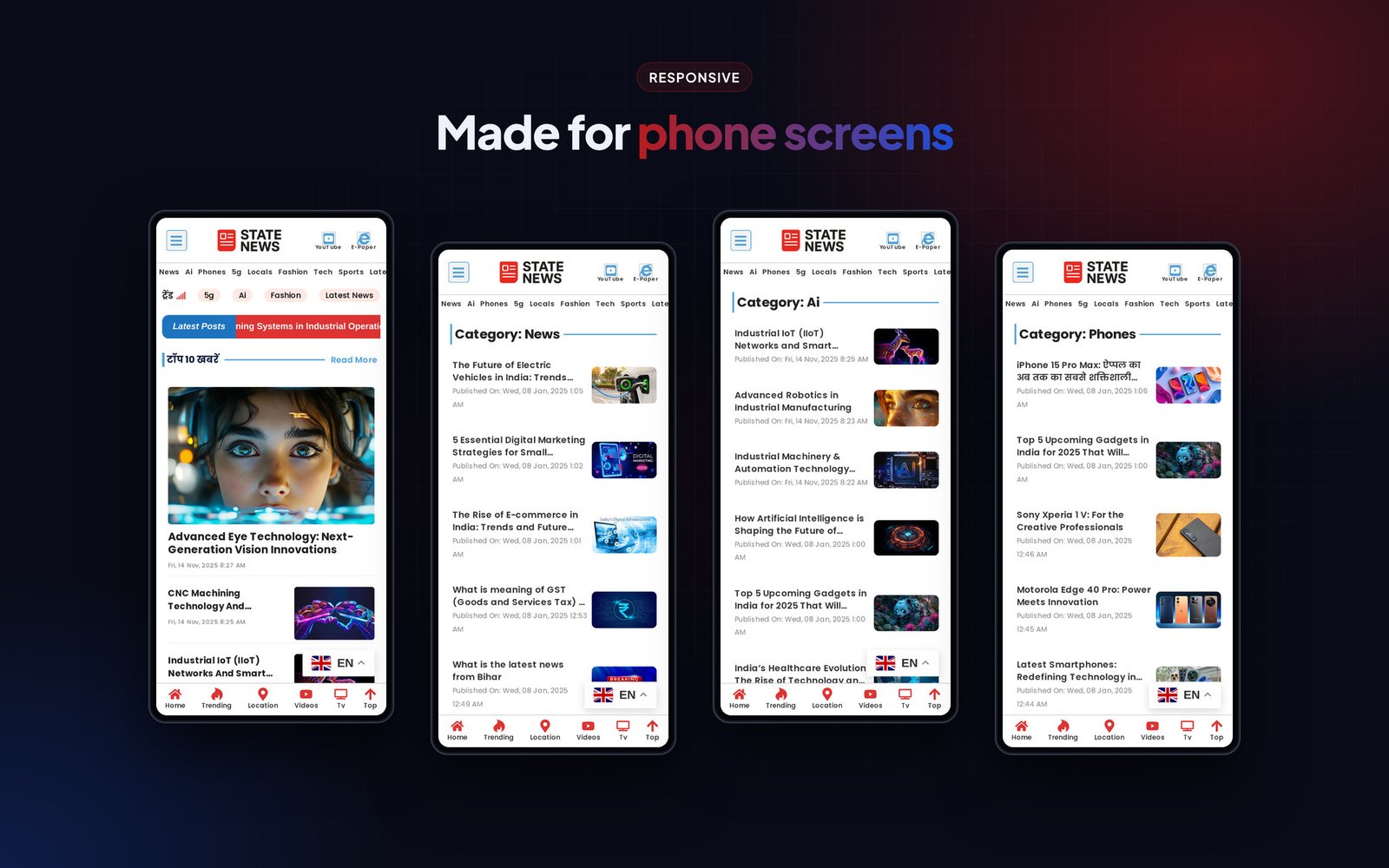
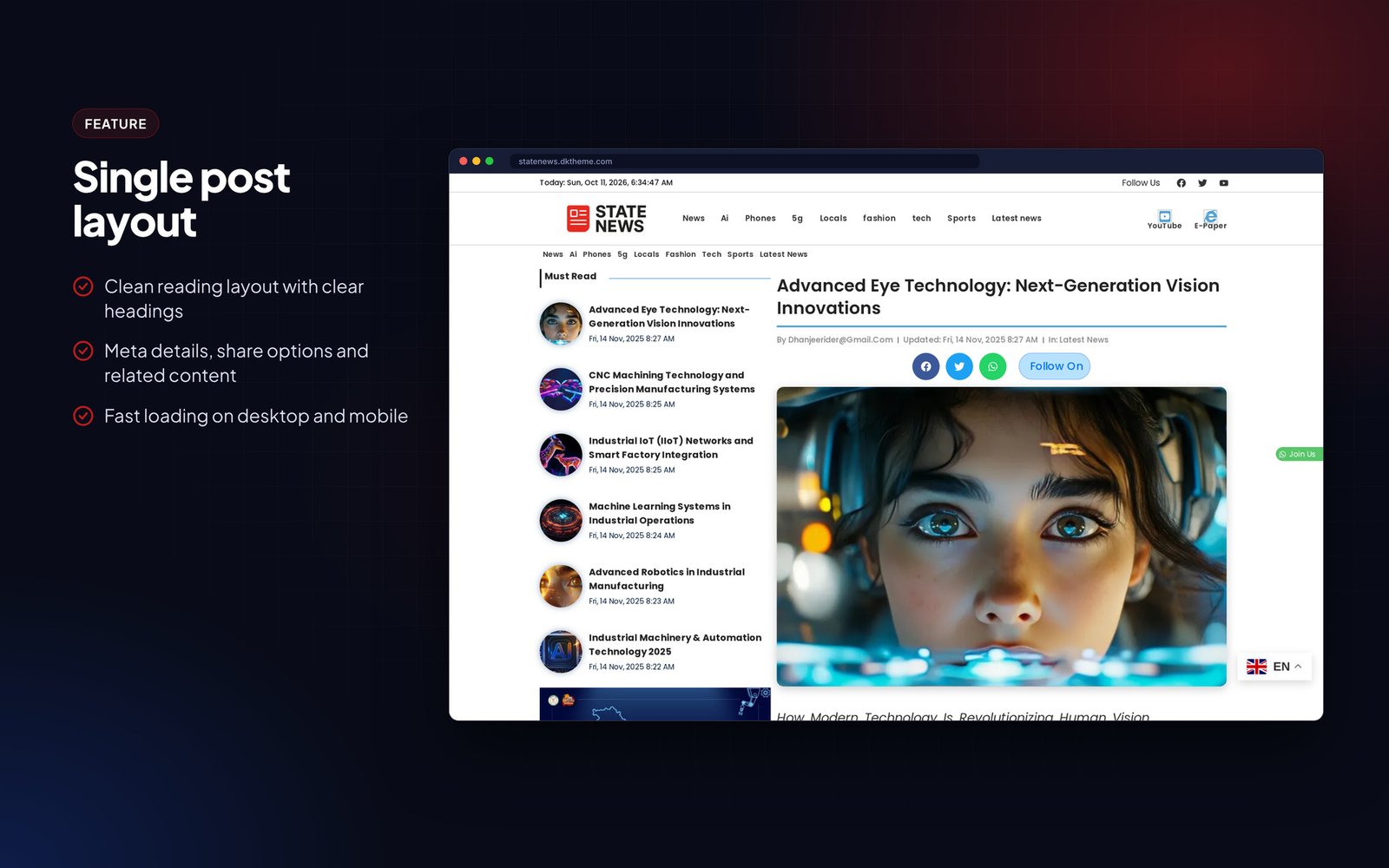
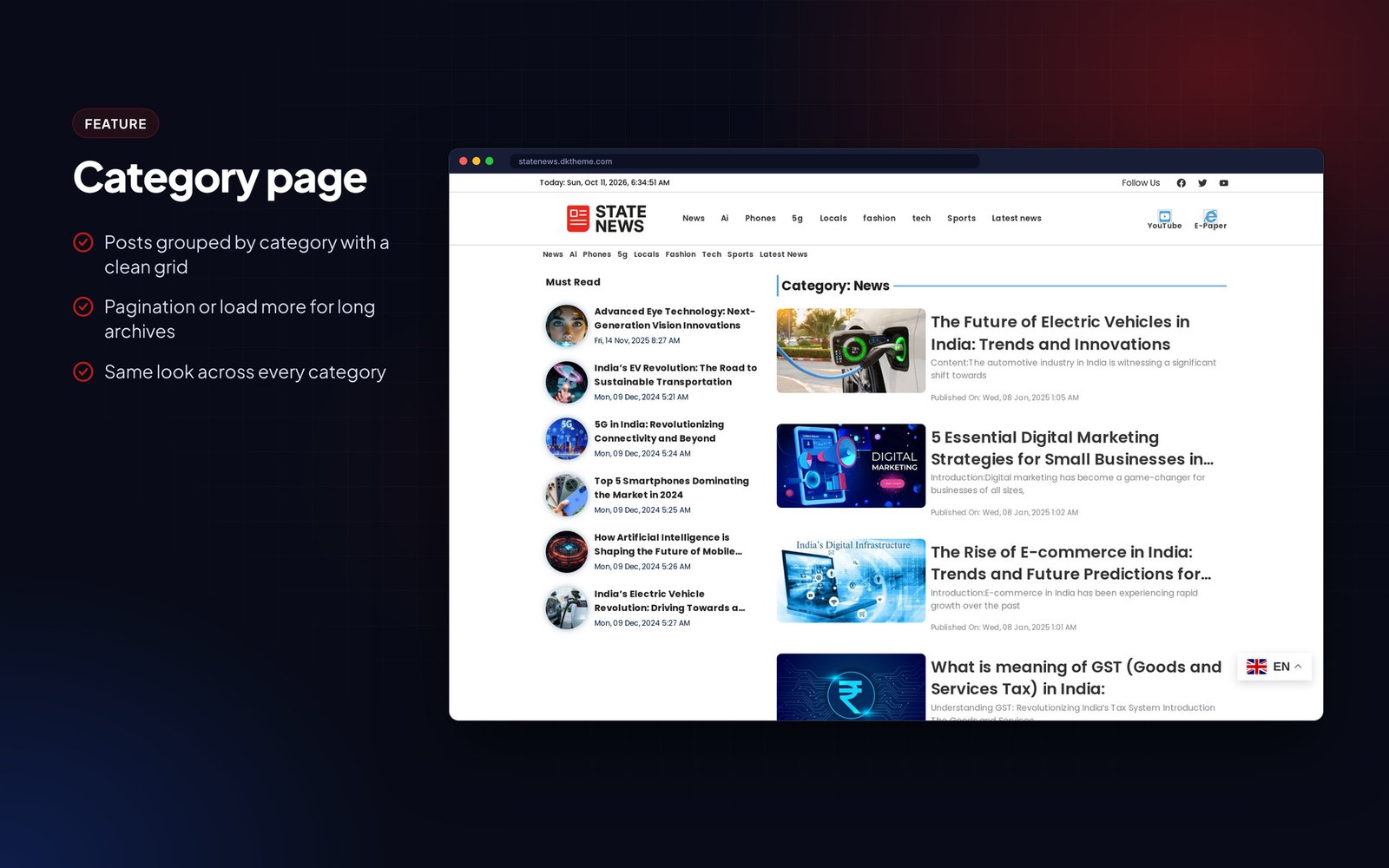
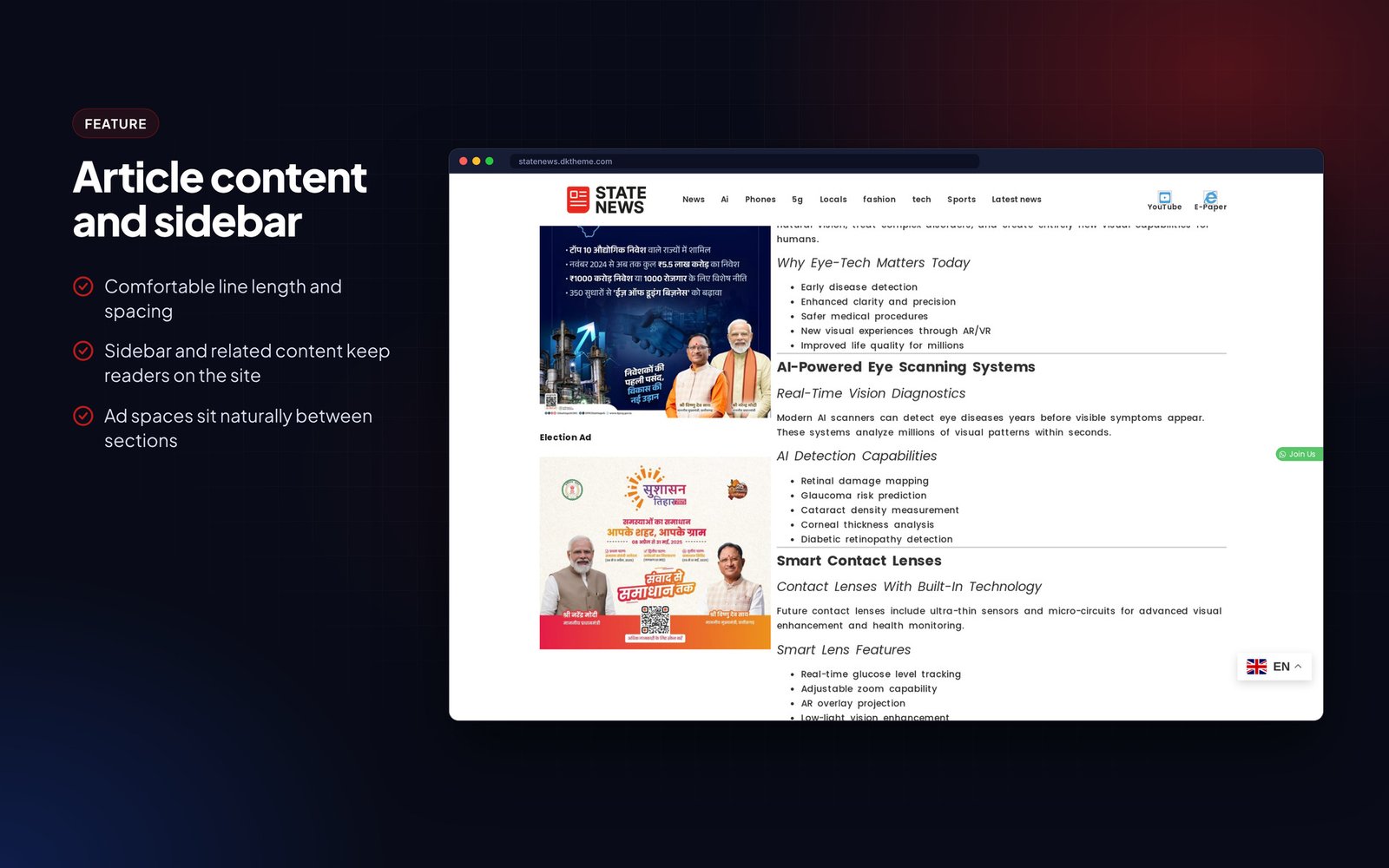













State News is an Elementor Pro theme for state-level and local news portals, niche update sites and small newsrooms.
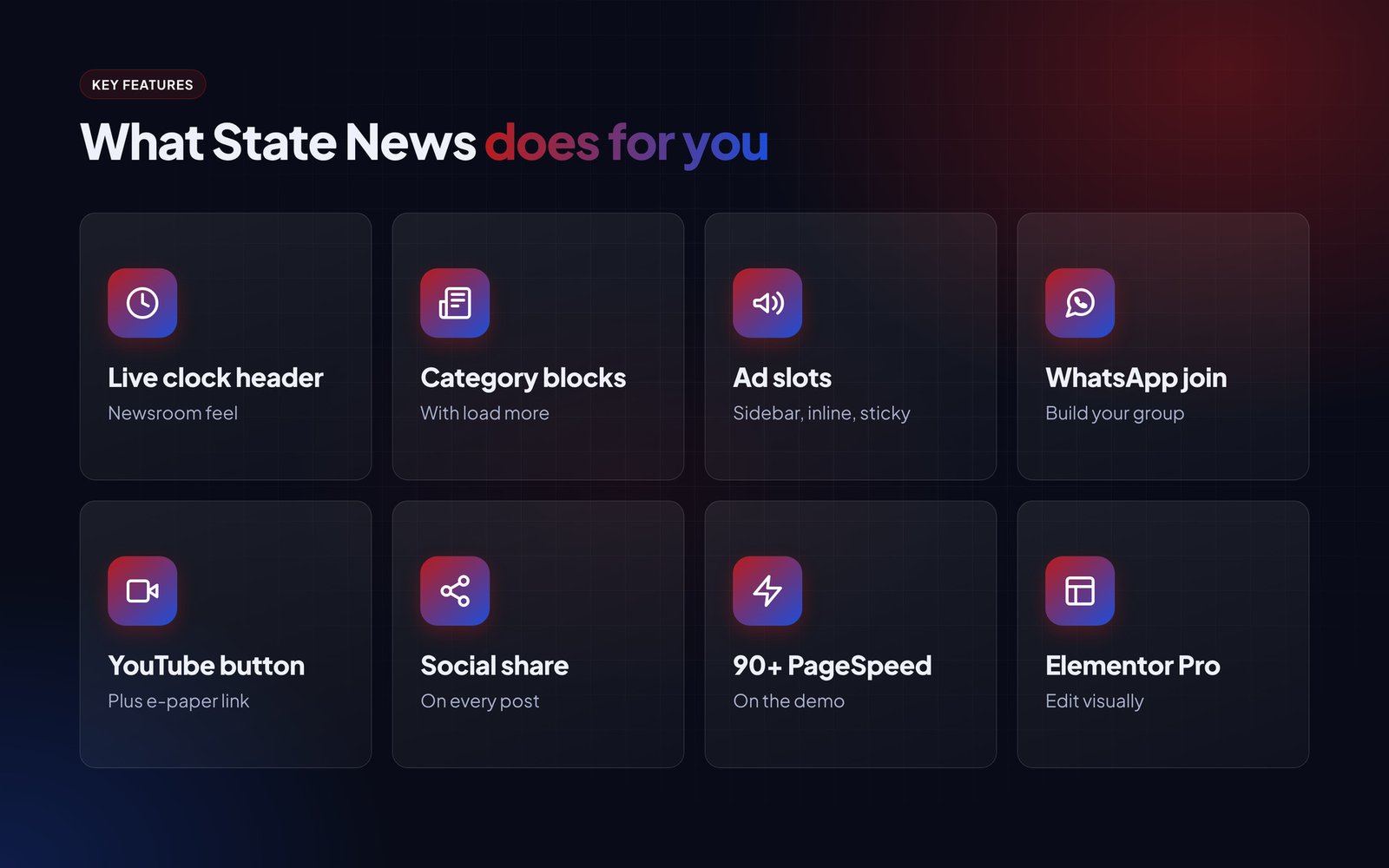
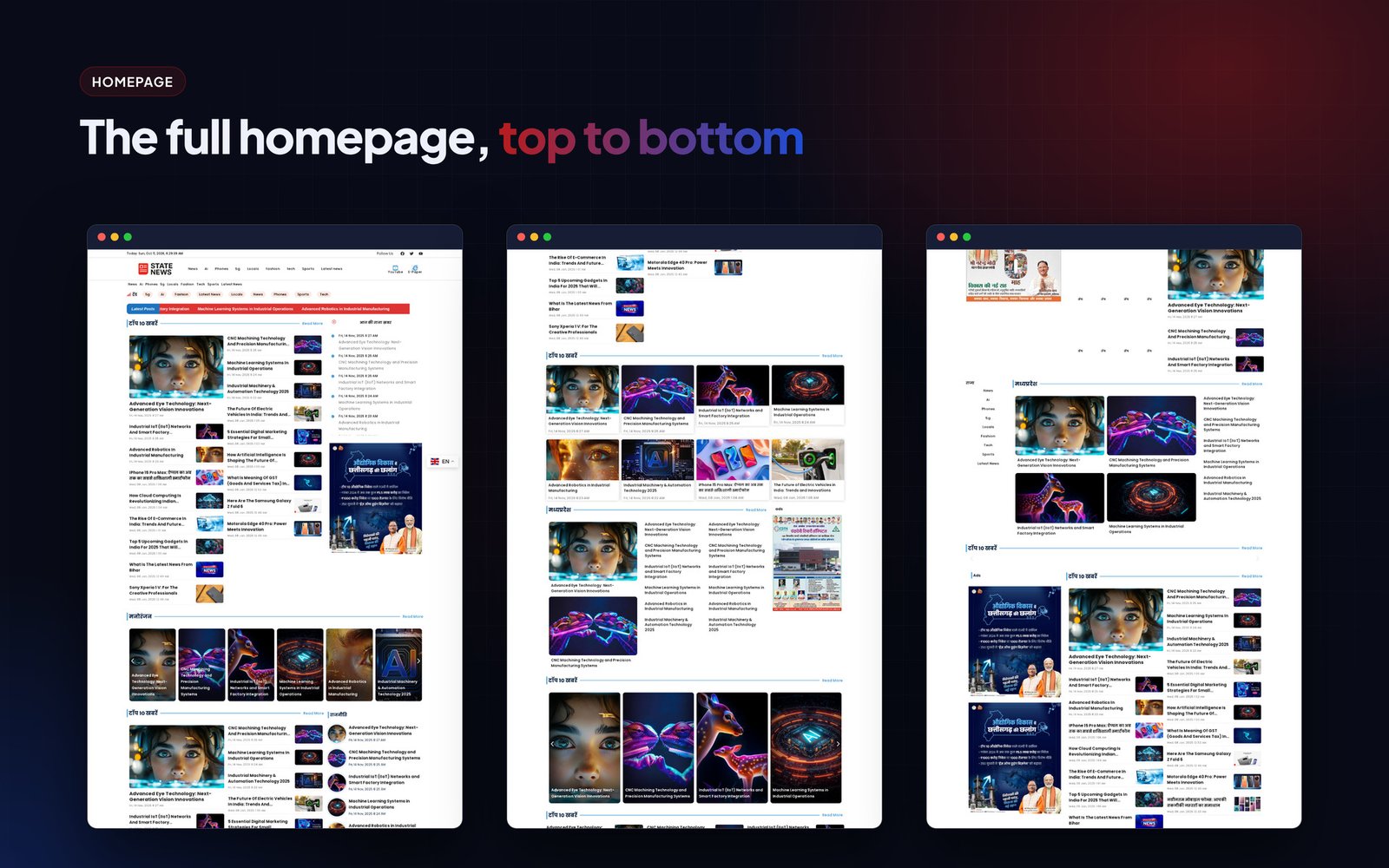
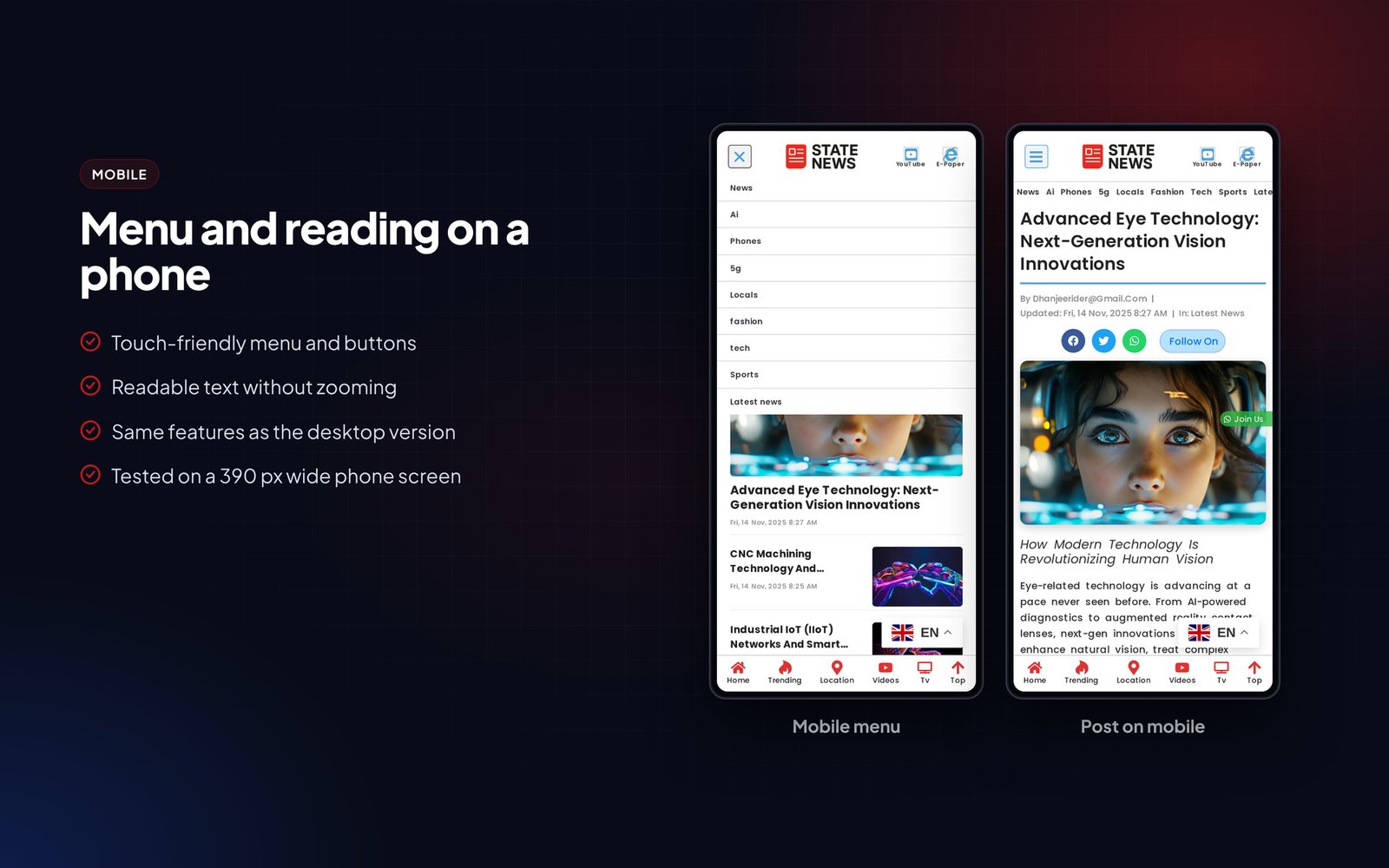
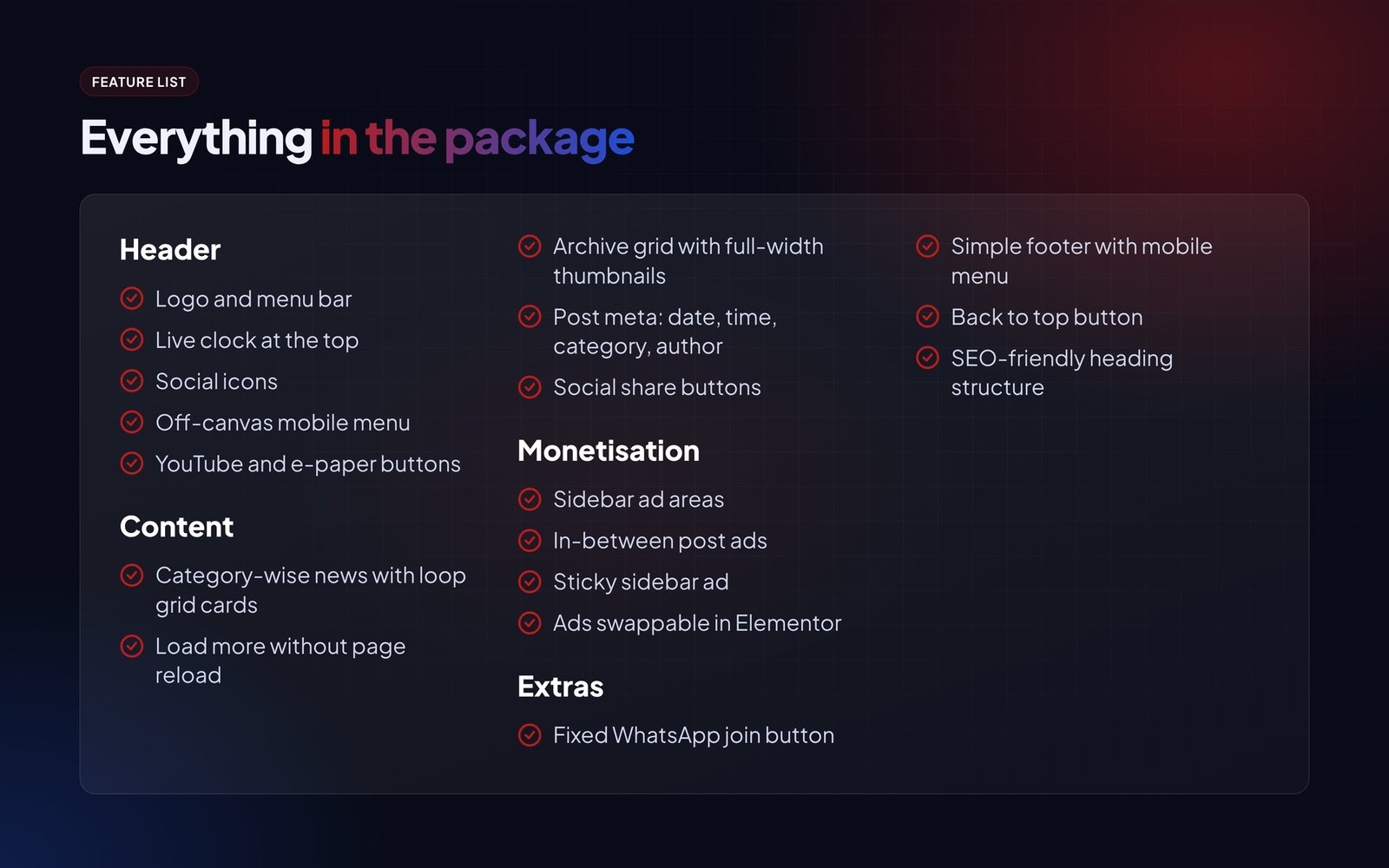
The header has a live clock, social icons, an off-canvas mobile menu and buttons for your YouTube channel and e-paper. The homepage loads news category by category with loop grid cards and a load more button, archives use a full-width grid, and there are ad areas in the sidebar, between posts and in a sticky sidebar slot. A fixed WhatsApp join button helps you build a group audience.
The demo scores 90+ on PageSpeed and every block can be edited in Elementor.
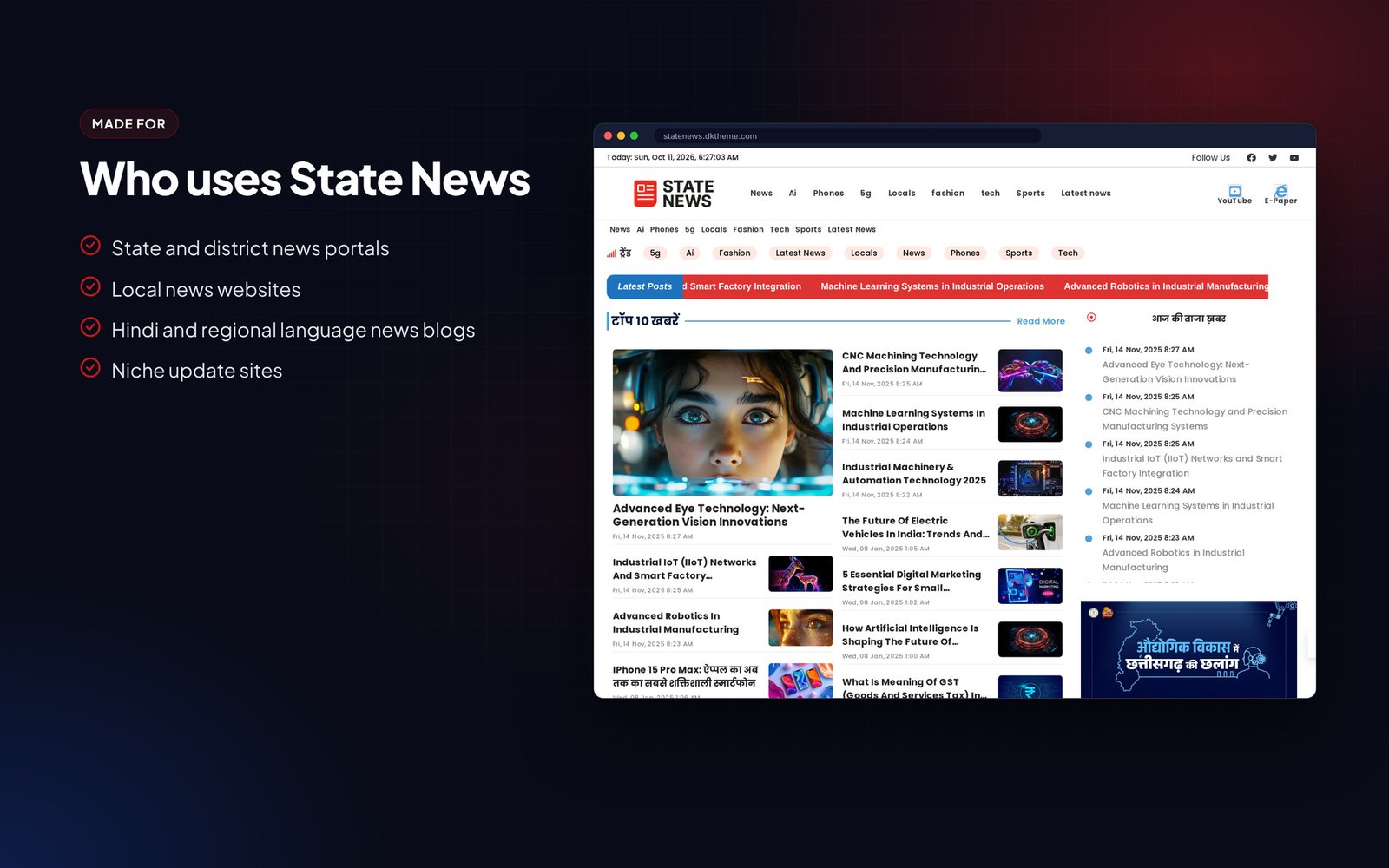
Who it is for
- State and district news portals
- Local news websites
- Hindi and regional language news blogs
- Niche update sites
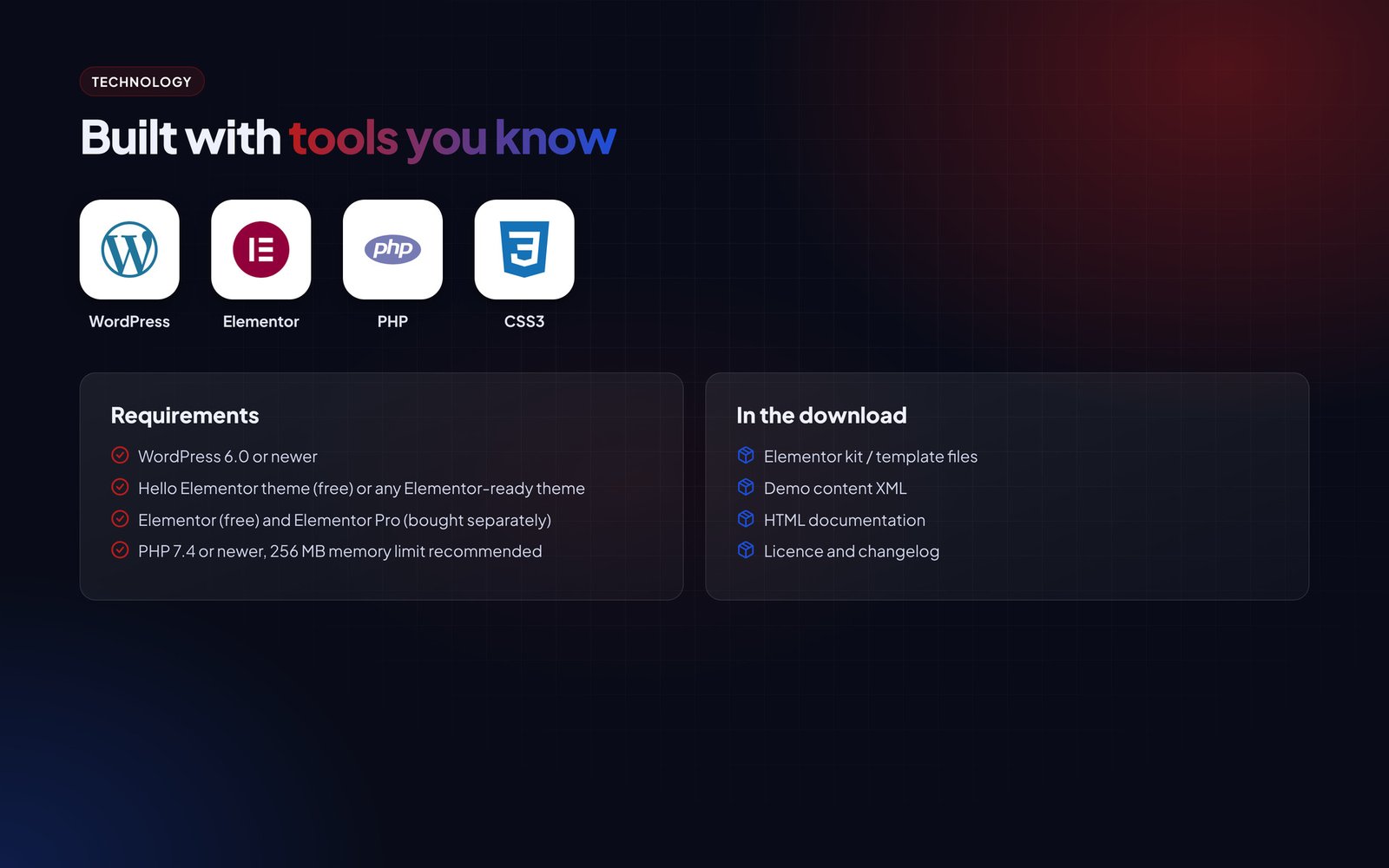
What is in the download
- Elementor kit / template files
- Demo content XML
- HTML documentation
- Licence and changelog
Good to know
- Images and articles in the live demo are for preview only and are not part of the download.
Features
Header
- Logo and menu bar
- Live clock at the top
- Social icons
- Off-canvas mobile menu
- YouTube and e-paper buttons
Content
- Category-wise news with loop grid cards
- Load more without page reload
- Archive grid with full-width thumbnails
- Post meta: date, time, category, author
- Social share buttons
Monetisation
- Sidebar ad areas
- In-between post ads
- Sticky sidebar ad
- Ads swappable in Elementor
Extras
- Fixed WhatsApp join button
- Simple footer with mobile menu
- Back to top button
- SEO-friendly heading structure
Requirements
- WordPress 6.0 or newer
- Hello Elementor theme (free) or any Elementor-ready theme
- Elementor (free) and Elementor Pro (bought separately)
- PHP 7.4 or newer, 256 MB memory limit recommended
Instructions
- Install the Hello Elementor theme and activate it.
- Install Elementor and Elementor Pro.
- Go to Elementor > Tools > Import / Export (or Templates > Kit Library > Import) and upload the kit ZIP.
- Import the demo posts with Tools > Import > WordPress if you want the same sample content.
- Open Templates > Theme Builder and check the header, footer, single post and archive conditions.
- Change the logo, colours and fonts in Site Settings.
- Replace the sample posts with your own.
The Documentation folder inside the download has the same steps with screenshots, plus answers to common questions.
You must be logged in to post a review.
Related products

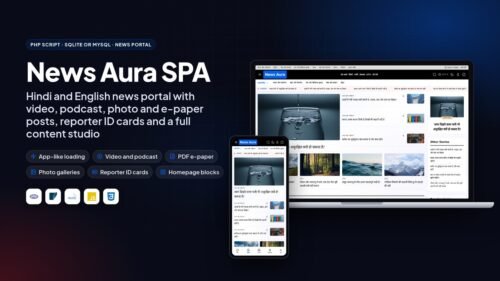
News Aura – Hindi & English News WordPress Theme
Original price was: ₹ 4,999.00.₹ 1,999.00Current price is: ₹ 1,999.00.A news WordPress theme with live market, cricket and weather data, Video, Podcast, Photo Gallery and PDF E-Paper post types, a homepage builder and an optional AI desk.
PDF E-Paper Reader UnlimitedLive DemoDigital Product selling wordpress Theme – digital tech
Original price was: ₹ 7,000.00.₹ 1,500.00Current price is: ₹ 1,500.00.WordPress theme for selling digital products and services. Product feature grids, deal timer, reviews, brand slider and blog.
Elemetor kit UnlimitedLive DemoNews Saffa Elementor Kit – Magazine Websites with Elementor
Original price was: ₹ 1,999.00.₹ 999.00Current price is: ₹ 999.00.Elementor Pro kit for news and magazine sites with dark mode button, story posts, off-canvas menu, TOC and popup share form.
El kitUnlimitedLive DemoAajtak inspired blogger template
Original price was: ₹ 1,999.00.₹ 699.00Current price is: ₹ 699.00.Hindi news Blogger template with scroll menu, WhatsApp join buttons, featured layout, post navigation and AdSense-ready spaces.
Easy to customise UnlimitedLive DemoKhabarLok – Hindi News & Magazine WordPress Theme
Original price was: ₹ 4,999.00.₹ 1,999.00Current price is: ₹ 1,999.00.WordPress theme for Hindi news sites: breaking ticker, live market and weather widgets, podcast, photo gallery and e-paper post types, per-post SEO fields, dark mode and a one-click demo import.
Podcast, gallery and e-paper post typesUnlimitedLive DemoMp breaking wordpress theme
Original price was: ₹ 2,830.00.₹ 499.00Current price is: ₹ 499.00.Red news design for GeneratePress with 8+ post layouts, scrollable category menu, inline related posts and custom author box.
On Custom elementsUnlimitedLive DemoNews portal blogger theme
Original price was: ₹ 2,000.00.₹ 700.00Current price is: ₹ 700.00.Hindi news Blogger template with scroll menu, WhatsApp join buttons, featured layout, post navigation and AdSense-ready spaces.
Custom codes Only 1 domainLive DemoGp Samachar – A Modern News Theme for GeneratePress Users
Original price was: ₹ 999.00.₹ 699.00Current price is: ₹ 699.00.Newspaper layout for GeneratePress Premium with category block homepage, custom archives, clean single posts and fast load times.
Gp themesUnlimitedLive Demo




Reviews
There are no reviews yet.