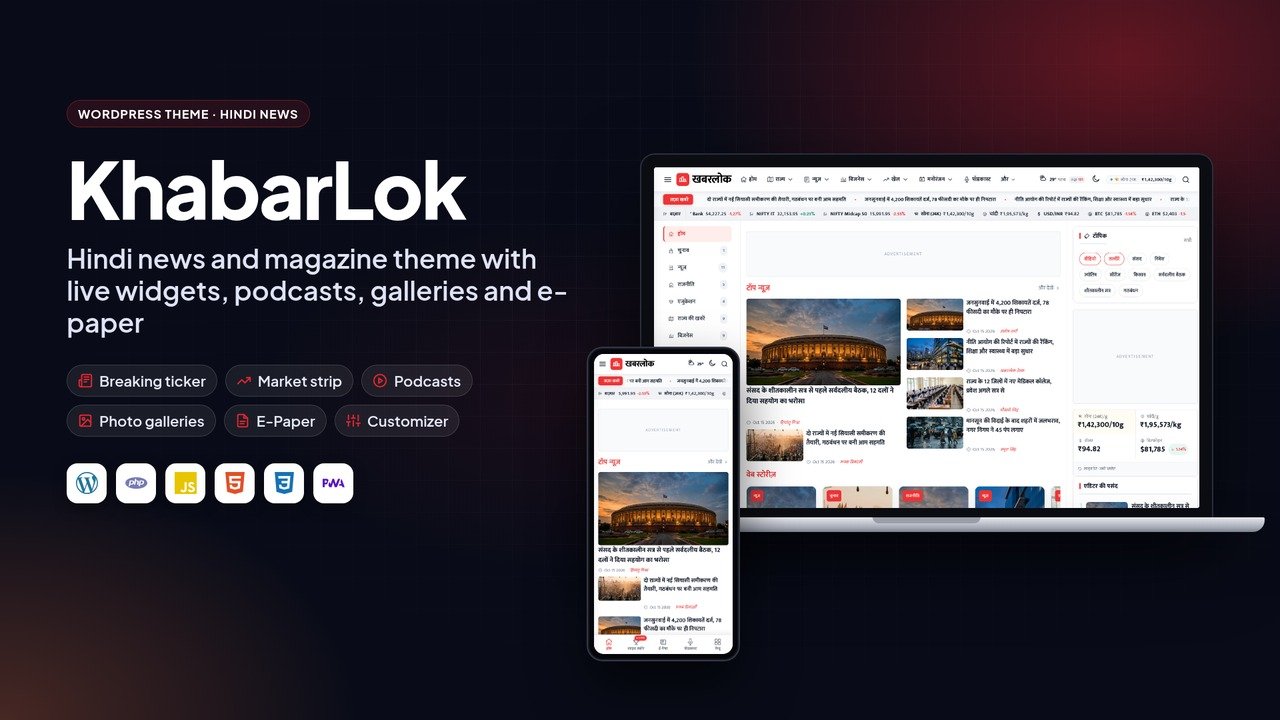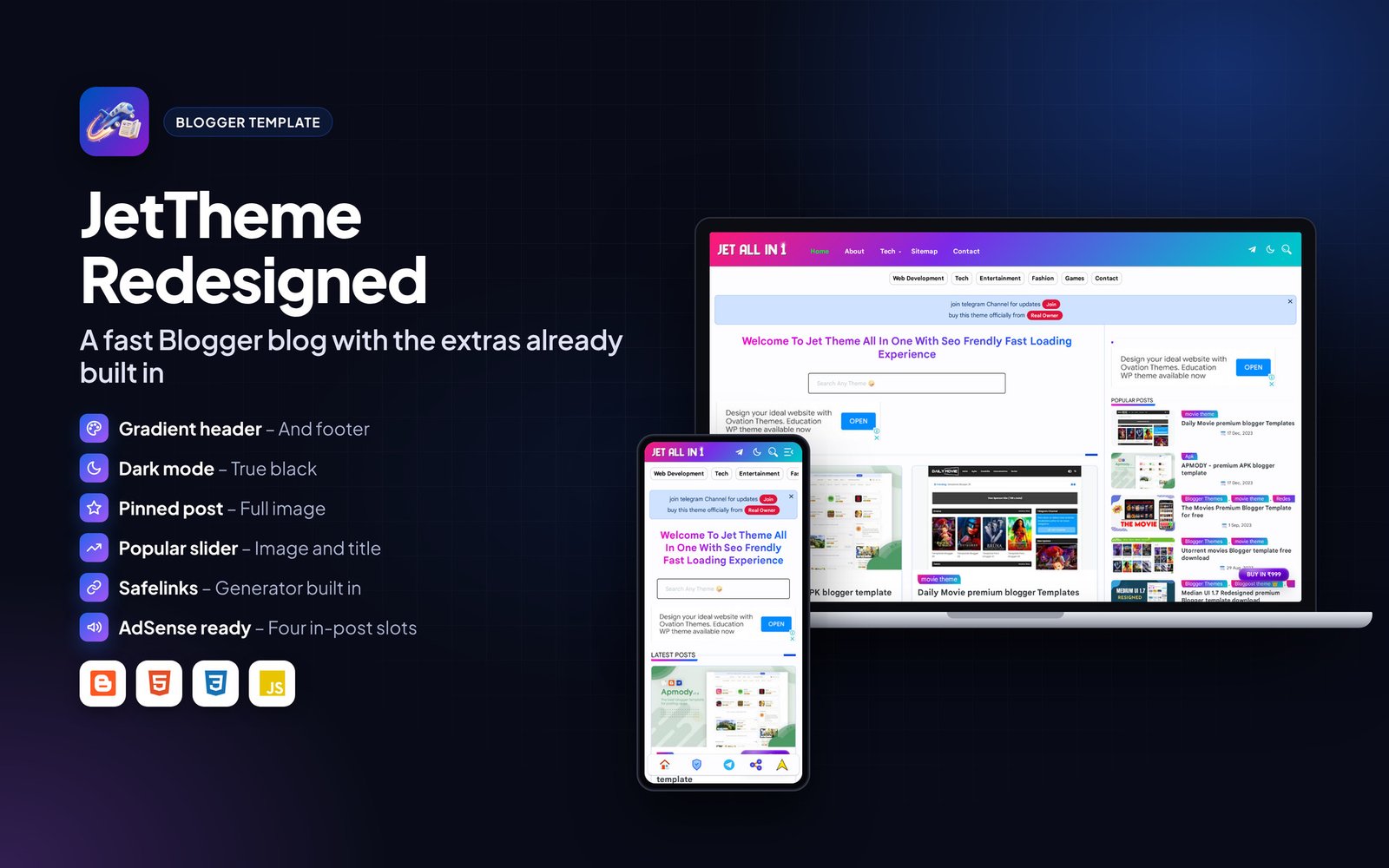
Sarkari Result – Job Results WordPress Theme
Version 1.0 · GeneratePress Theme · Built with WordPress, GeneratePress, PHP, CSS3, HTML5
Overview#
Sarkari Result is a GeneratePress theme for government job alert websites. It uses the dense link-list layout that job seekers in India are used to, with latest jobs, results and admit cards side by side on the homepage.
It has a scrolling bottom header menu, a custom footer where links are added by highlighting text, and an option that shows the desktop layout on phones, which many readers of these sites prefer. Demo content can be imported in one click.
Built on GeneratePress, it loads fast with a 90+ PageSpeed target.

What is in the download#
- GeneratePress customizer .json
- Elements and demo content .xml
- Child theme / custom CSS
- HTML documentation
- Licence and changelog
Requirements#
- WordPress 6.0 or newer
- GeneratePress theme (free, from WordPress.org)
- GP Premium plugin (bought separately from GeneratePress)
- GenerateBlocks (free), and GenerateBlocks Pro where the documentation says so
- PHP 7.4 or newer
Requires GeneratePress (free) and GP Premium. GP Premium is not included and must be bought by the buyer from GeneratePress.
Installation#
- Install and activate the free GeneratePress theme from Appearance > Themes > Add New.
- Install GP Premium and activate the Elements, Blog, Colors and Typography modules.
- Install GenerateBlocks (and GenerateBlocks Pro if the documentation lists it).
- Go to Appearance > GeneratePress > Import / Export and import the customizer .json file from the package.
- Import the elements and demo content with Tools > Import > WordPress using the .xml file.
- Set your homepage under Settings > Reading and assign the menus.
- Change the logo, colours and fonts in the Customizer.
Features#

Layout#
- Homepage with latest jobs, results and admit card lists
- Scrolling bottom header menu
- Desktop layout option on mobile
- Custom footer links
Setup#
- One-click demo import
- Colours and fonts from the Customizer
- No coding needed
Performance#
- 90+ PageSpeed target
- SEO-friendly markup
Mobile and page layouts#
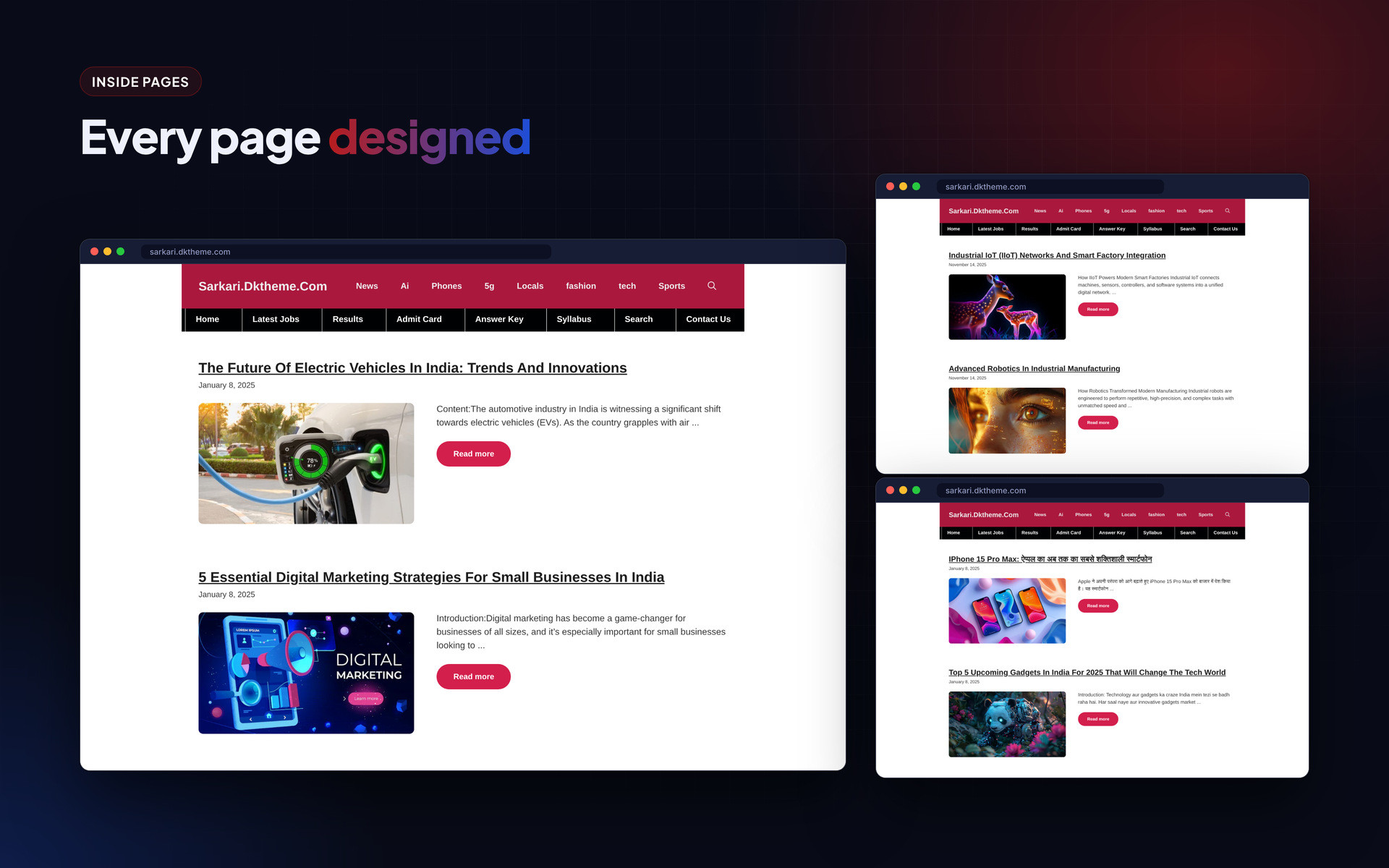
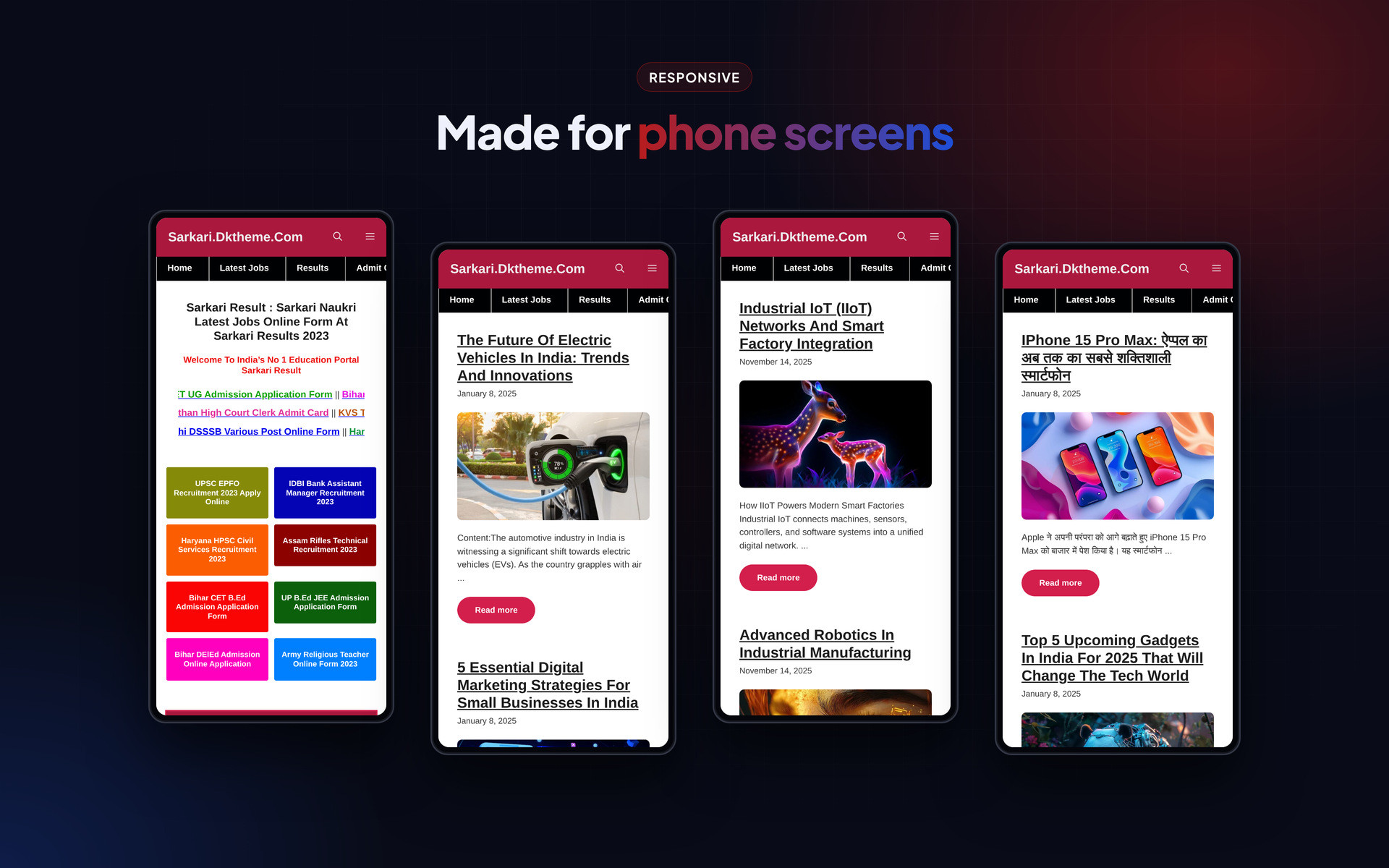
Every page is responsive. The images below show the layout on desktop and phone.
Frequently asked questions#
Is GP Premium included?
No. GP Premium (and GenerateBlocks Pro where needed) must be bought from GeneratePress. The design files in this package work on top of it.
Will GeneratePress updates break the design?
No. The design is stored as Elements and Customizer settings, which GeneratePress keeps across updates.
The import file is rejected. What should I check?
Make sure GP Premium is active and its Import / Export module is turned on before importing the .json file.
Can I use a different parent theme?
No. The layout depends on GeneratePress and its Elements module.
Support#
Use the comments or support section on the Codester item page. Please include your hosting type, PHP or WordPress version and a screenshot of any error so the problem can be reproduced quickly.
Changelog#
Version 1.0 – First release on Codester.
Credits#
Interface icons follow the open-source Lucide style. Technology names and logos belong to their owners. Demo photos and articles are placeholders and are not included.