Image and Quote Sharing Elementor Kit
Version 1.0 · Elementor Kit · Built with WordPress, Elementor, PHP, CSS3
Overview#
Image Quote Kit is an Elementor kit for free stock photo and quote sharing websites.
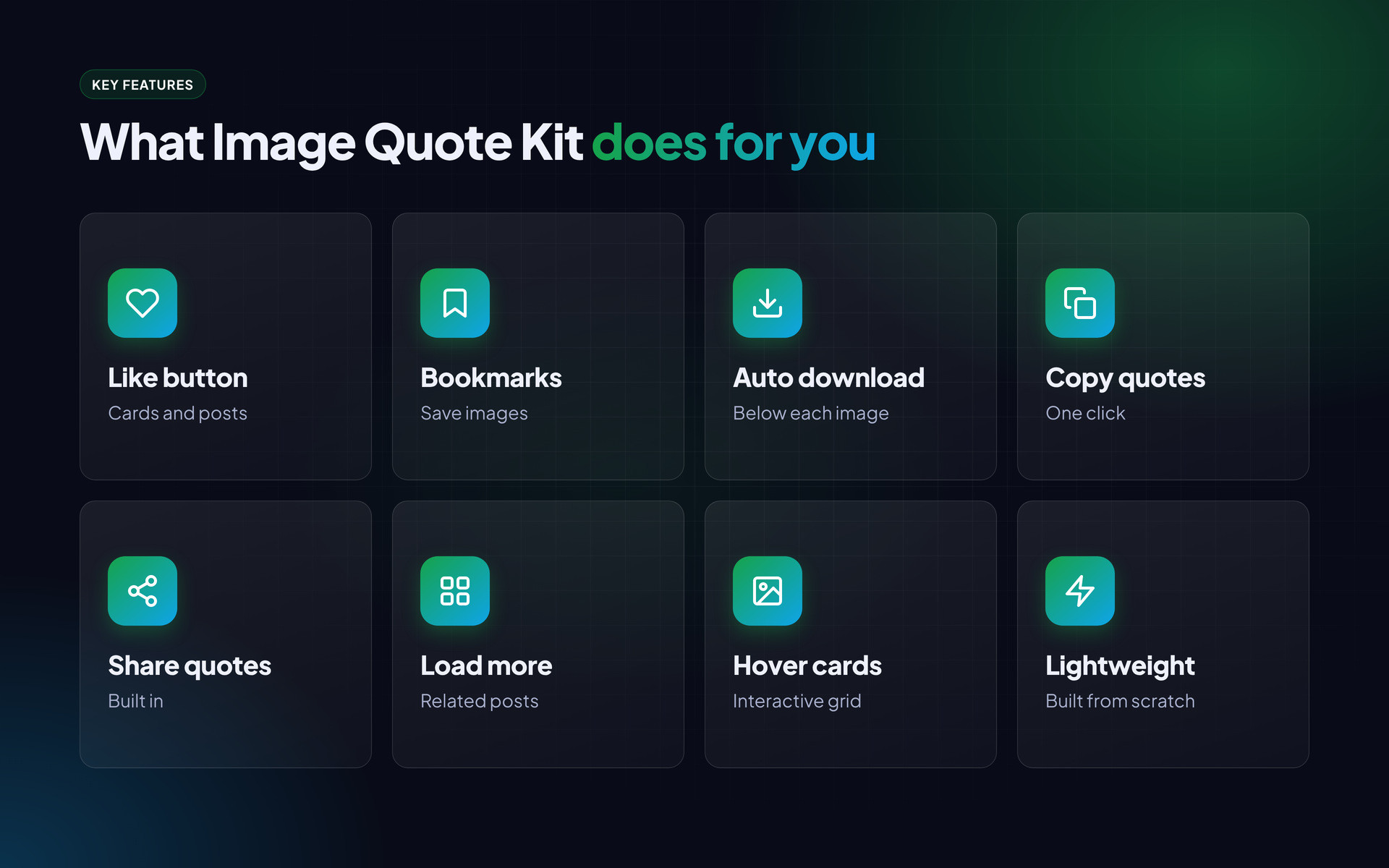
Post cards and single posts have a like button and a bookmark button, a download button is added automatically below every post image, and every blockquote gets copy and share buttons. Related posts load with a load more button, cards have a hover effect, and there is a back-to-top button.
It is built from scratch to stay light.

What is in the download#
- Elementor kit / template files
- Demo content XML
- HTML documentation
- Licence and changelog
Requirements#
- WordPress 6.0 or newer
- Hello Elementor theme (free) or any Elementor-ready theme
- Elementor (free) and Elementor Pro (bought separately)
- PHP 7.4 or newer, 256 MB memory limit recommended
Installation#
- Install the Hello Elementor theme and activate it.
- Install Elementor and Elementor Pro.
- Go to Elementor > Tools > Import / Export (or Templates > Kit Library > Import) and upload the kit ZIP.
- Import the demo posts with Tools > Import > WordPress if you want the same sample content.
- Open Templates > Theme Builder and check the header, footer, single post and archive conditions.
- Change the logo, colours and fonts in Site Settings.
- Replace the sample posts with your own.
Features#
Images#
- Like button on cards and posts
- Bookmark button
- Auto download button below every image
- Hover effect on cards
Quotes#
- Copy and share buttons added to every blockquote
Site#
- Related posts with load more
- Back to top button
- Clean header and footer
- Lightweight build
Mobile and page layouts#
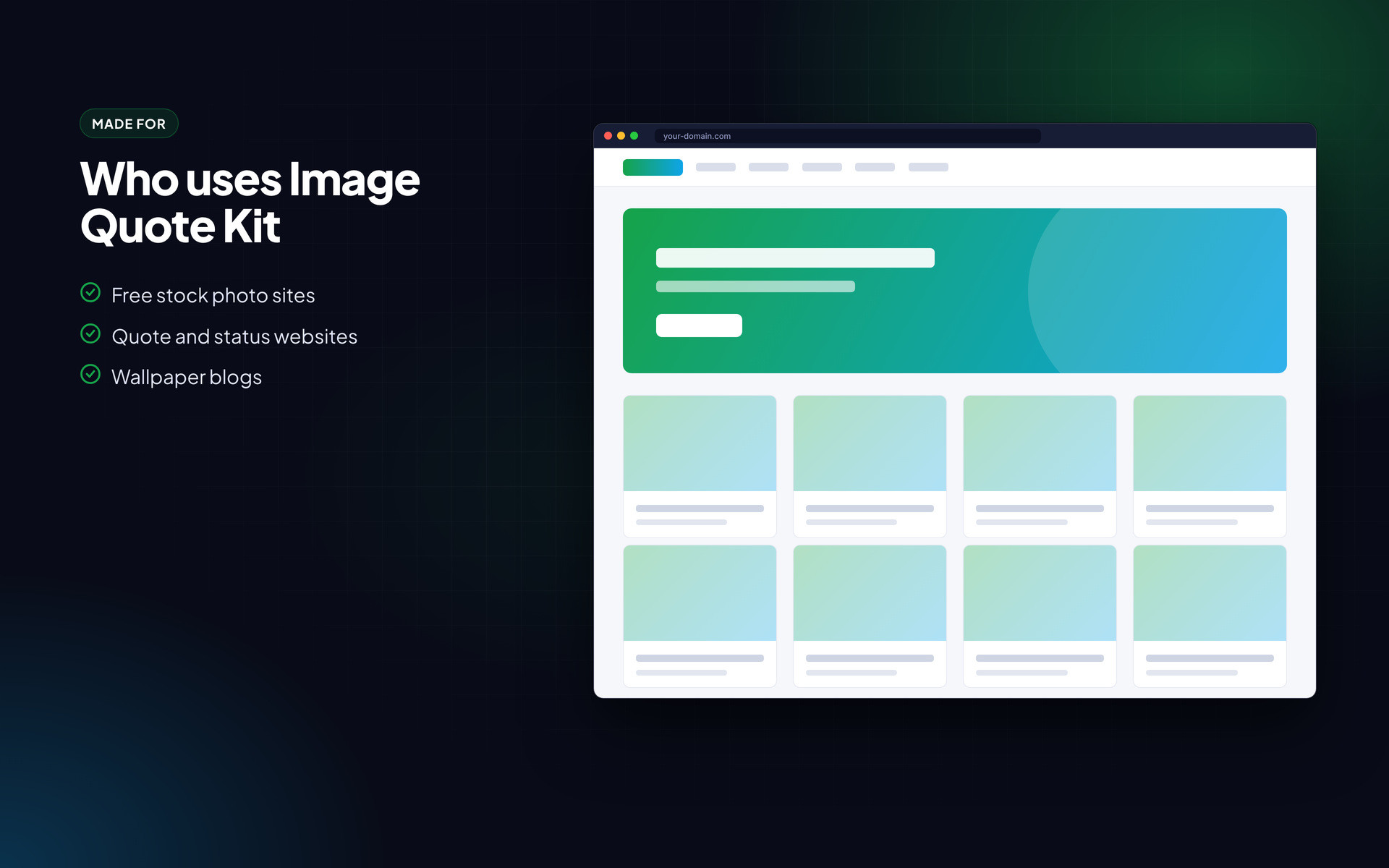
Every page is responsive. The images below show the layout on desktop and phone.
Frequently asked questions#
Is Elementor Pro included?
No. Elementor Pro is required and must be bought from Elementor.
The kit import stops halfway.
Raise the PHP memory limit to 256 MB and the upload size to at least 64 MB, then try again.
Can I change the header and footer?
Yes. Open Templates > Theme Builder and edit them like any Elementor page.
Support#
Use the comments or support section on the Codester item page. Please include your hosting type, PHP or WordPress version and a screenshot of any error so the problem can be reproduced quickly.
Changelog#
Version 1.0 – First release on Codester.
Credits#
Interface icons follow the open-source Lucide style. Technology names and logos belong to their owners. Demo photos and articles are placeholders and are not included.