Aajtak Inspired – Hindi News Blogger Template
Version 1.0 · Blogger Template · Built with Blogger, HTML5, CSS3, JavaScript
Overview#
Aajtak Inspired Blogger is a news template for Hindi and regional news blogs on Blogger.
The top menu scrolls smoothly on mobile, WhatsApp join buttons appear in the header area and the author box, and posts have next and previous navigation and a back-to-top button. The layout is AdSense-ready and everything is set from the Blogger Layout screen.
It is light and loads fast on free Blogger hosting.

What is in the download#
- Blogger theme .xml file
- Widget and shortcode notes
- HTML documentation
- Licence and changelog
Requirements#
- A free Blogger (blogspot.com) blog
- No hosting and no plugins needed
- Works with a custom domain connected to Blogger
Installation#
- Download the ZIP from Codester and extract it.
- Open Blogger > Theme, click the arrow next to Customize and choose Backup to save your old theme.
- Click Restore and upload the .xml theme file from the package.
- Open Layout and set the menu, labels for each section, social links and ad codes.
- Publish a few posts with labels so the homepage sections fill up.
- Check the mobile view and you are done.
Features#

Layout#
- Smooth scrolling top menu on mobile
- Featured news layout
- Structured footer
Engagement#
- WhatsApp join button
- WhatsApp icon in the author box
- Next and previous post navigation
- Back to top button
Setup#
- AdSense-ready spaces
- Settings from Blogger Layout
- Responsive
Mobile and page layouts#
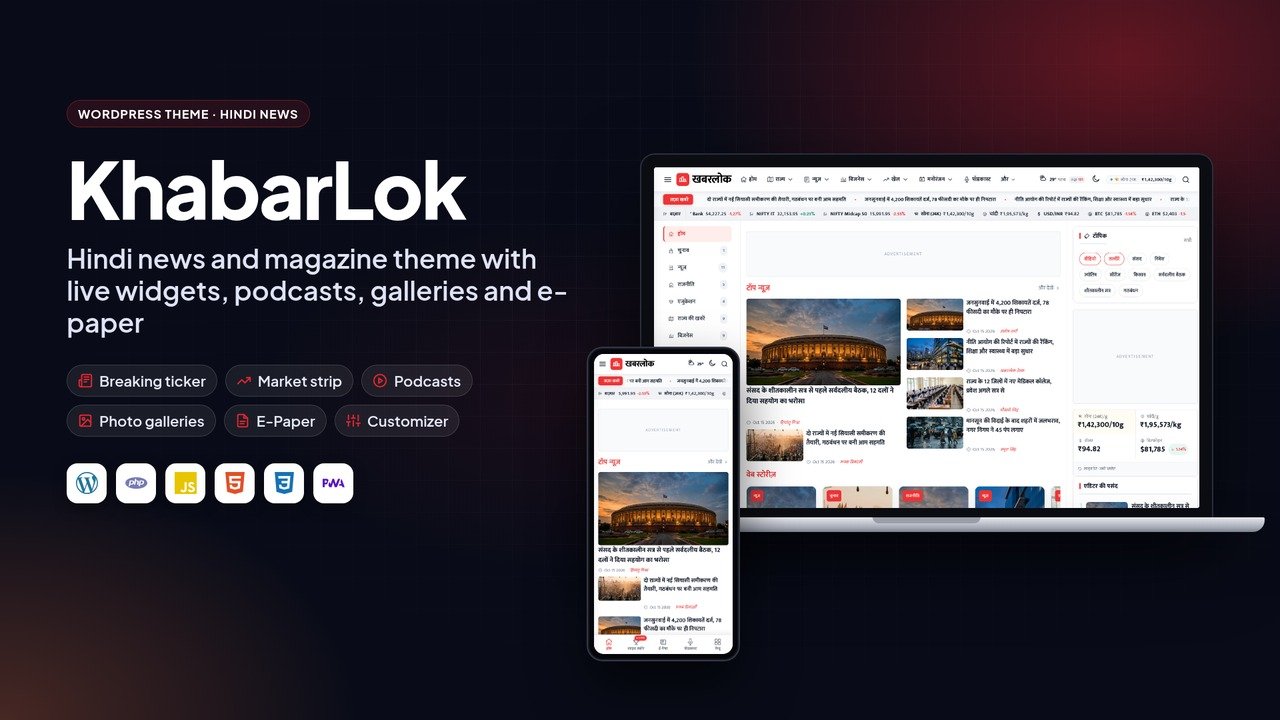
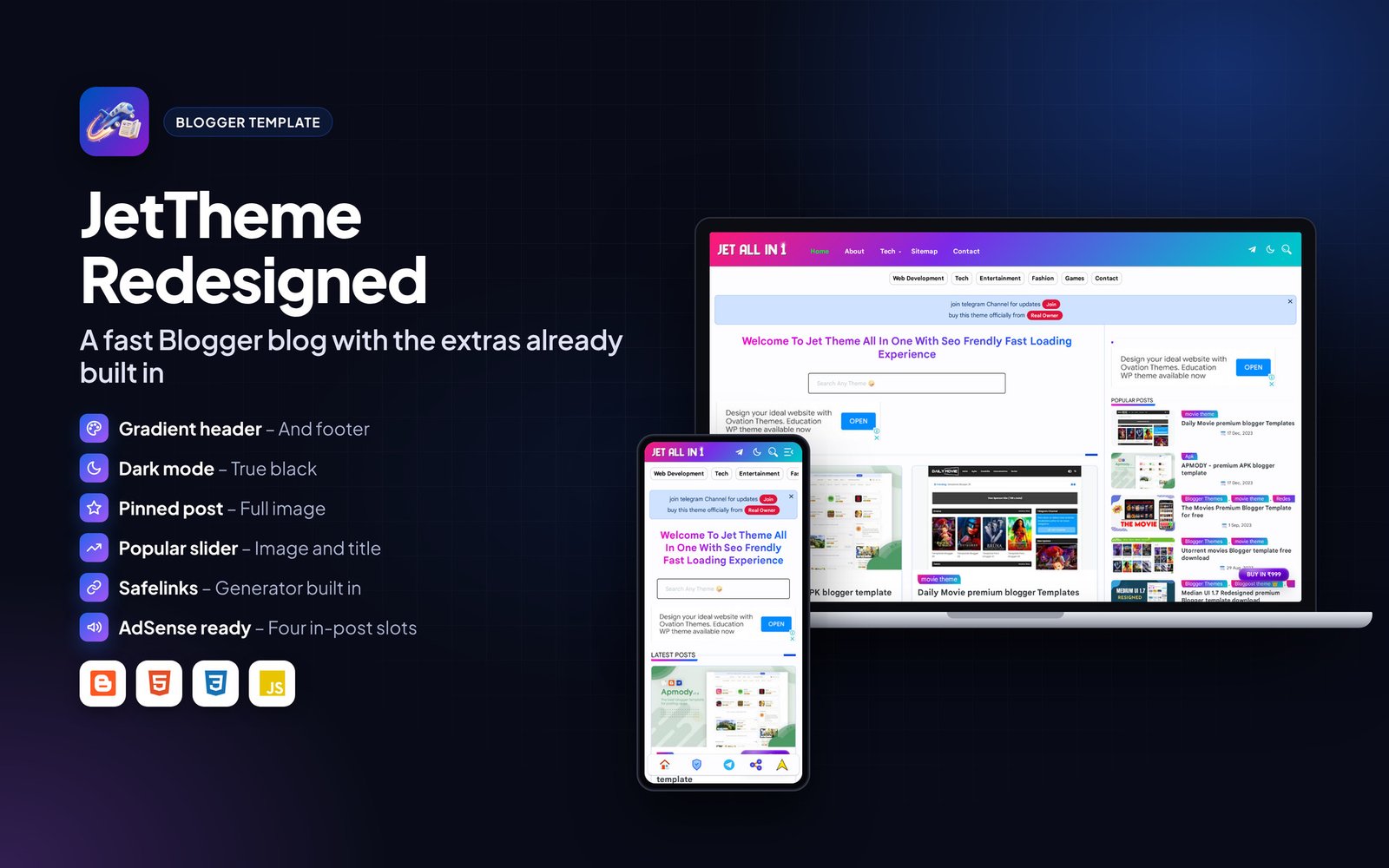
Every page is responsive. The images below show the layout on desktop and phone.


Frequently asked questions#
Will I lose my posts when I change the theme?
No. A Blogger theme only changes the design. Always take a theme backup first anyway.
Does it work with a custom domain?
Yes. Connect your domain in Blogger settings; the template works the same.
Why are some homepage sections empty?
Sections pull posts by label. Add the label names in Layout and publish posts with those labels.
Support#
Use the comments or support section on the Codester item page. Please include your hosting type, PHP or WordPress version and a screenshot of any error so the problem can be reproduced quickly.
Changelog#
Version 1.0 – First release on Codester.
Credits#
Interface icons follow the open-source Lucide style. Technology names and logos belong to their owners. Demo photos and articles are placeholders and are not included.