GovLinks – Government Jobs Portal PHP Script
Version 1.0 · PHP Script · Built with PHP, SQLite, MySQL, JavaScript, HTML5, CSS3
Overview#
GovLinks is a PHP script for running a government jobs website. It is built around the content these sites actually publish: job notifications, admit cards, results, answer keys, cut-offs, syllabus and exam updates.
Every job page has fixed sections for important dates, fees, eligibility, age limit, selection process, exam pattern, syllabus, how to apply and official links, so posts stay consistent and readers find what they need fast. For SEO it ships with JobPosting and Breadcrumb schema, an automatic sitemap, robots.txt control, canonical URLs, Open Graph tags and a 301 redirect manager.
It works with SQLite out of the box or with MySQL / MariaDB, and an optional Groq AI writer can draft summaries, titles, meta descriptions, FAQs and full articles.

What is in the download#
- Full PHP source code
- Admin panel and front end
- SQLite database or MySQL .sql file
- .htaccess rules
- HTML documentation
- Licence and changelog
Requirements#
- PHP 8.1 or newer
- SQLite (PDO SQLite) or MySQL / MariaDB
- mbstring, fileinfo and cURL extensions
- Apache or LiteSpeed with mod_rewrite
- Shared hosting, cPanel or VPS
- HTTPS recommended
The AI writer needs your own Groq API key.
Installation#
- Download the ZIP from Codester and extract it.
- Upload the files to your hosting.
- Open the .env file and set APP_URL to your domain. For MySQL, also enter your database details; leave them empty to use SQLite.
- Open your-domain.com/install.php and complete the installer. It creates the tables and your admin account.
- Delete install.php after the installer finishes.
- Log in at your-domain.com/admin/login.php and fill in the site settings, SEO defaults and ads.
- Add your first jobs and updates.
Folder permissions#
| Folder | Permission | Why |
|---|---|---|
data/ | 755 or 775 | Holds the SQLite database |
uploads/ | 755 or 775 | Images and files uploaded from the admin |
Nginx#
Apache and LiteSpeed read the included .htaccess. On Nginx, route all requests to index.php with try_files $uri $uri/ /index.php?$query_string; and deny direct access to the data folder.
Features#

Public site#
- Mobile-first layout with light and dark mode
- Live AJAX job search and advanced filters
- Latest jobs and closing soon sections
- Admit card, result, answer key, cut-off and syllabus sections
- Detailed job pages with dates, fees, eligibility and links
- Related jobs, comments and star ratings
- Notification bell and off-canvas mobile menu
SEO#
- JobPosting and BreadcrumbList schema
- Automatic sitemap.xml and robots.txt manager
- Canonical URLs, Open Graph and Twitter cards
- 301 redirect manager and SEO-friendly URLs
Admin#
- Dashboard with statistics
- Jobs, exam updates, posts and pages
- Media library with WebP thumbnails
- Categories, tags and organisations
- Admin and editor roles
- Comment and review moderation
- Newsletter and job alerts with CSV export
- Ads manager with impressions, clicks and CTR
- Menu manager, custom head / footer code and SMTP
- One-click backup and factory reset
Optional AI#
- Groq AI writer for summaries, SEO titles, meta descriptions, tags, FAQs, rewrites and full articles (needs your own Groq API key)
Mobile and page layouts#
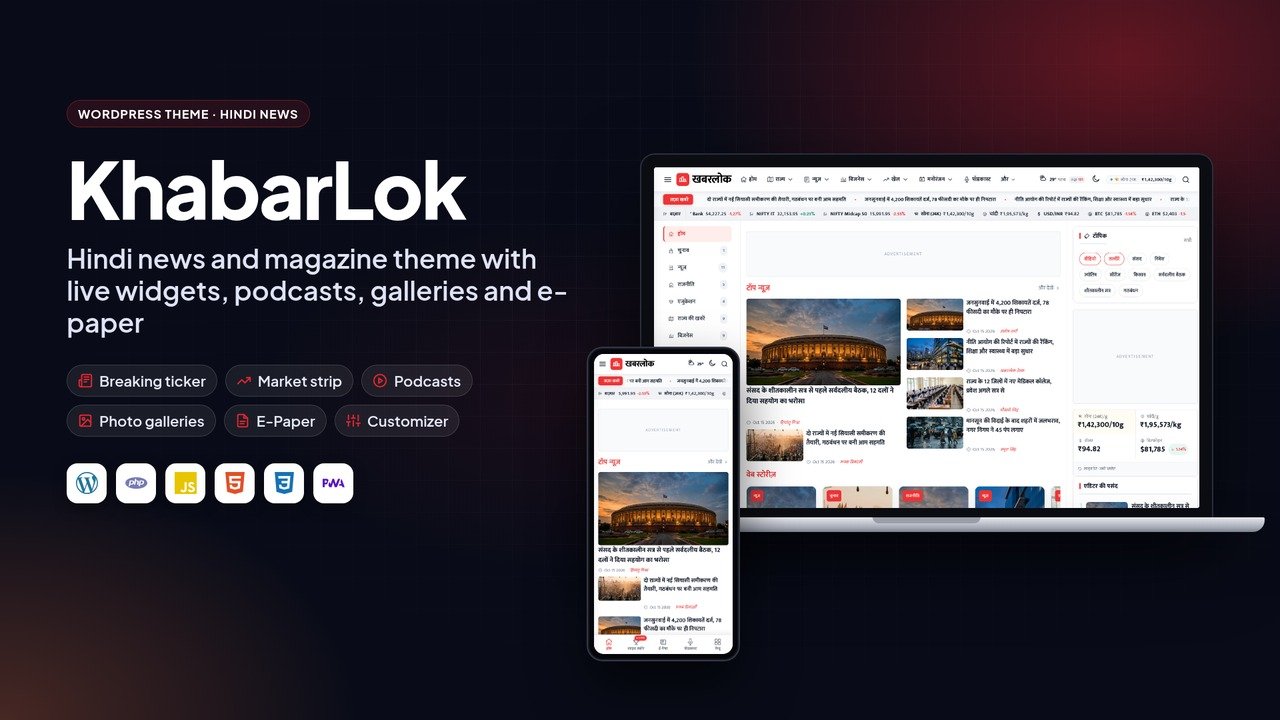
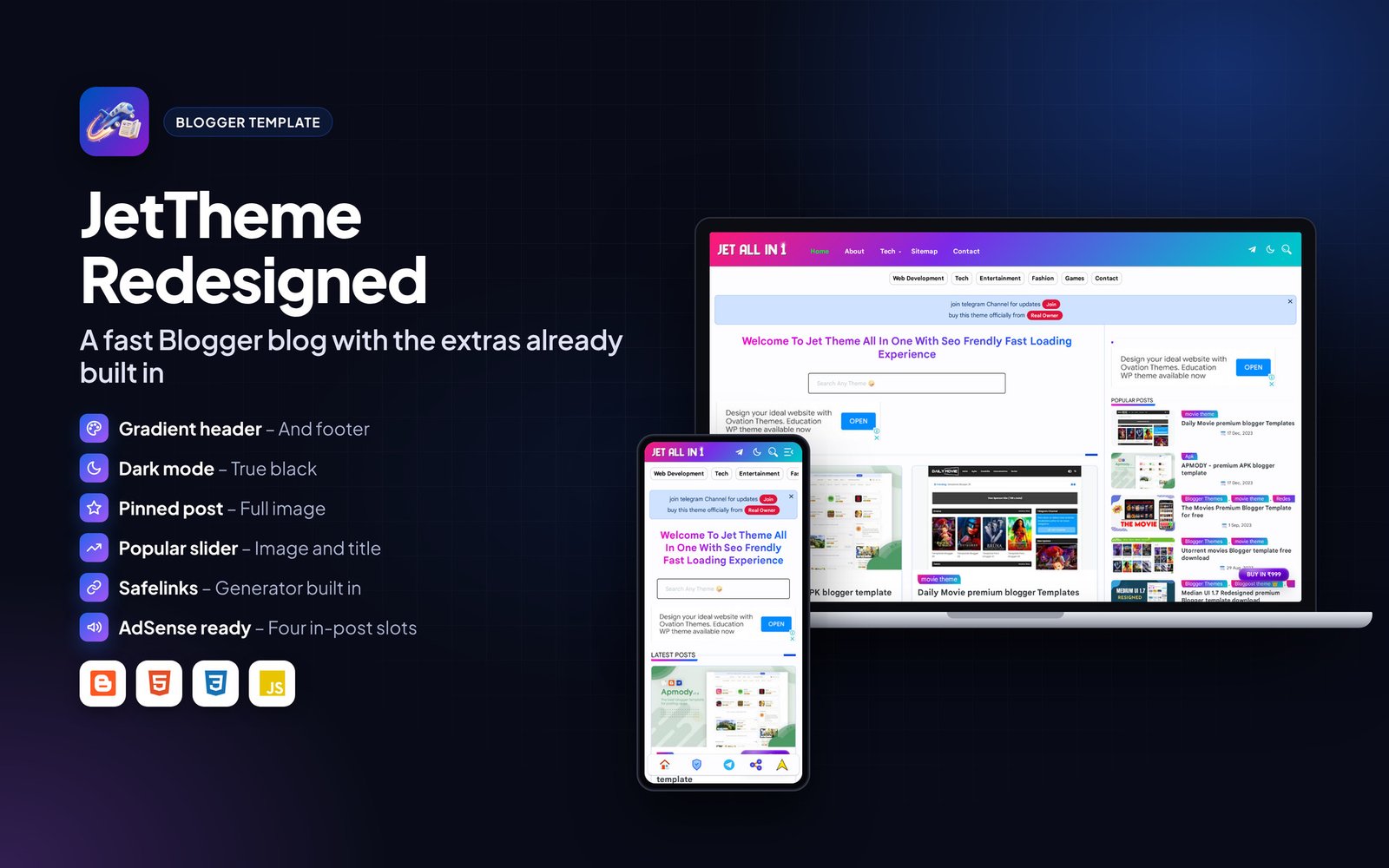
Every page is responsive. The images below show the layout on desktop and phone.


Frequently asked questions#
Do I need to create a MySQL database?
No. The script uses SQLite, a single database file that is created automatically on the first visit.
Can I install it in a subfolder or subdomain?
Yes. Upload the files to the subfolder or subdomain root and open that address.
How do I back up my data?
Download the data folder (it holds the database) and the uploads folder. Restoring is just uploading them back.
The page shows a permission error. What now?
Set the data and uploads folders to 755 (or 775 on some hosts) using File Manager, then reload.
Can I change the text and colours?
Most text and branding is in the admin settings. Remaining labels are in the template files and can be edited with any code editor.
Support#
Use the comments or support section on the Codester item page. Please include your hosting type, PHP or WordPress version and a screenshot of any error so the problem can be reproduced quickly.
Changelog#
Version 1.0 – First release on Codester.
Credits#
Interface icons follow the open-source Lucide style. Technology names and logos belong to their owners. Demo photos and articles are placeholders and are not included.