



Description
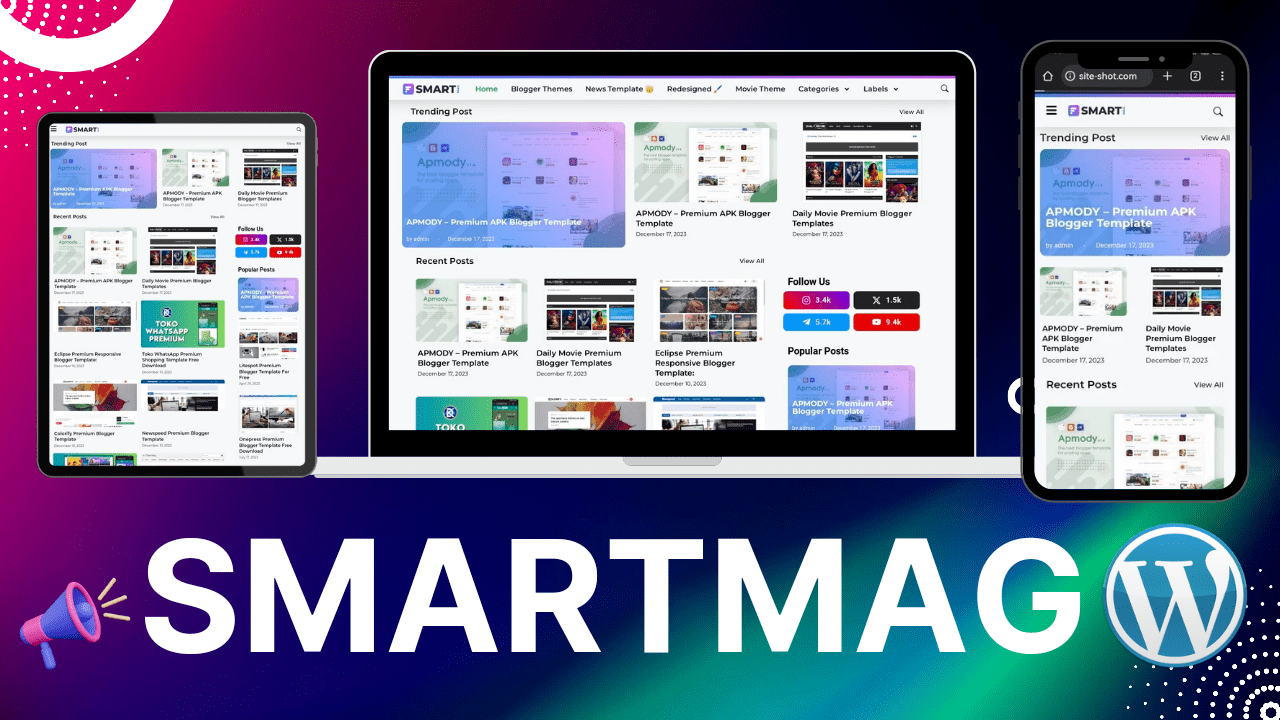
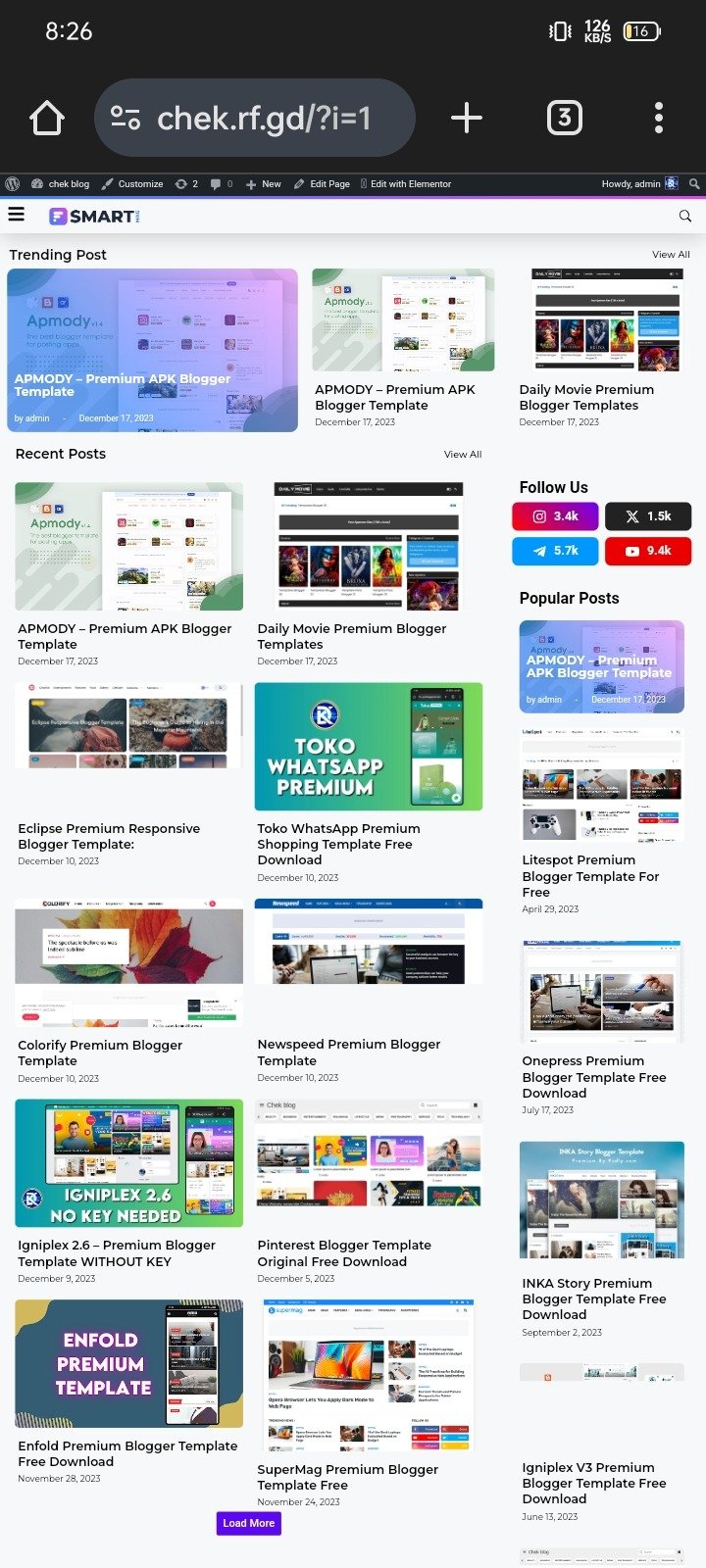
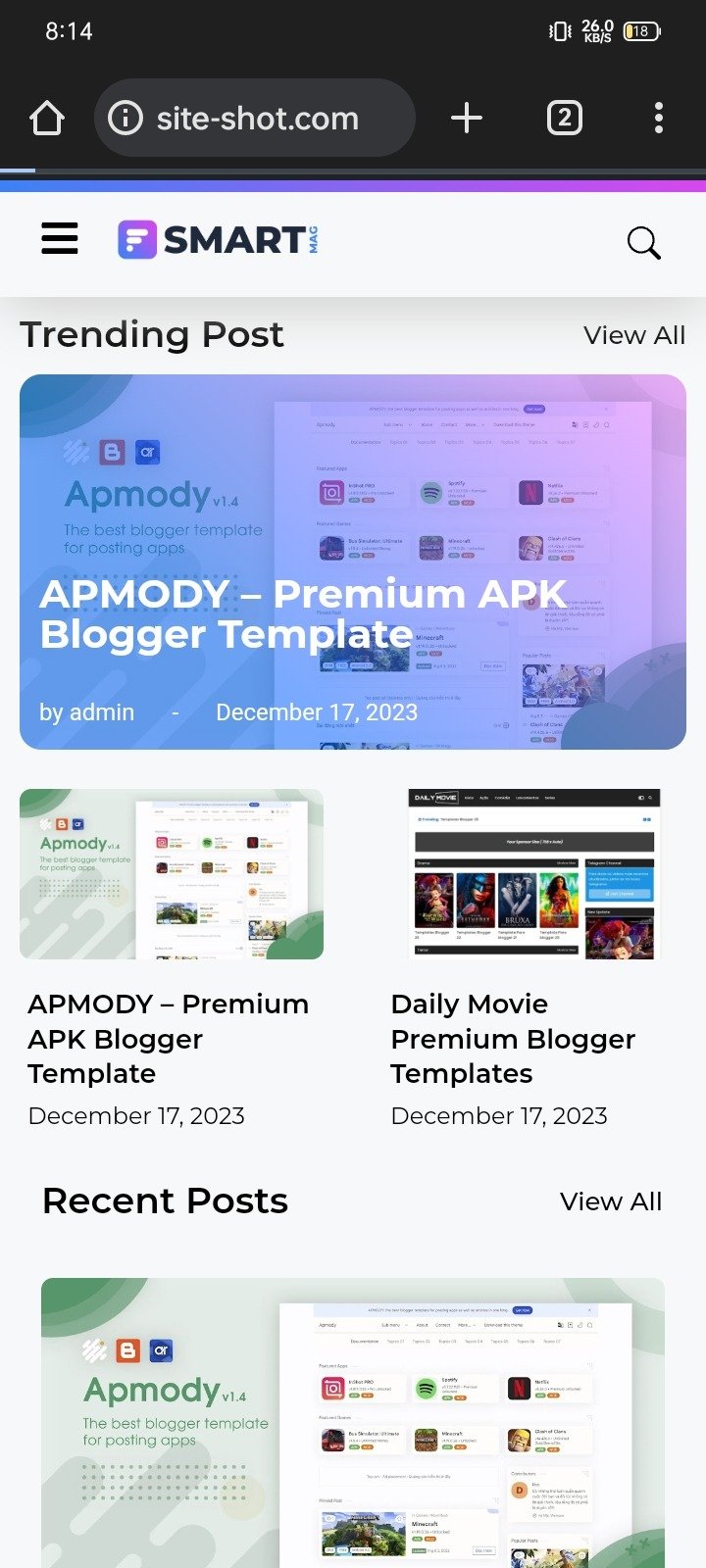
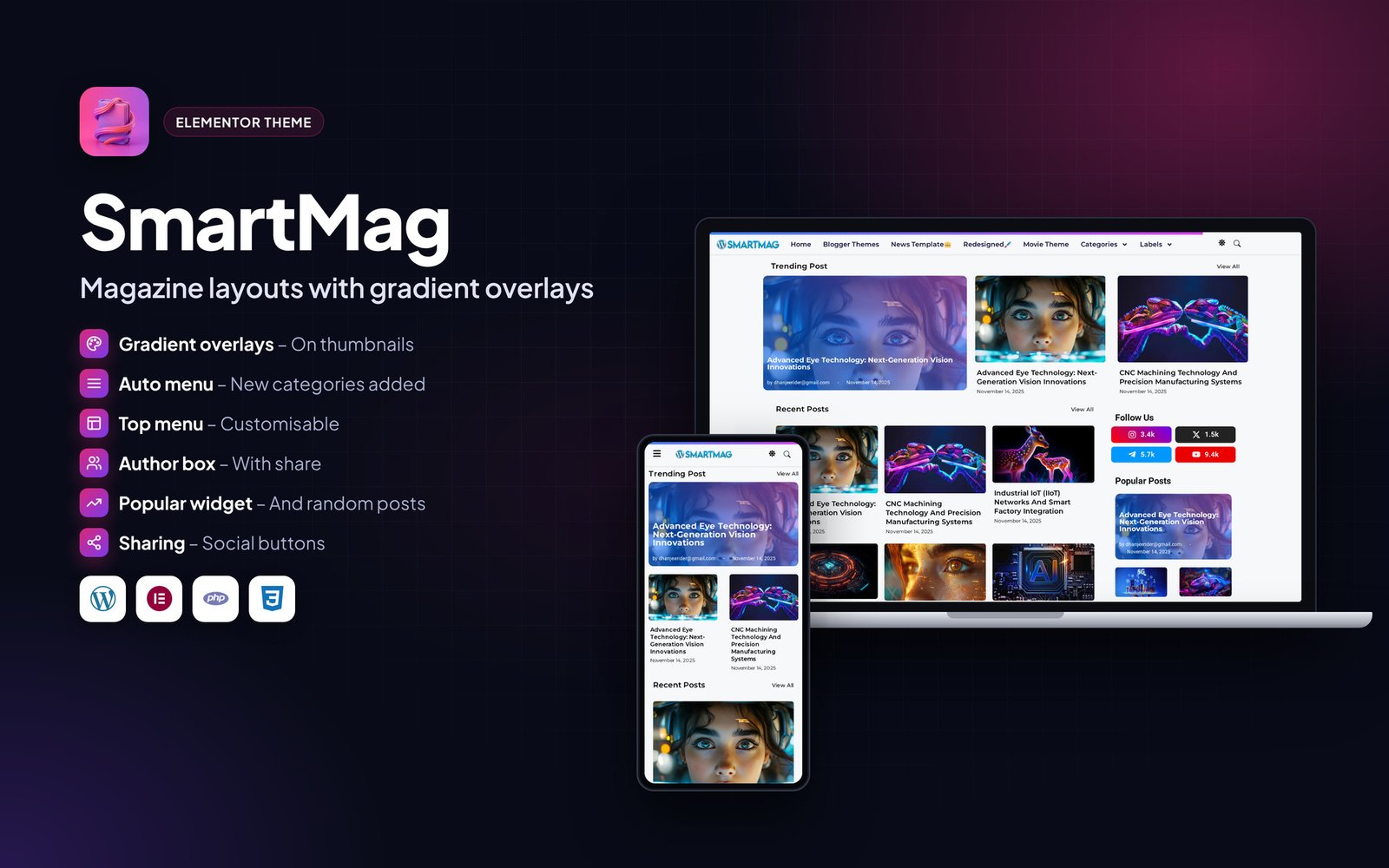
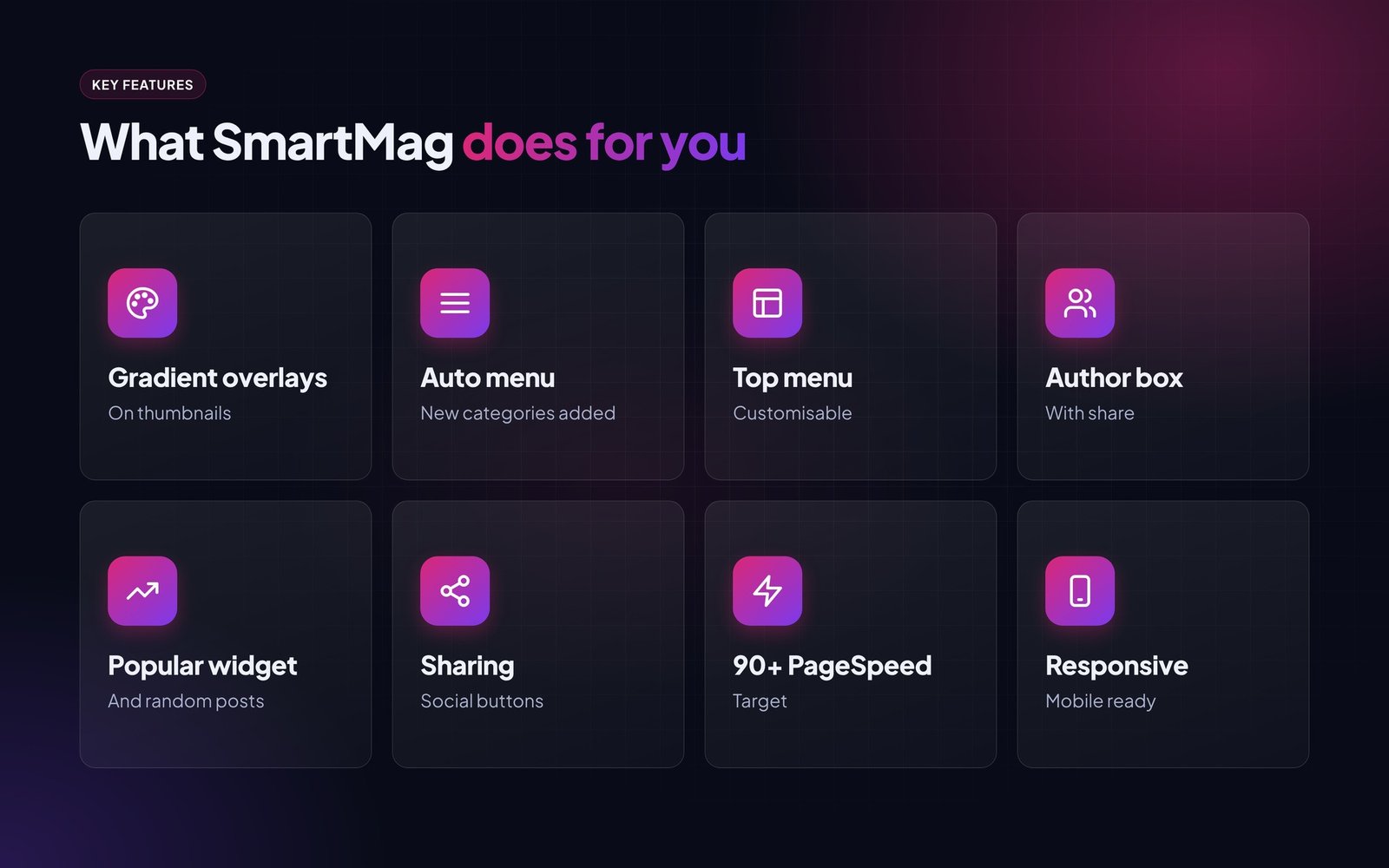
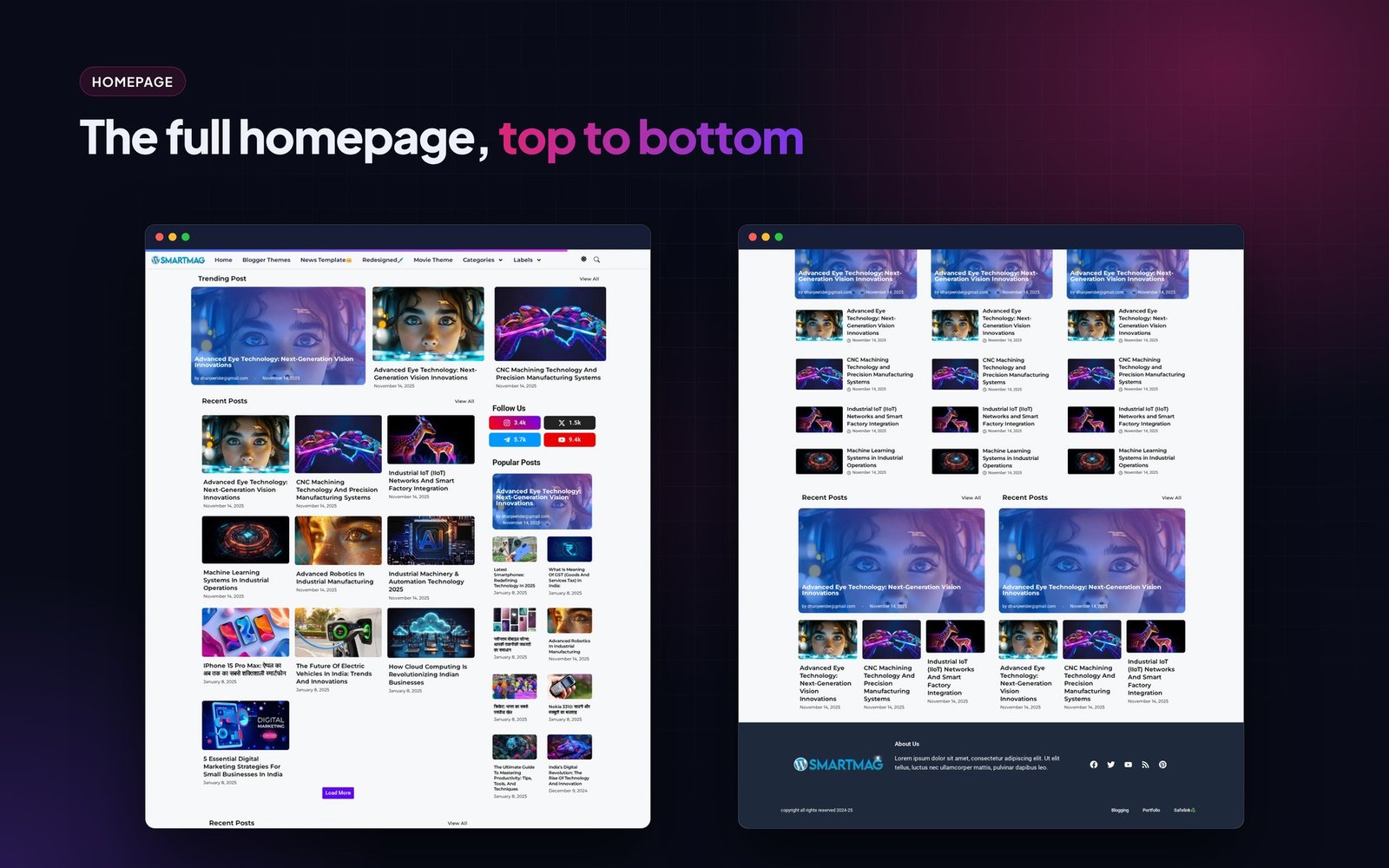
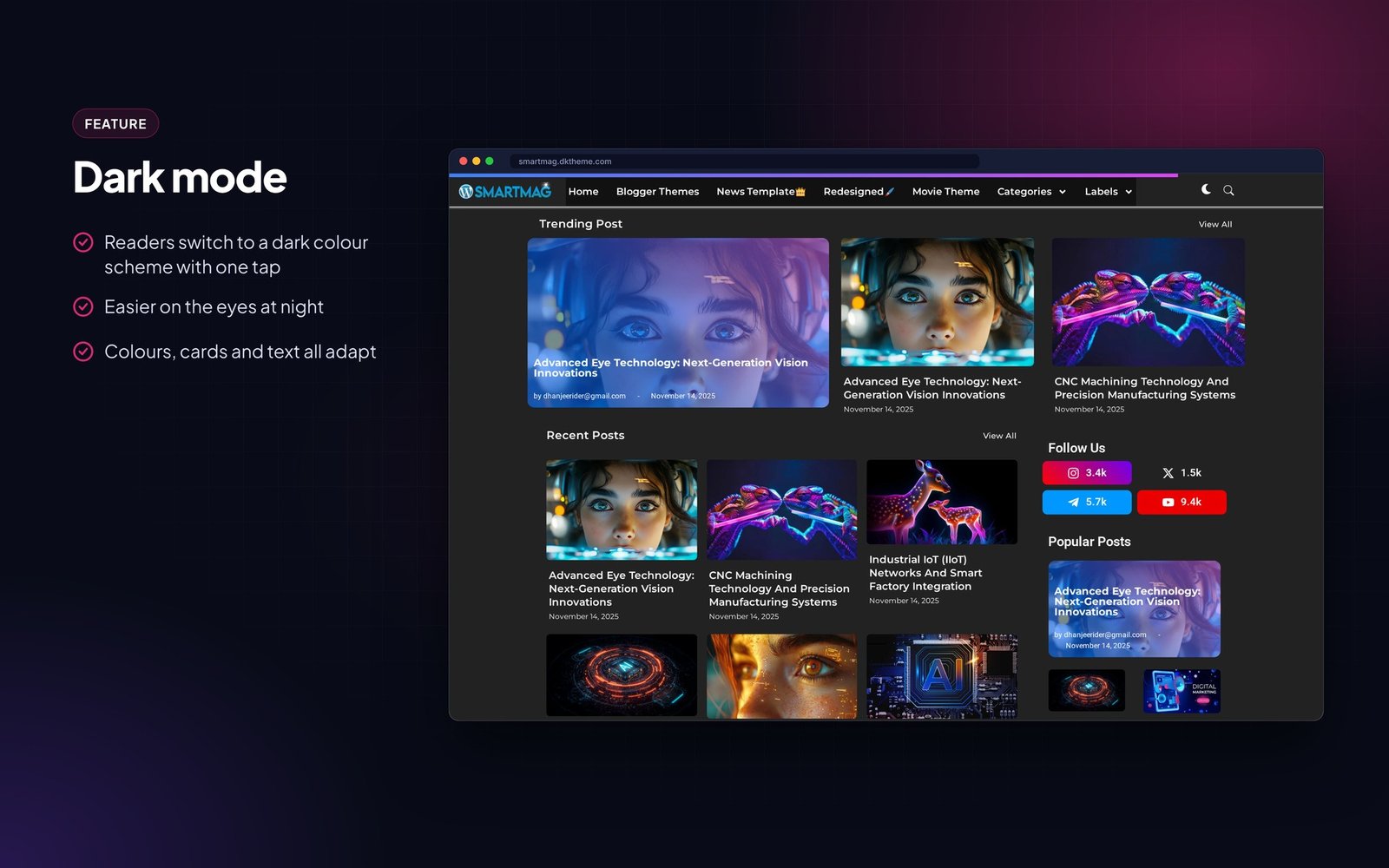
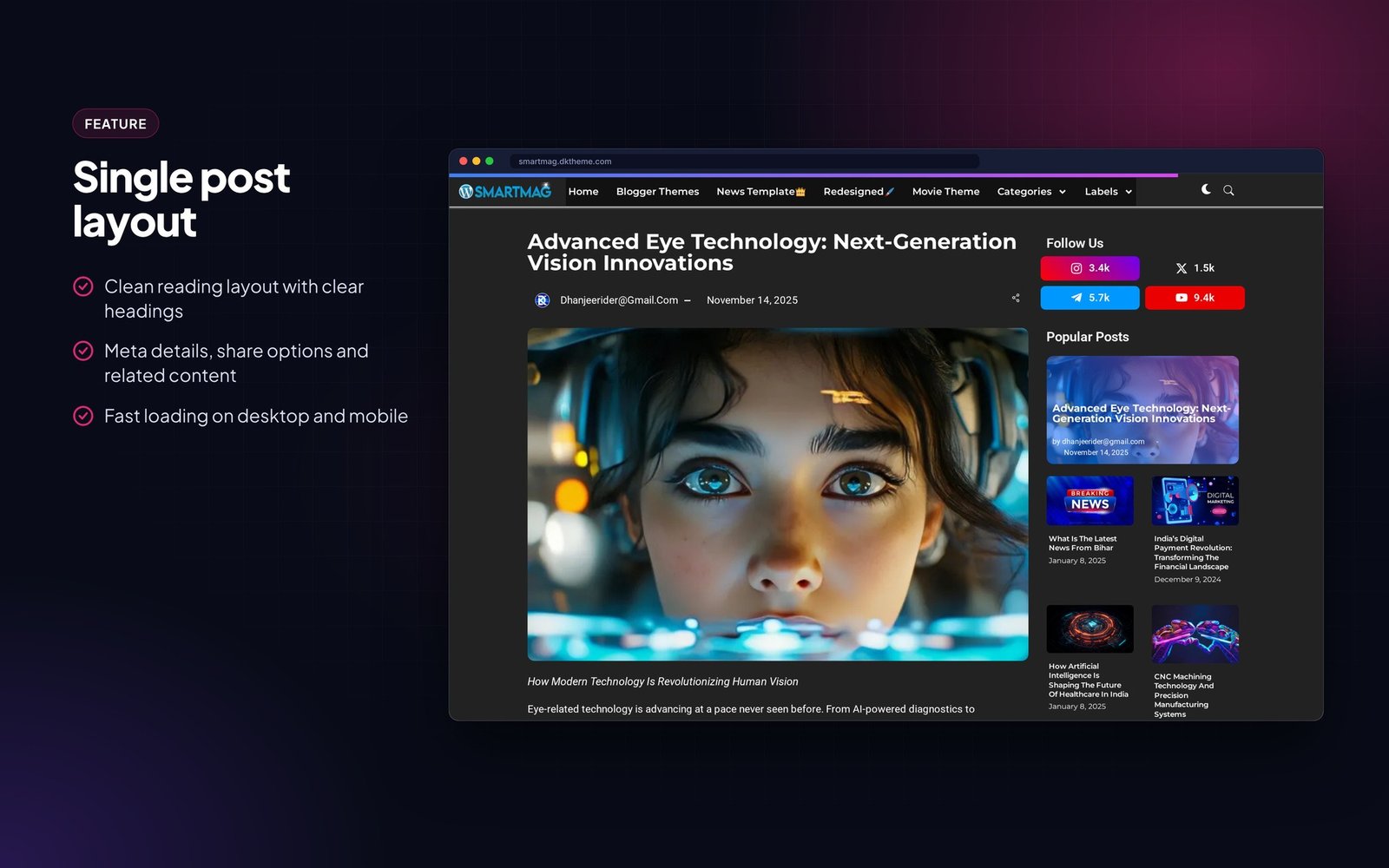
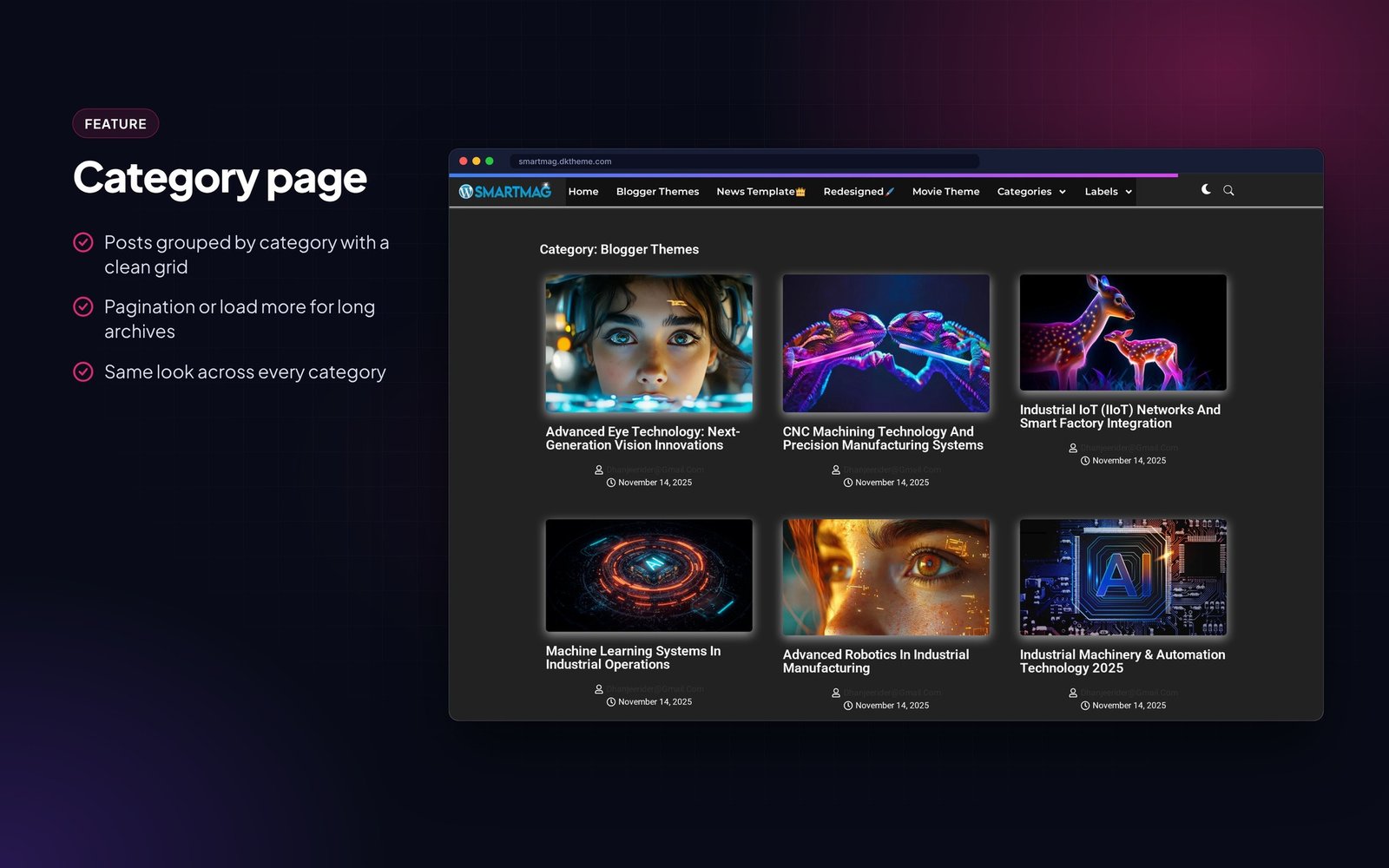
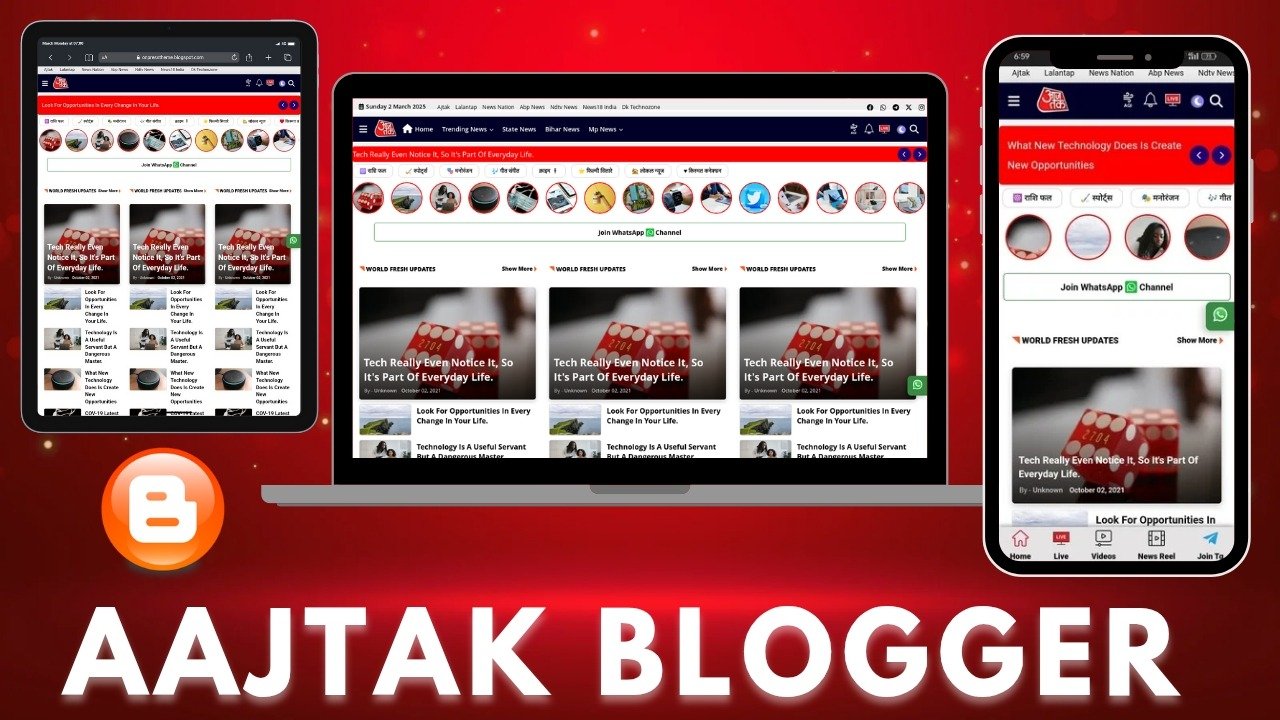
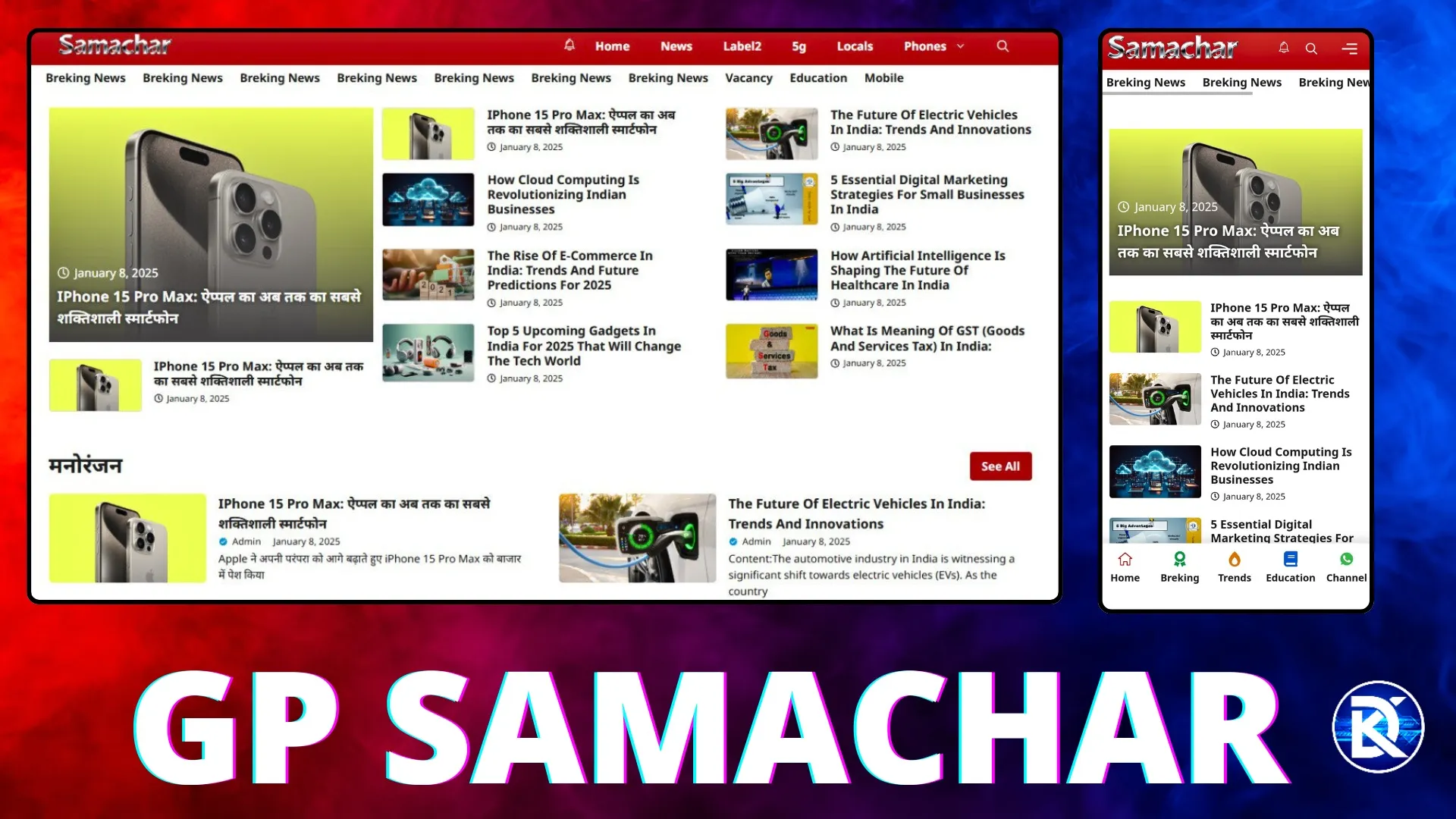
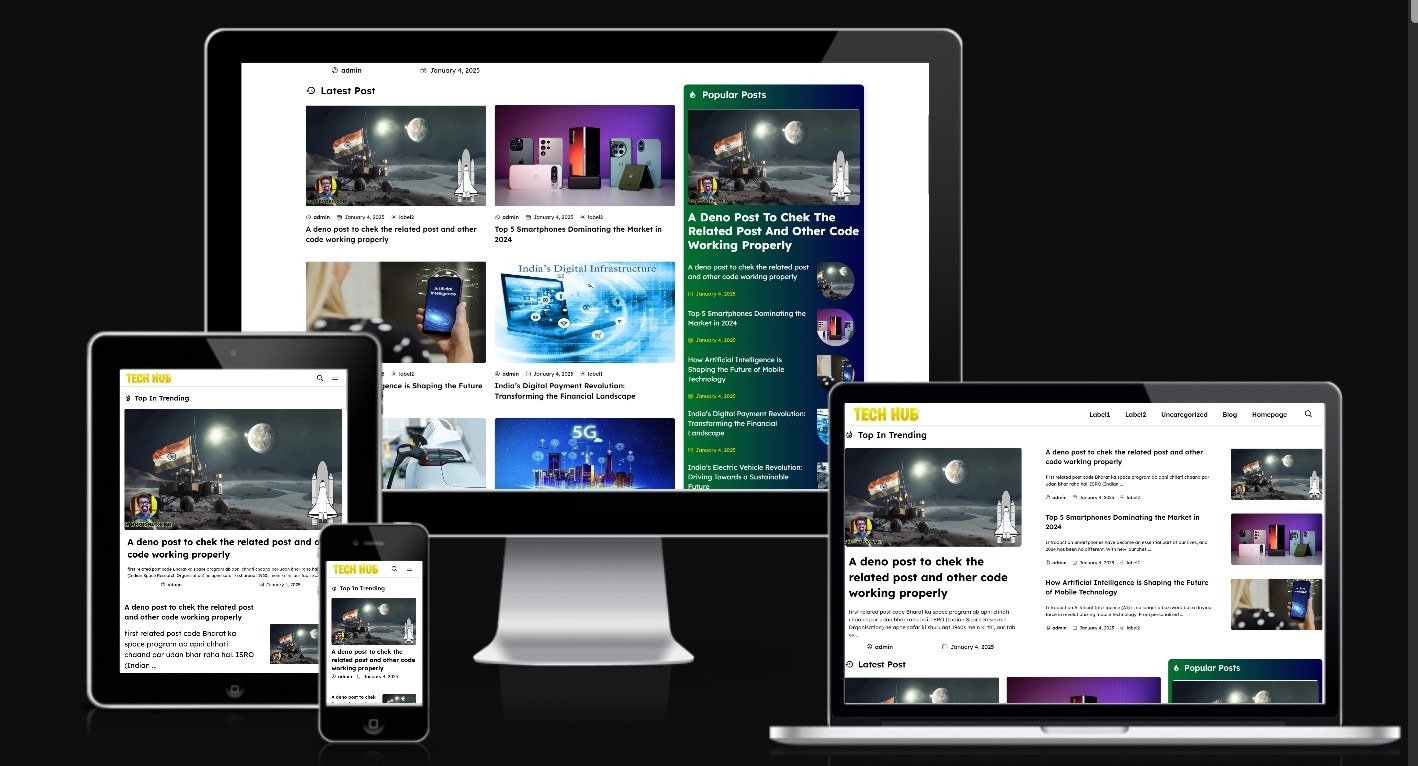
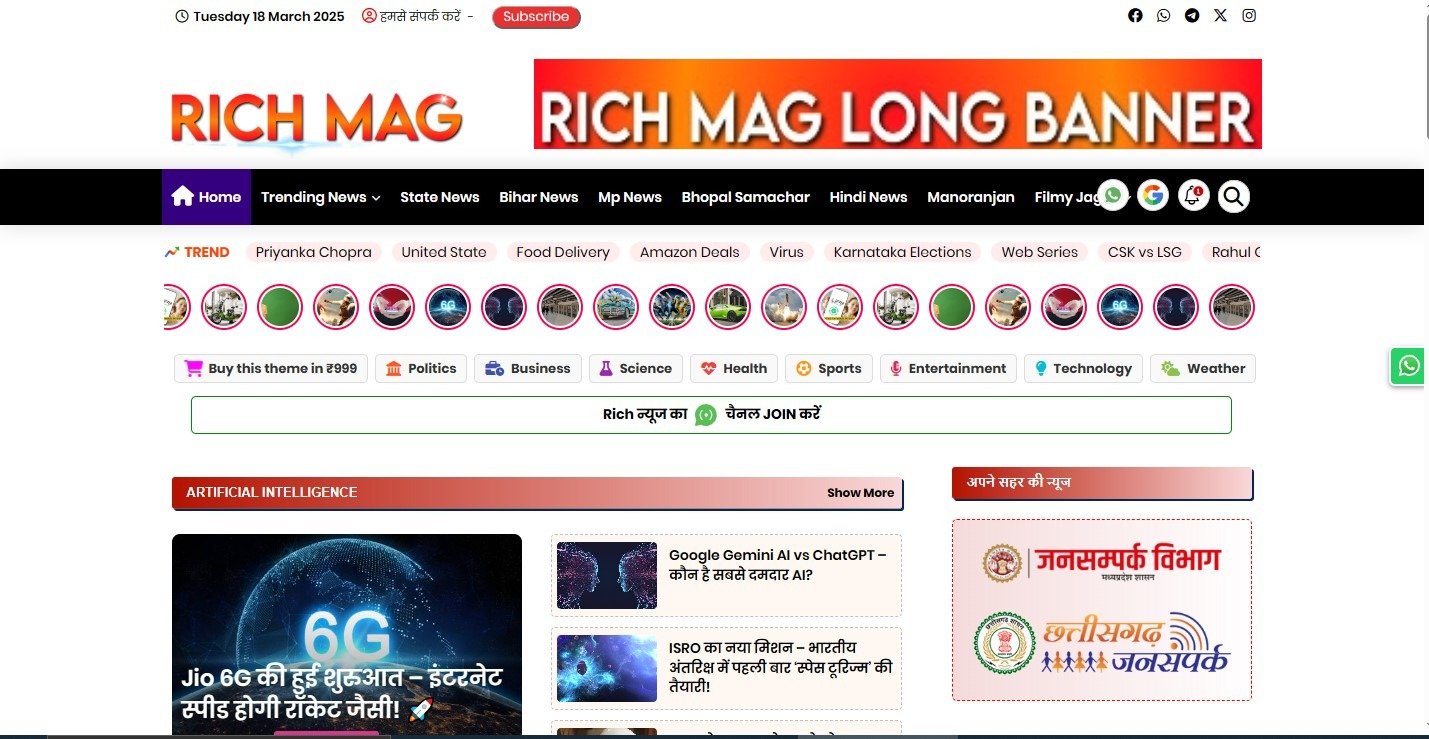
SmartMag is an Elementor magazine theme with gradient overlays on post thumbnails and a clean blog-style layout.
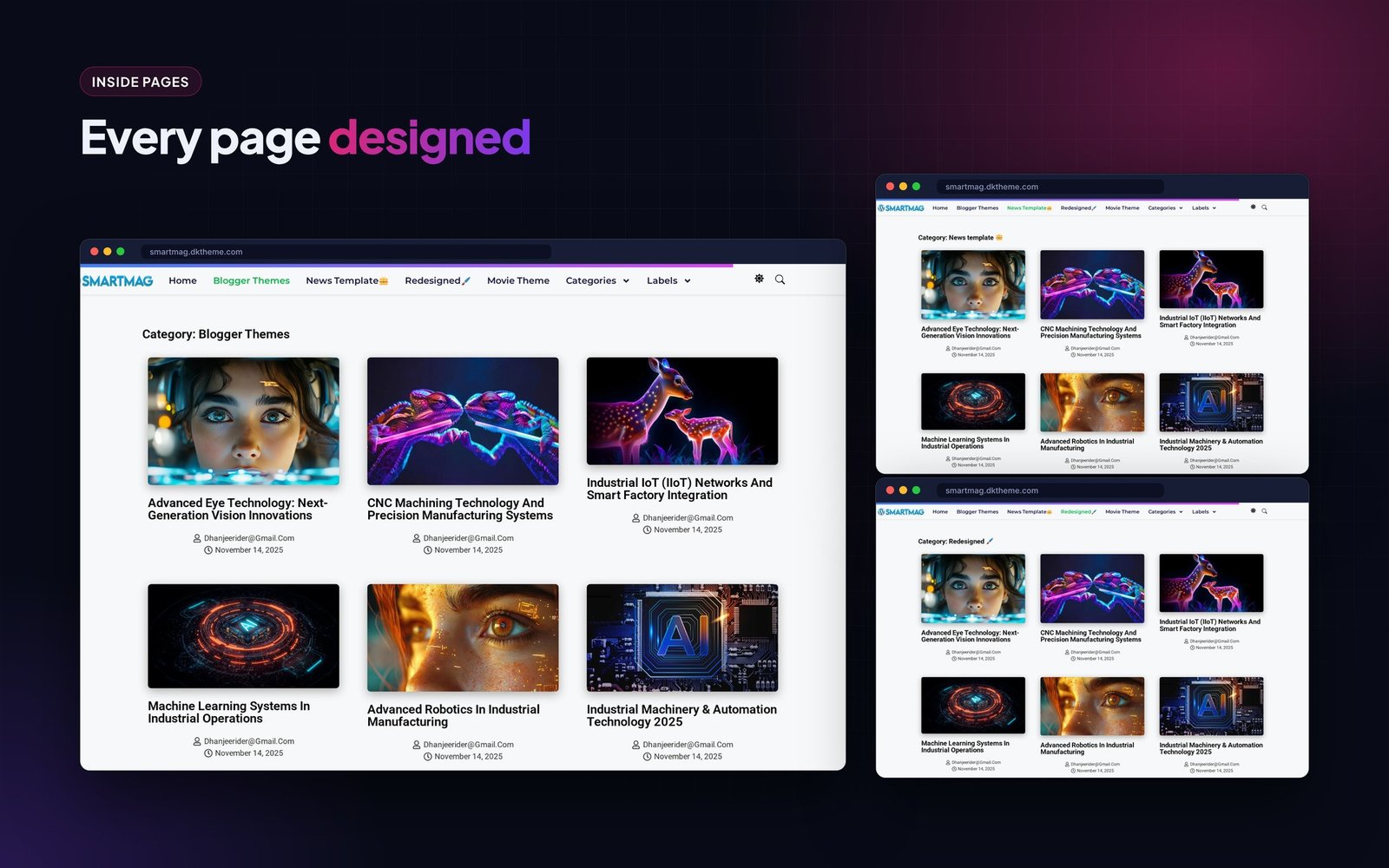
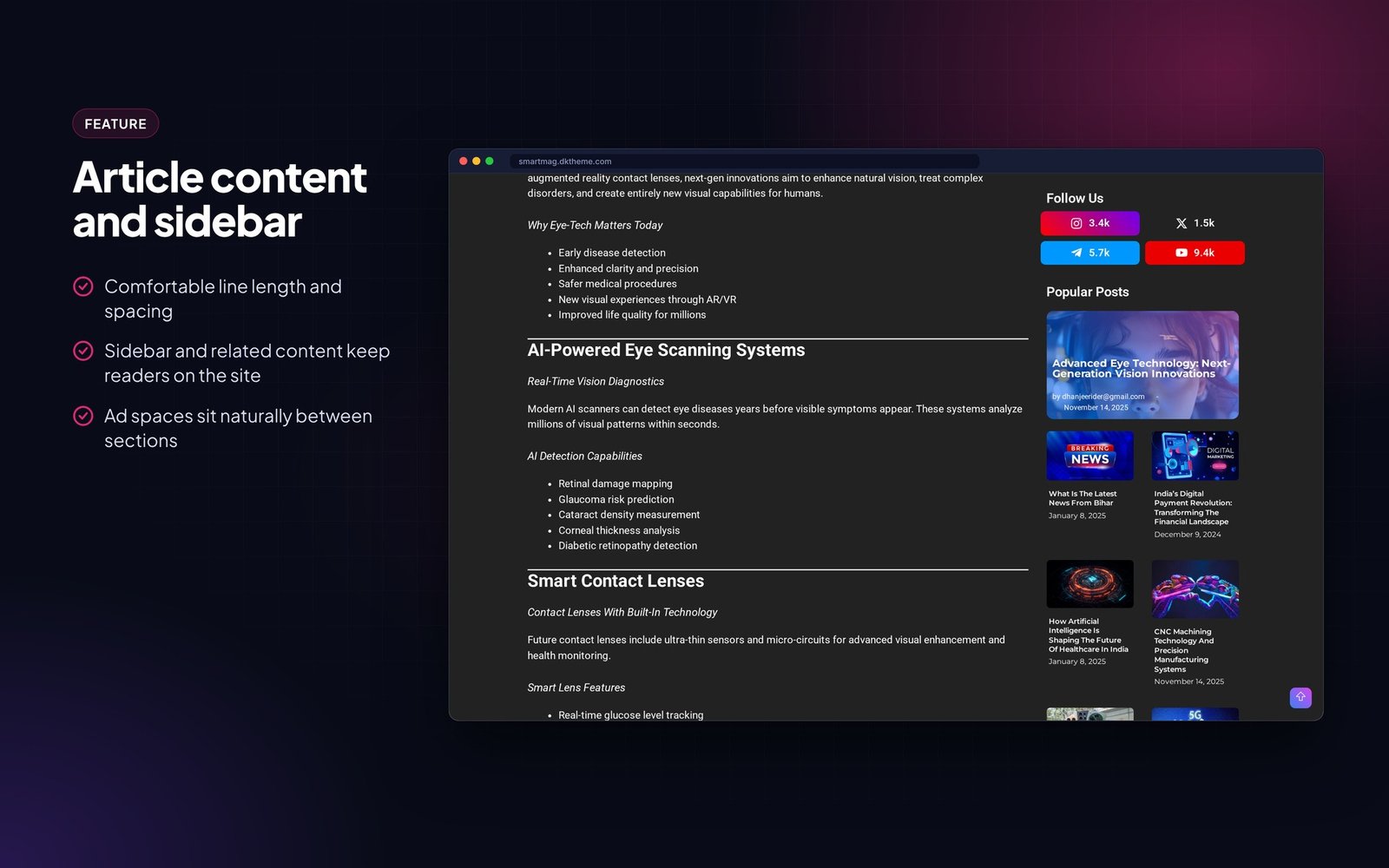
New categories are added to the menu automatically, the top menu is fully customisable, and posts have social share buttons, an author box and external share options. The sidebar carries random and popular post widgets.
It is tuned for speed with a 90+ PageSpeed target.
Who it is for
- Magazine and blog sites
- Entertainment news
- Tech and lifestyle blogs
What is in the download
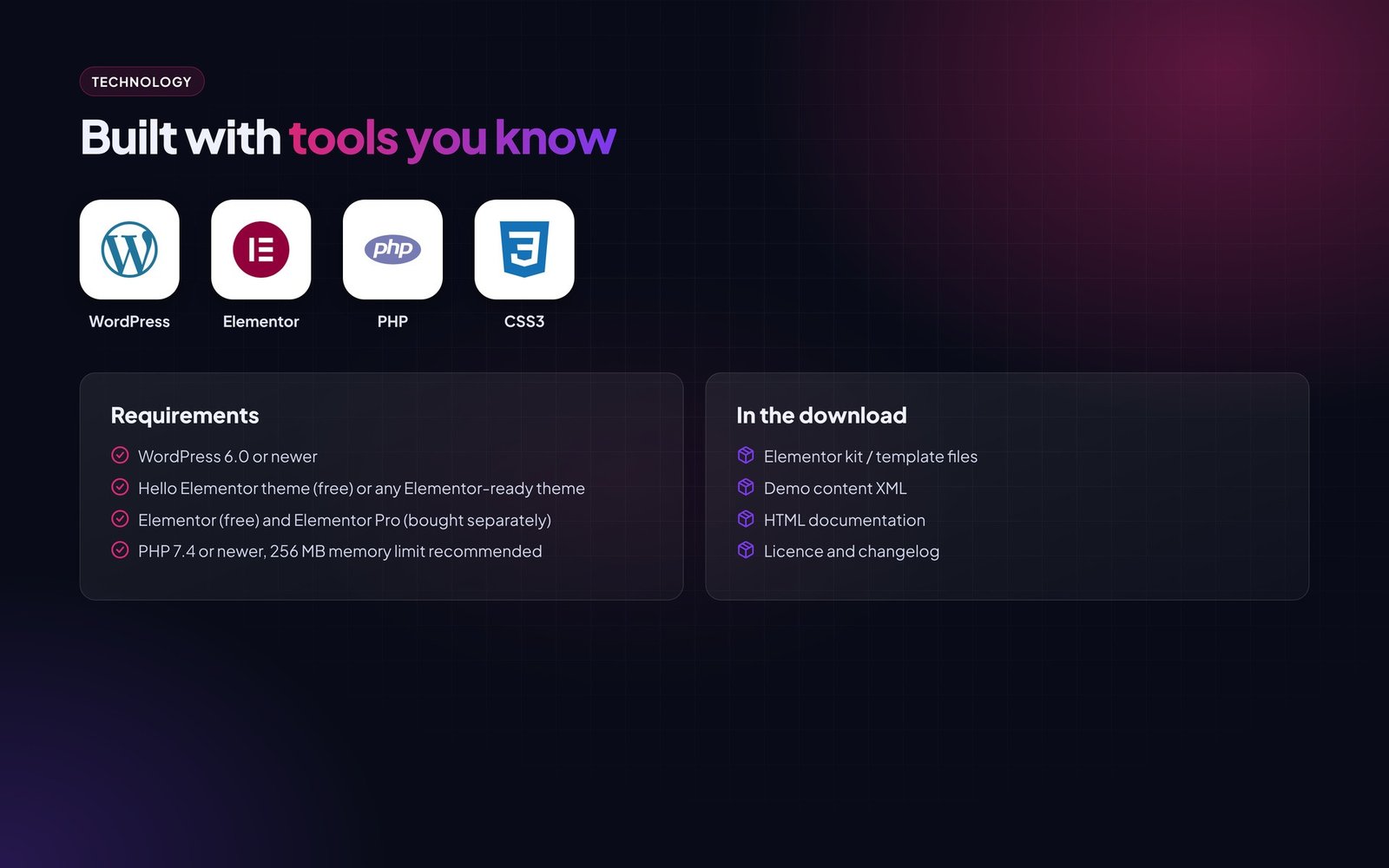
- Elementor kit / template files
- Demo content XML
- HTML documentation
- Licence and changelog
Good to know
- Images and articles in the live demo are for preview only and are not part of the download.
Features
Design
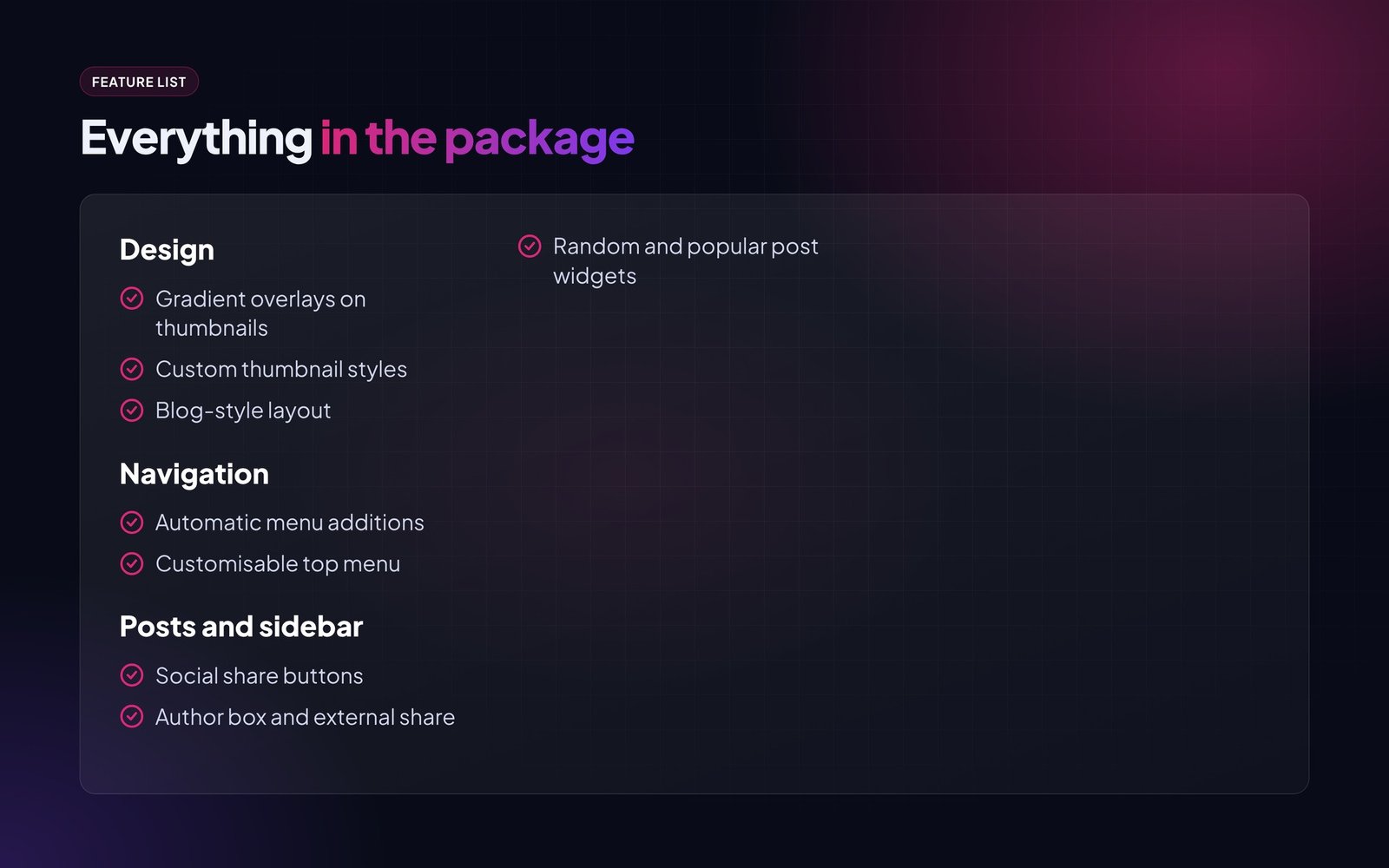
- Gradient overlays on thumbnails
- Custom thumbnail styles
- Blog-style layout
Navigation
- Automatic menu additions
- Customisable top menu
Posts and sidebar
- Social share buttons
- Author box and external share
- Random and popular post widgets
Requirements
- WordPress 6.0 or newer
- Hello Elementor theme (free) or any Elementor-ready theme
- Elementor (free) and Elementor Pro (bought separately)
- PHP 7.4 or newer, 256 MB memory limit recommended
Instructions
- Install the Hello Elementor theme and activate it.
- Install Elementor and Elementor Pro.
- Go to Elementor > Tools > Import / Export (or Templates > Kit Library > Import) and upload the kit ZIP.
- Import the demo posts with Tools > Import > WordPress if you want the same sample content.
- Open Templates > Theme Builder and check the header, footer, single post and archive conditions.
- Change the logo, colours and fonts in Site Settings.
- Replace the sample posts with your own.
The Documentation folder inside the download has the same steps with screenshots, plus answers to common questions.







Reviews
There are no reviews yet.