
🎉 GET 15% OFF ON ANY ORDER USE 15POFF COUPON CODE AND PURCHASE & DOWNLOAD YOUR THEME INSTANT 💎

















Gp affiliate WordPress theme
Original price was: ₹ 1,800.00.₹ 399.00Current price is: ₹ 399.00.
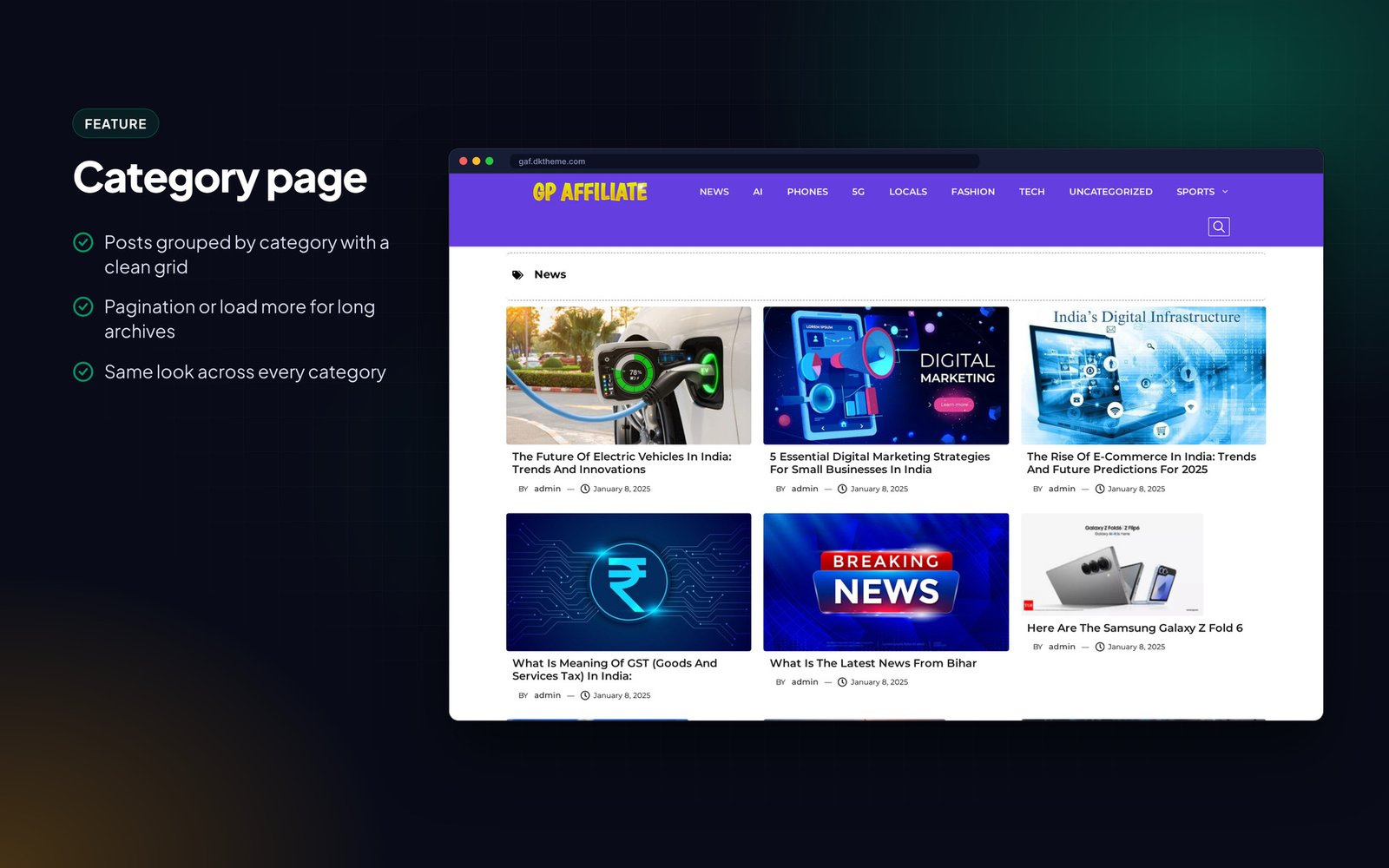
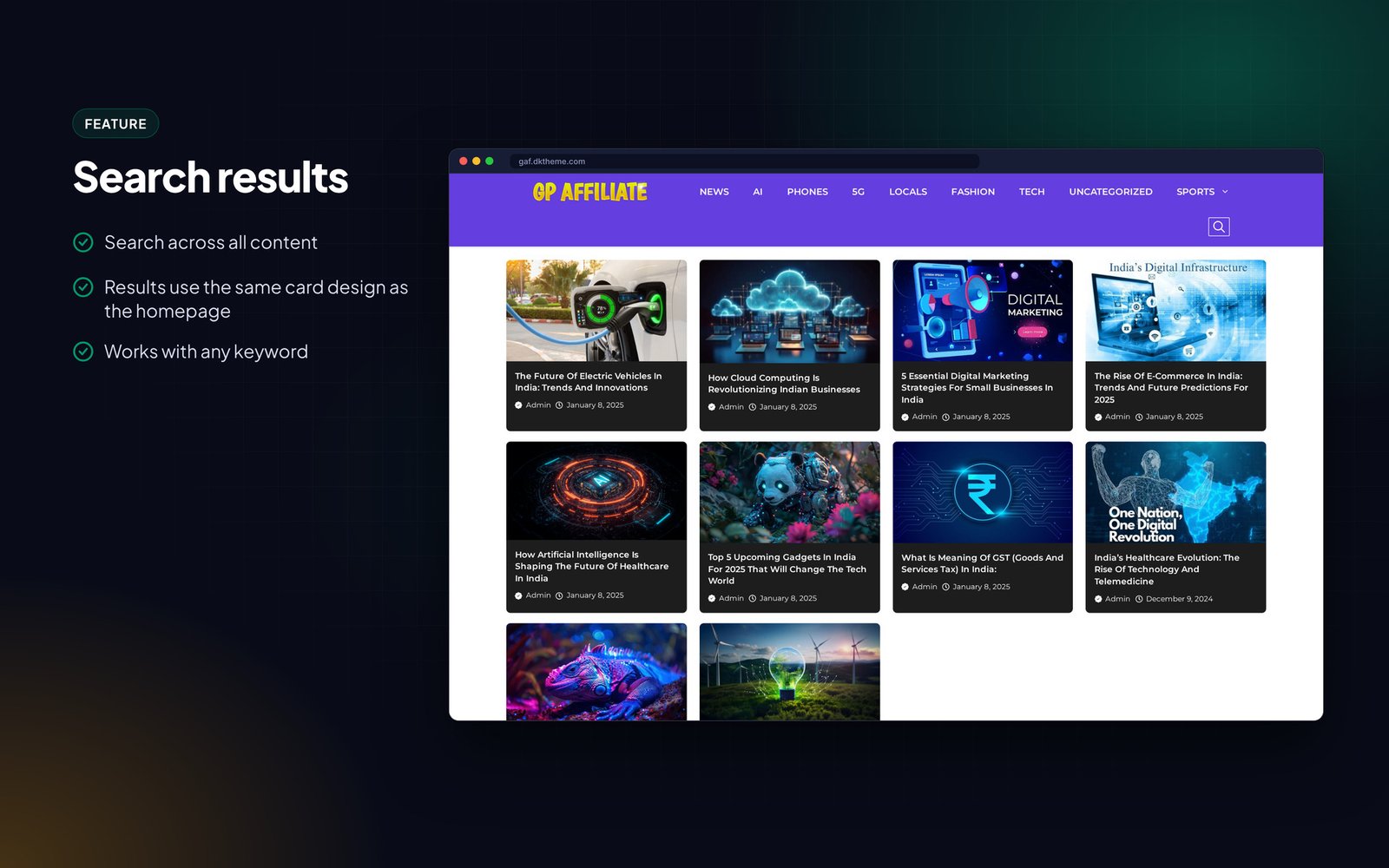
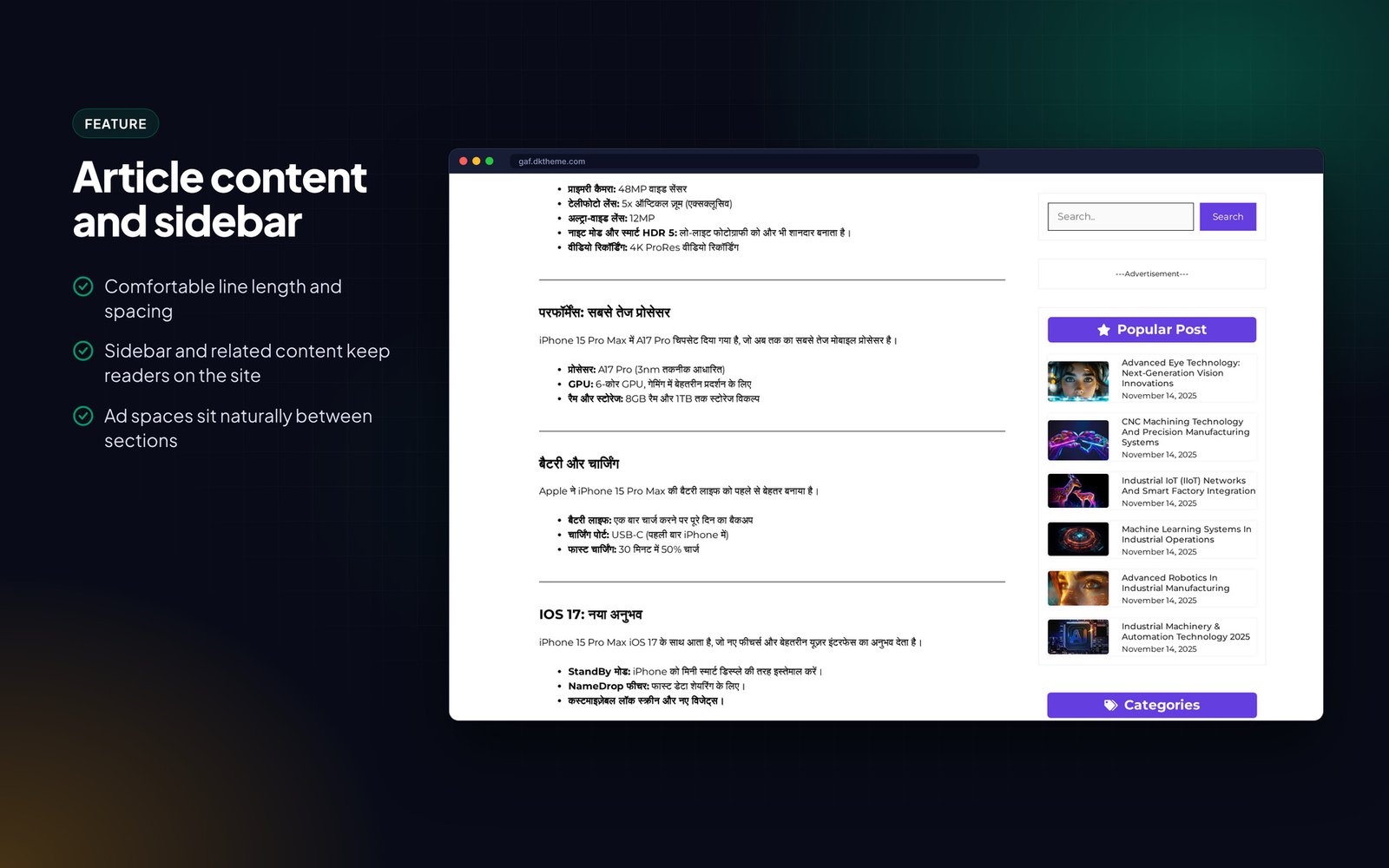
Affiliate marketing blog design for GeneratePress and GenerateBlocks. Custom home, blog and sidebar, label-wise posts, fast setup.
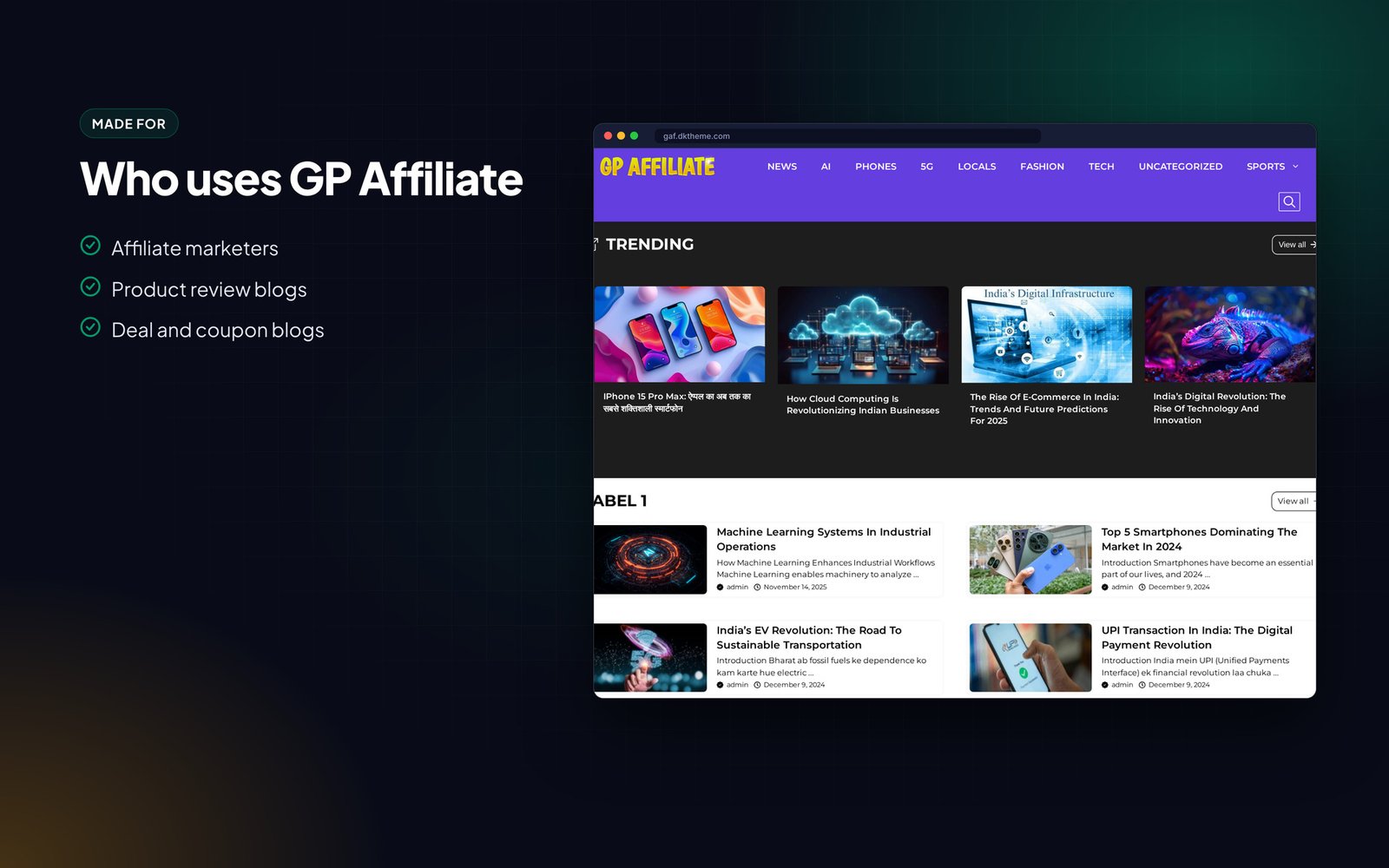
GP Affiliate is a GeneratePress and GenerateBlocks design for affiliate marketers and review bloggers.
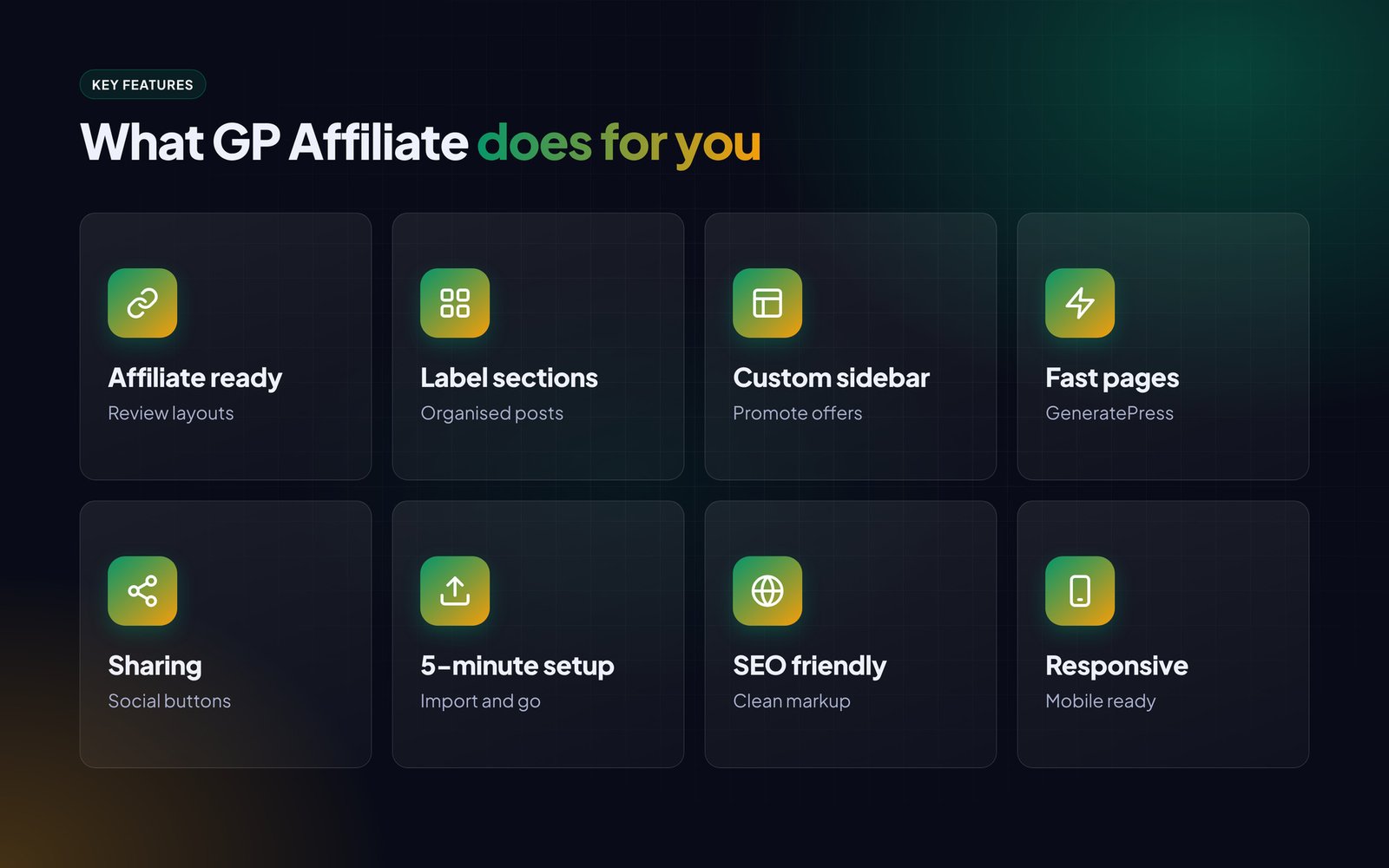
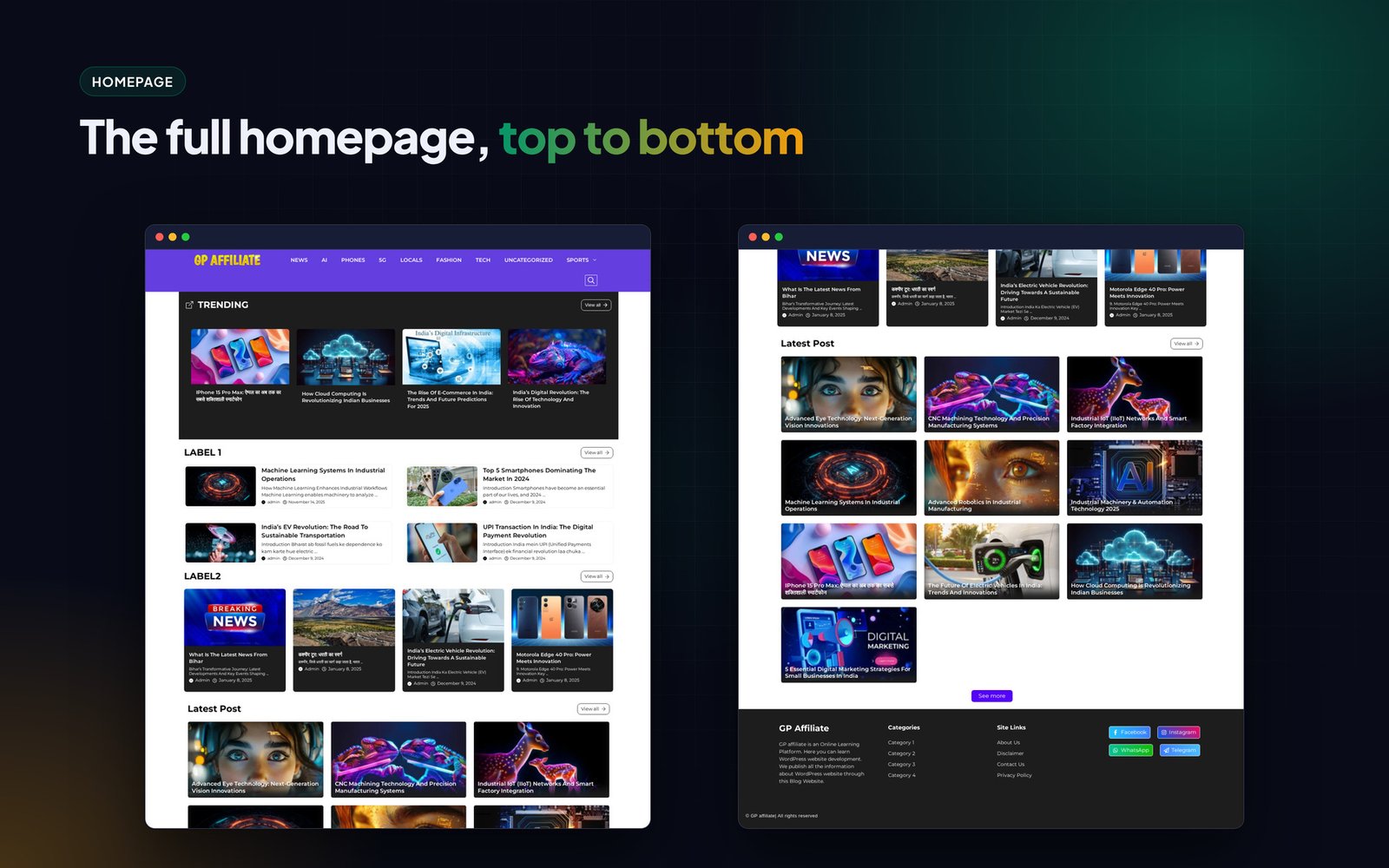
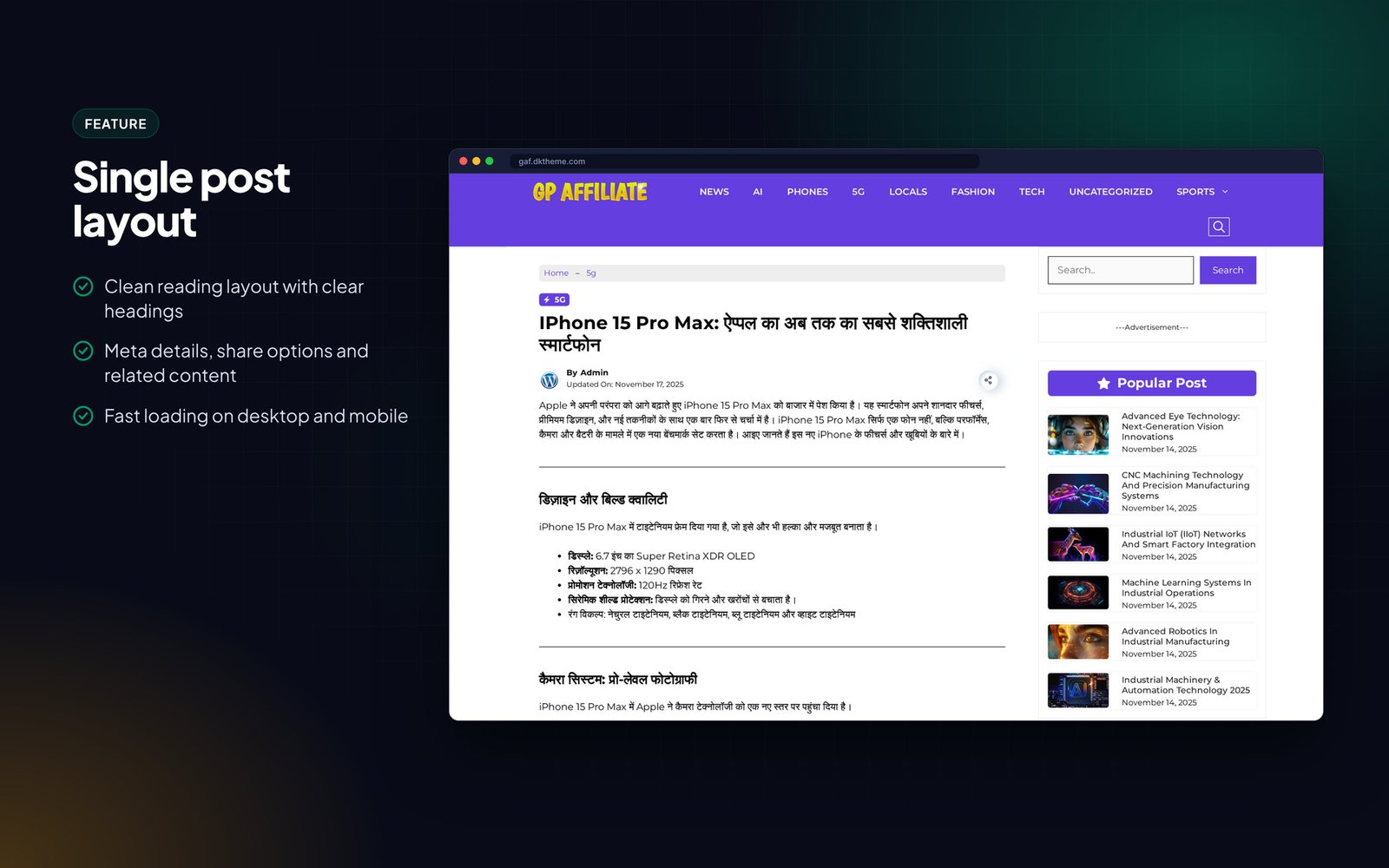
It has custom layouts for the homepage, blog, sidebar and footer, posts organised by label, and built-in share buttons. Import it and customise it in about five minutes without code.
Fast pages matter for affiliate income, and the GeneratePress base keeps PageSpeed scores high.
Who it is for
- Affiliate marketers
- Product review blogs
- Deal and coupon blogs
What is in the download
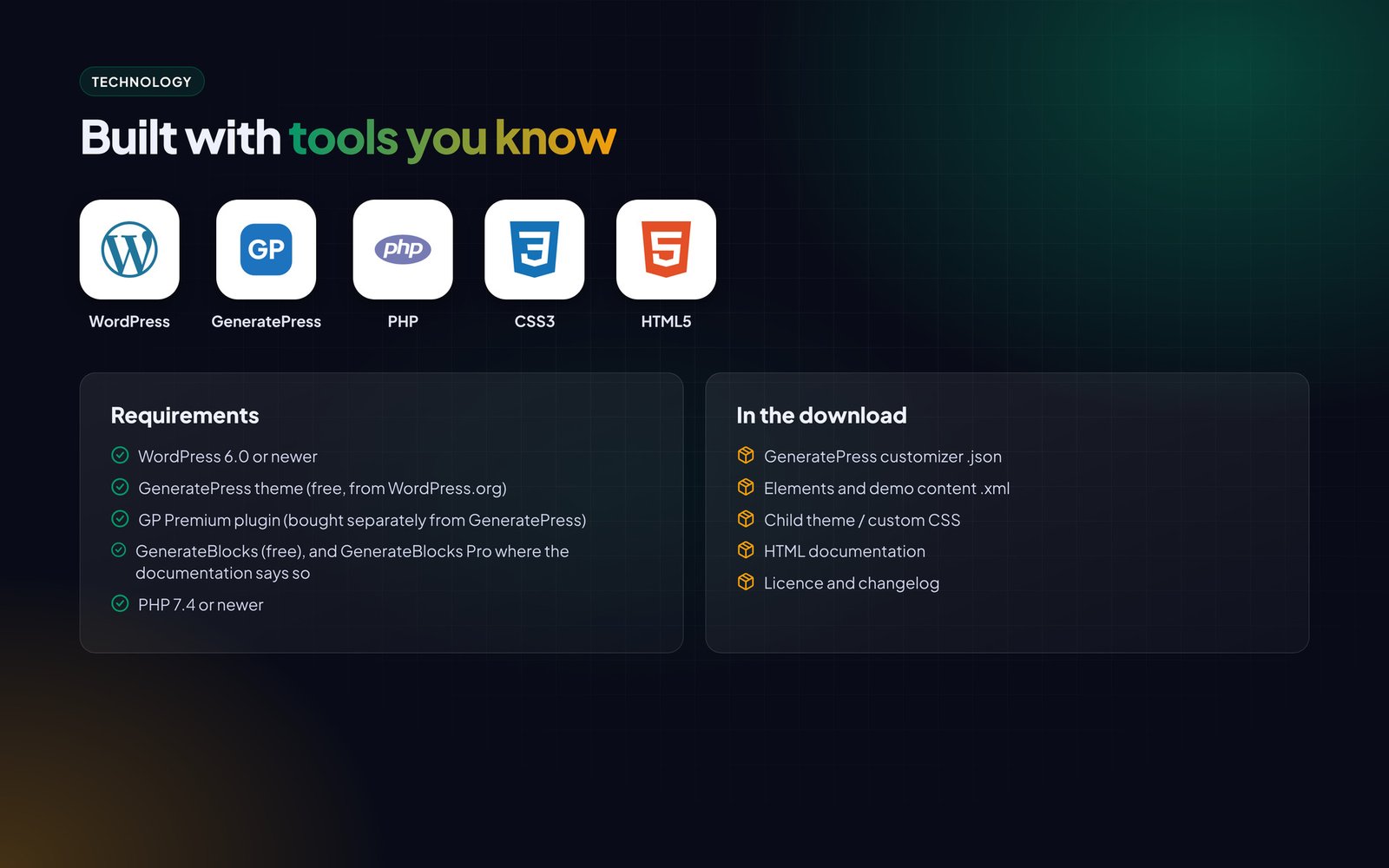
- GeneratePress customizer .json
- Elements and demo content .xml
- Child theme / custom CSS
- HTML documentation
- Licence and changelog
Good to know
- Requires GeneratePress (free) and GP Premium. GP Premium is not included and must be bought by the buyer from GeneratePress.
- Images and articles in the live demo are for preview only and are not part of the download.
Features
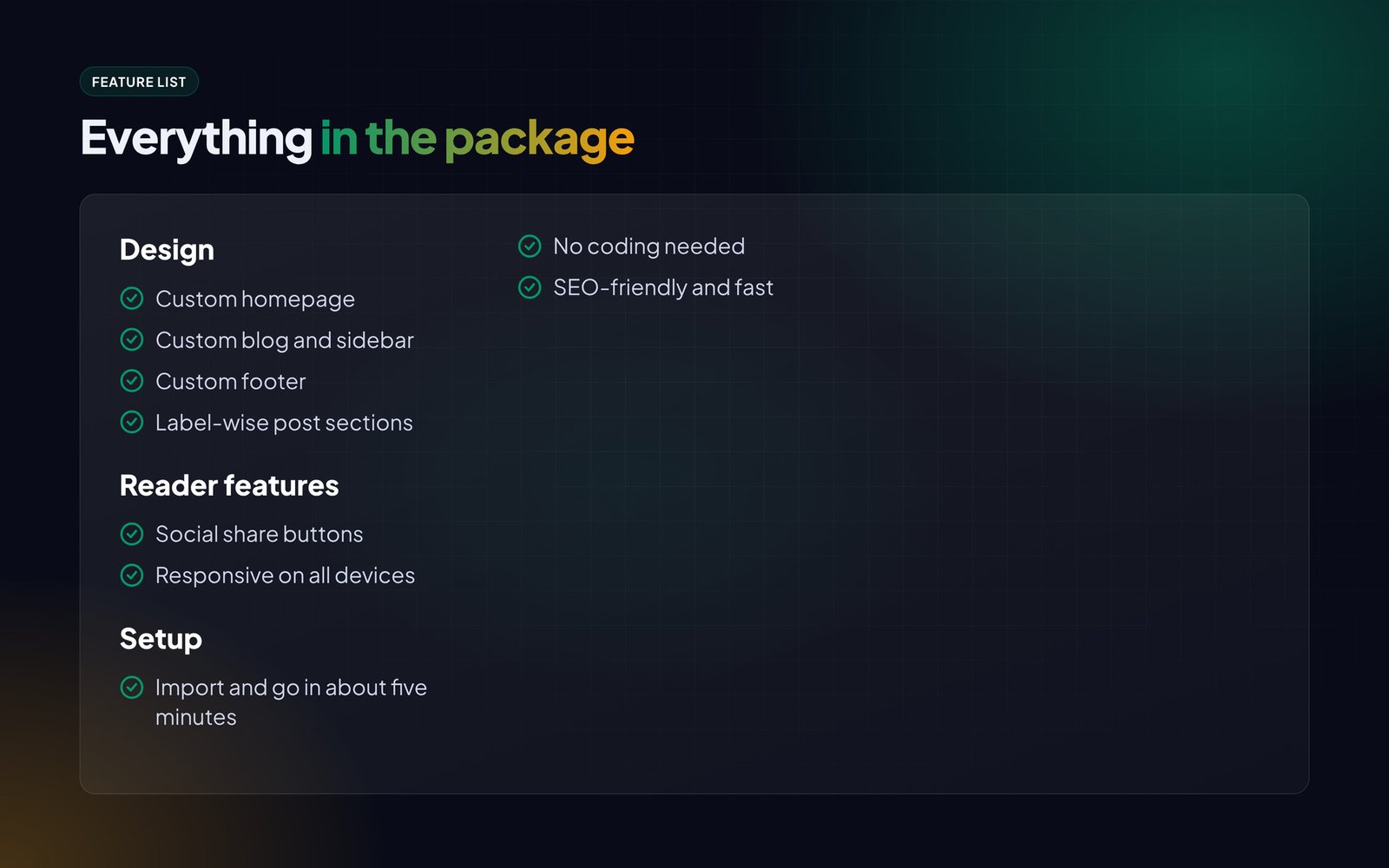
Design
- Custom homepage
- Custom blog and sidebar
- Custom footer
- Label-wise post sections
Reader features
- Social share buttons
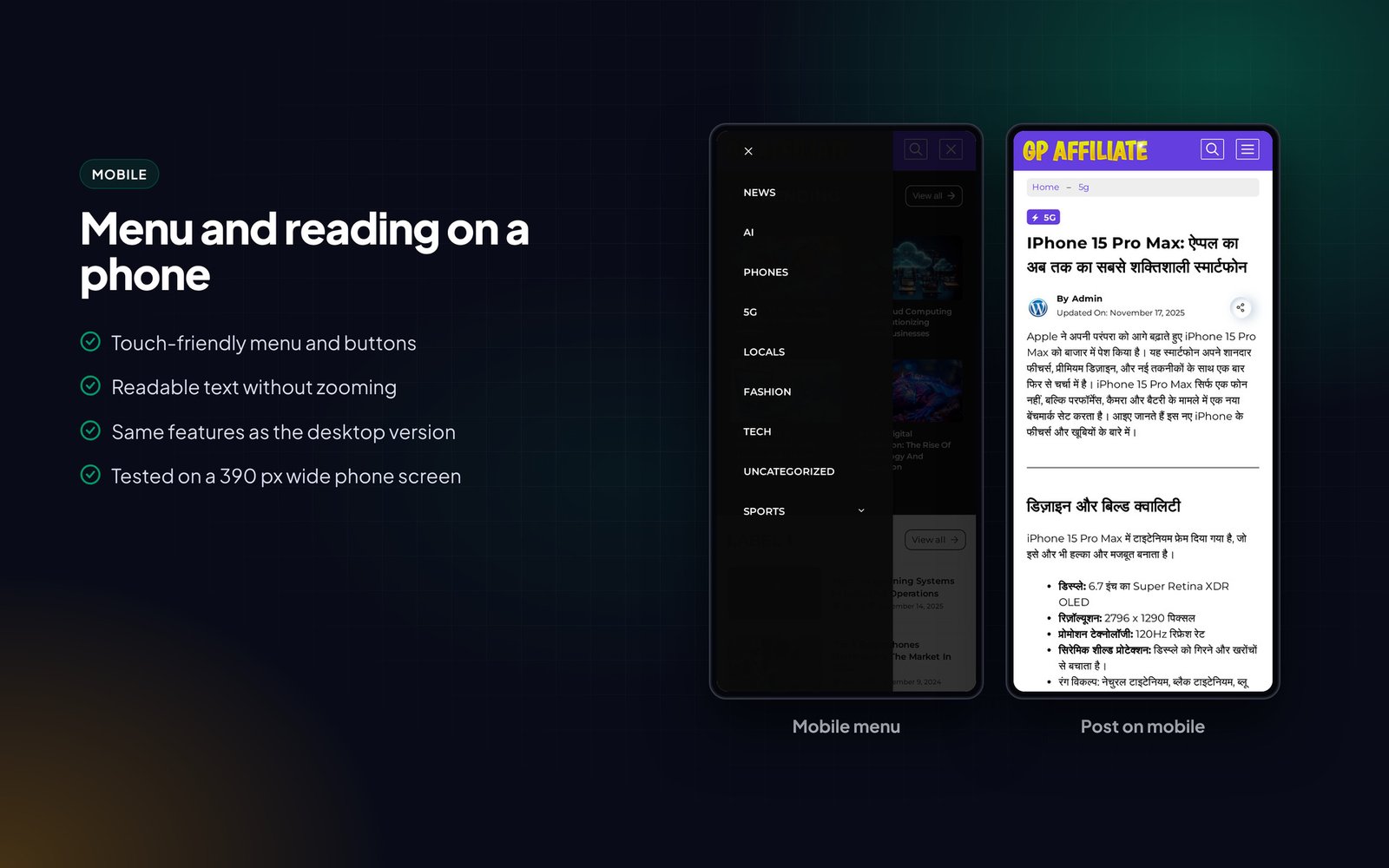
- Responsive on all devices
Setup
- Import and go in about five minutes
- No coding needed
- SEO-friendly and fast
Requirements
- WordPress 6.0 or newer
- GeneratePress theme (free, from WordPress.org)
- GP Premium plugin (bought separately from GeneratePress)
- GenerateBlocks (free), and GenerateBlocks Pro where the documentation says so
- PHP 7.4 or newer
Instructions
- Install and activate the free GeneratePress theme from Appearance > Themes > Add New.
- Install GP Premium and activate the Elements, Blog, Colors and Typography modules.
- Install GenerateBlocks (and GenerateBlocks Pro if the documentation lists it).
- Go to Appearance > GeneratePress > Import / Export and import the customizer .json file from the package.
- Import the elements and demo content with Tools > Import > WordPress using the .xml file.
- Set your homepage under Settings > Reading and assign the menus.
- Change the logo, colours and fonts in the Customizer.
The Documentation folder inside the download has the same steps with screenshots, plus answers to common questions.
You must be logged in to post a review.
Related products

News portal blogger theme
Original price was: ₹ 2,000.00.₹ 700.00Current price is: ₹ 700.00.Hindi news Blogger template with scroll menu, WhatsApp join buttons, featured layout, post navigation and AdSense-ready spaces.
Custom codes Only 1 domainLive DemoGP Newspaper wordpress theme
Original price was: ₹ 1,500.00.₹ 300.00Current price is: ₹ 300.00.Newspaper-style GeneratePress design with animated homepage, custom archives, author box, related posts and social sharing.
Minimal lookUnlimitedLive DemoGp Lifehacker wp theme clone
Original price was: ₹ 1,800.00.₹ 499.00Current price is: ₹ 499.00.GeneratePress magazine design with newsletter homepage, category scroll bar, hover effects, author archives and share buttons.
CloneUnlimitedLive DemoMp breaking wordpress theme
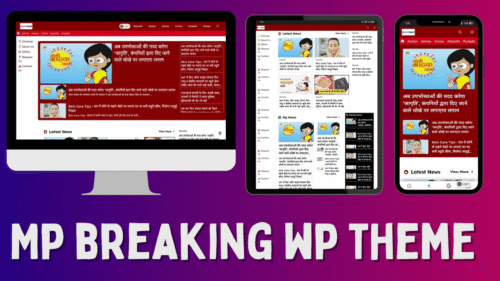
Original price was: ₹ 2,830.00.₹ 499.00Current price is: ₹ 499.00.Red news design for GeneratePress with 8+ post layouts, scrollable category menu, inline related posts and custom author box.
On Custom elementsUnlimitedLive DemoSmartmag WordPress Theme
Original price was: ₹ 1,800.00.₹ 799.00Current price is: ₹ 799.00.Elementor magazine theme with gradient thumbnail overlays, auto menu, custom top menu, author box and popular post widgets.
Elementor kitUnlimitedLive Demolocalmag wordpress theme in gp
Original price was: ₹ 1,799.00.₹ 699.00Current price is: ₹ 699.00.Local news design for GeneratePress with several homepage layouts, animation effects, custom archives and 90+ PageSpeed.
Super fast 1 DomainLive DemoTheme Market : for Selling theme Products
Original price was: ₹ 9,993.00.₹ 1,999.00Current price is: ₹ 1,999.00.GeneratePress site design for selling themes and plugins. Product cards with demo and docs buttons, pricing tables, landing page.
On gp with acfUnlimitedLive DemoGp discover WordPress theme
Original price was: ₹ 1,800.00.₹ 499.00Current price is: ₹ 499.00.GeneratePress blog design with newspaper homepage, animation effects, custom archives, author box and social sharing.
approval friendly1 DomainLive Demo






Reviews
There are no reviews yet.