

Description
AIVault – AI Tools Directory PHP Script
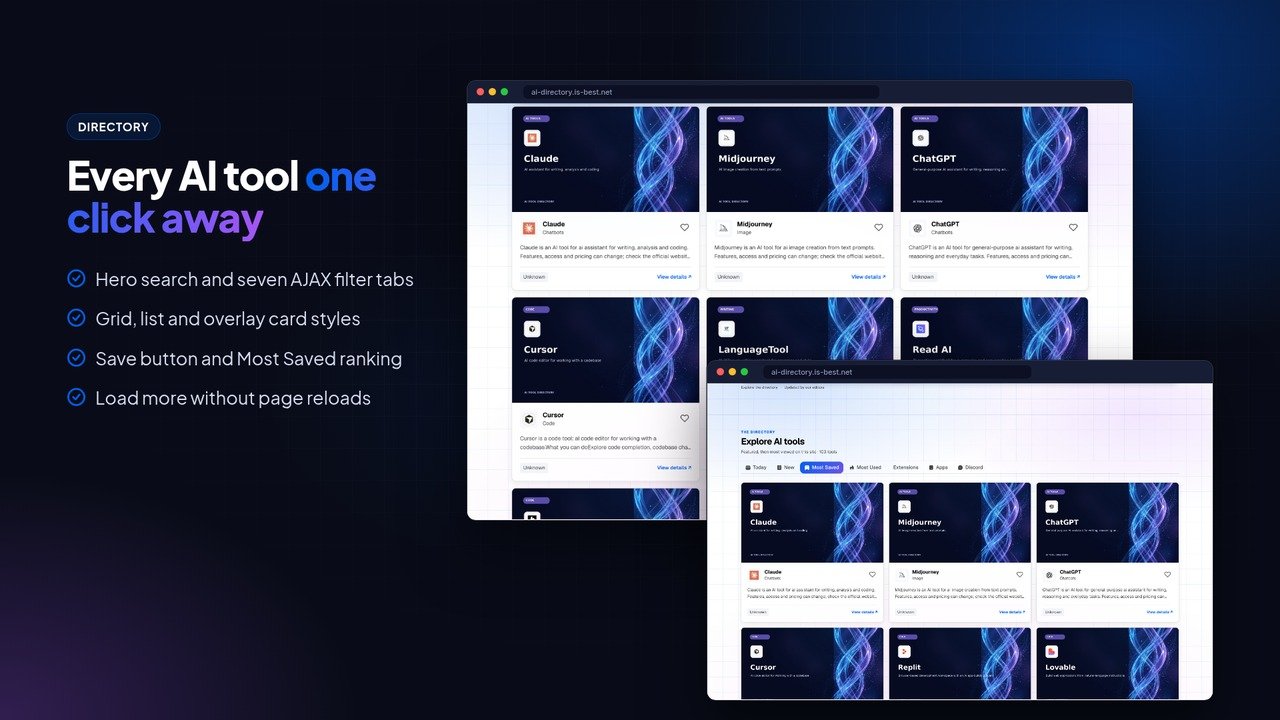
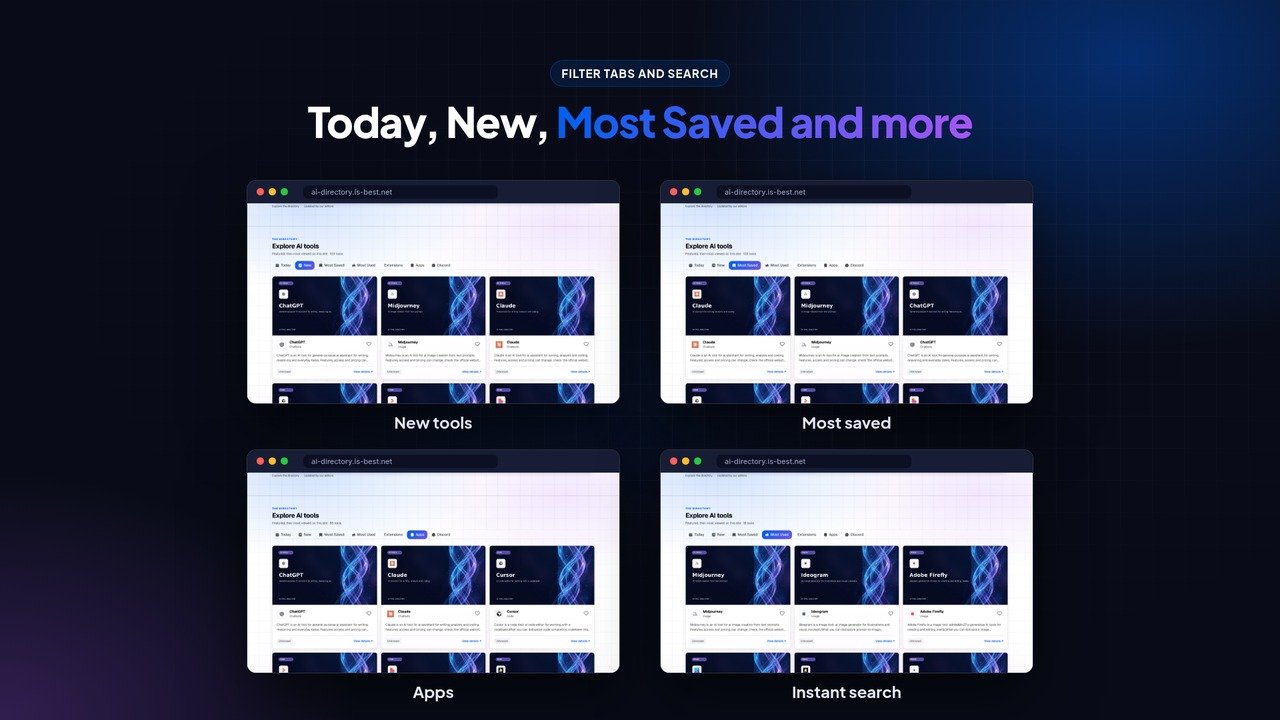
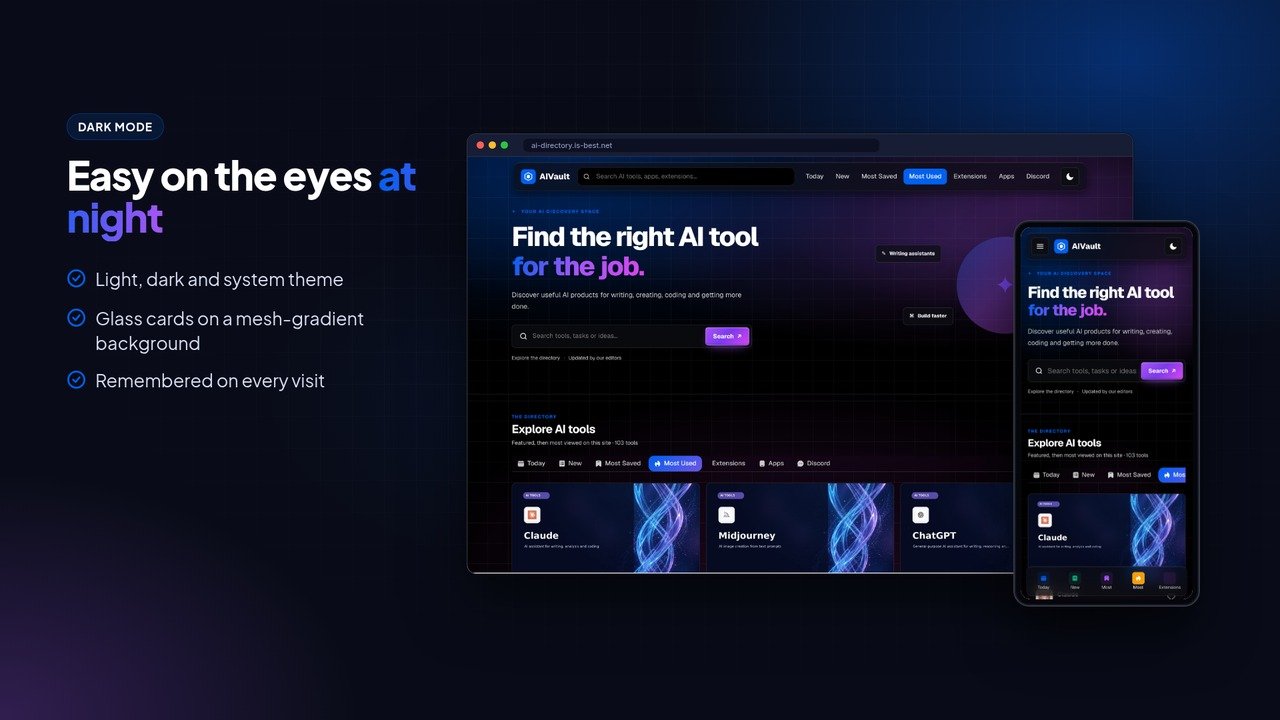
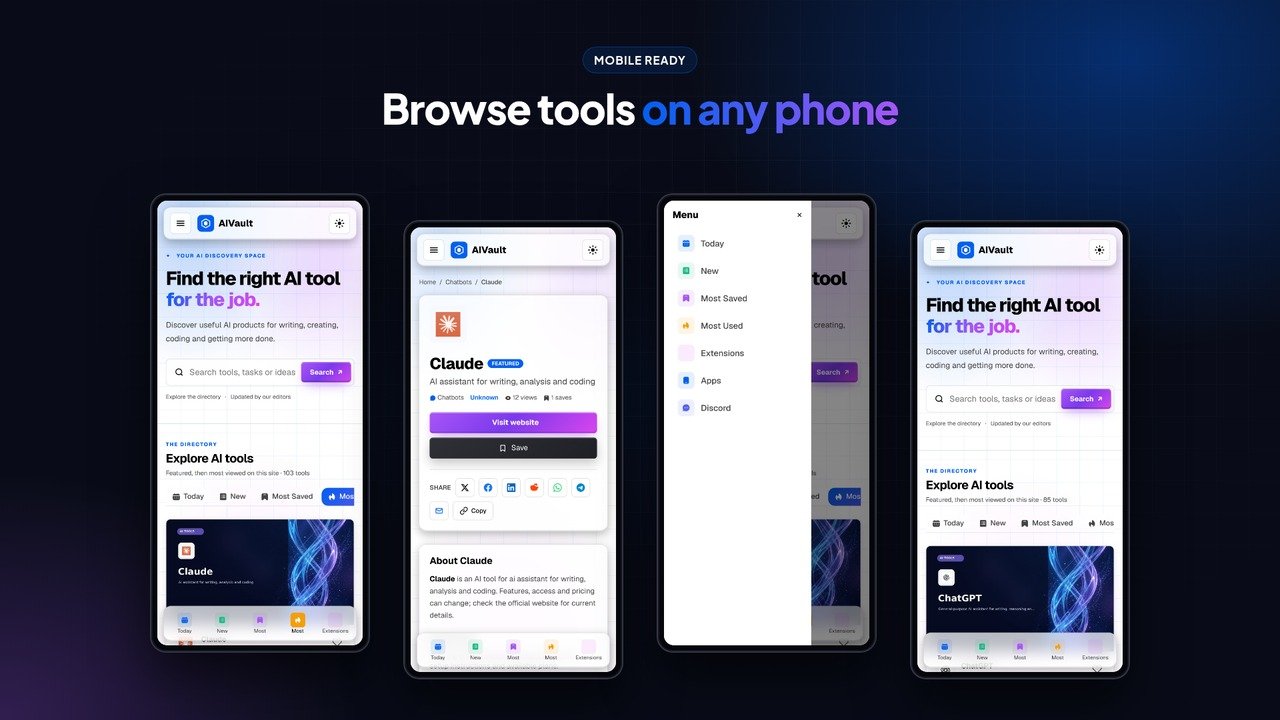
AIVault is a ready-to-run AI tools directory written in plain PHP with a SQLite database and Vanilla JavaScript. Visitors browse AI products by Today, New, Most Saved, Most Used, Extensions, Apps and Discord, search the whole catalogue and save the tools they like. Each tool can be shown as a grid, list or overlay card. There is no build step, no Node.js and no MySQL to set up, so it runs on ordinary shared hosting.
The package comes pre-installed. The database already holds 103 published tools, including ChatGPT, Claude and Midjourney as featured entries, plus 17 starter drafts for review, nine categories, icons and editorial cover images. Upload the files, point the domain, sign in with the temporary admin account and change the email and password. Your directory has content from the first minute.
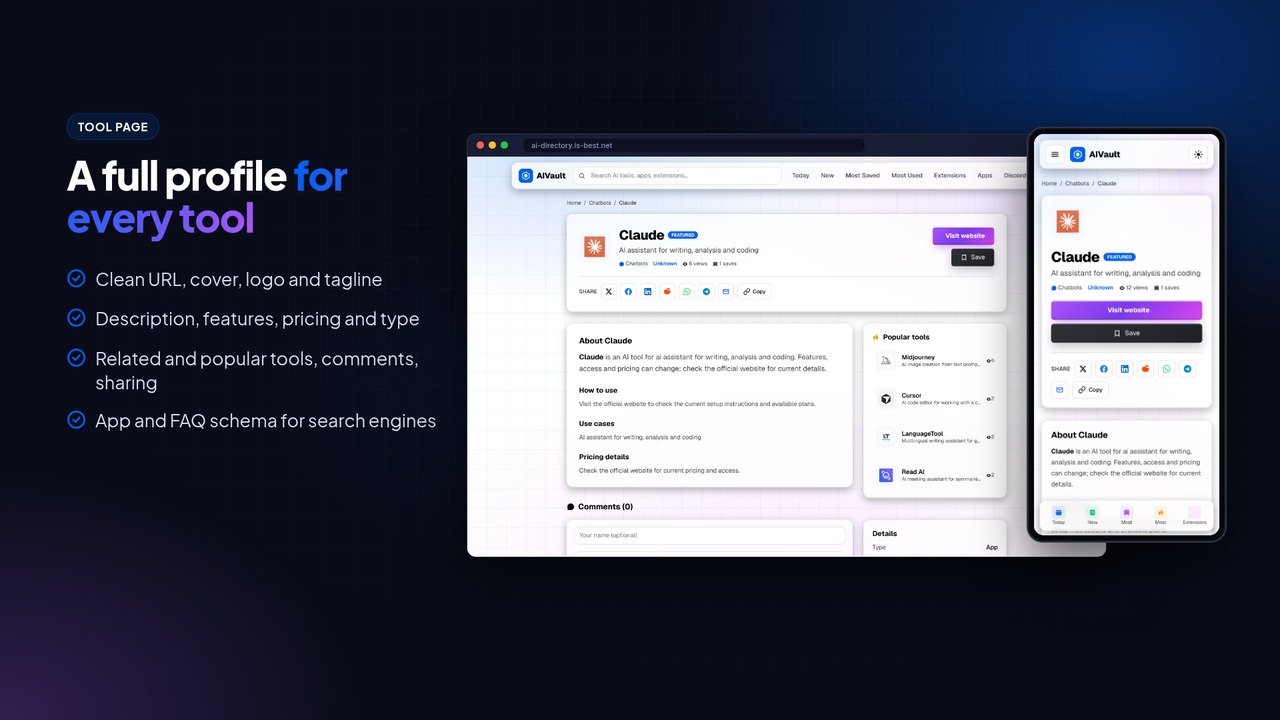
Each tool gets its own page with a clean URL such as /tool/claude: a large cover, tagline, description, key features, pricing and type, related and popular tools, comments, share buttons and SoftwareApplication plus FAQPage schema. Optional AI sections add a website traffic analysis with top countries and traffic sources, social listening with trending topics, an FAQ, alternatives and the official social links.
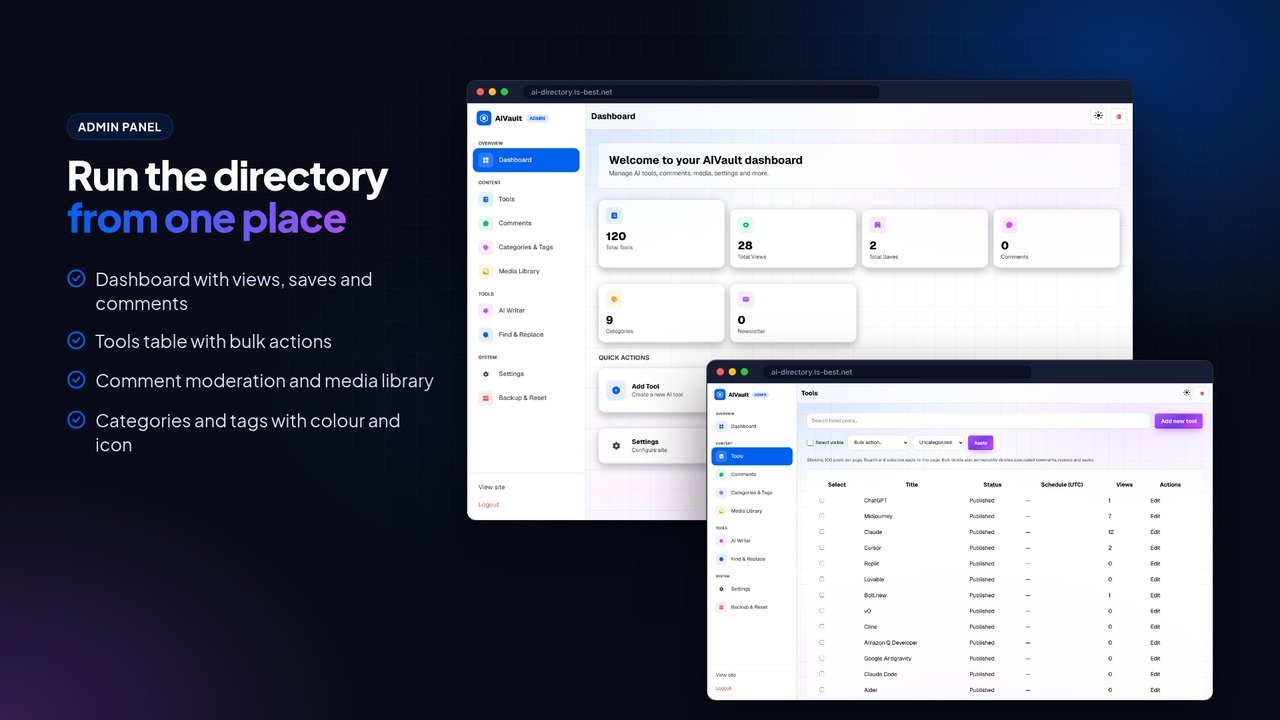
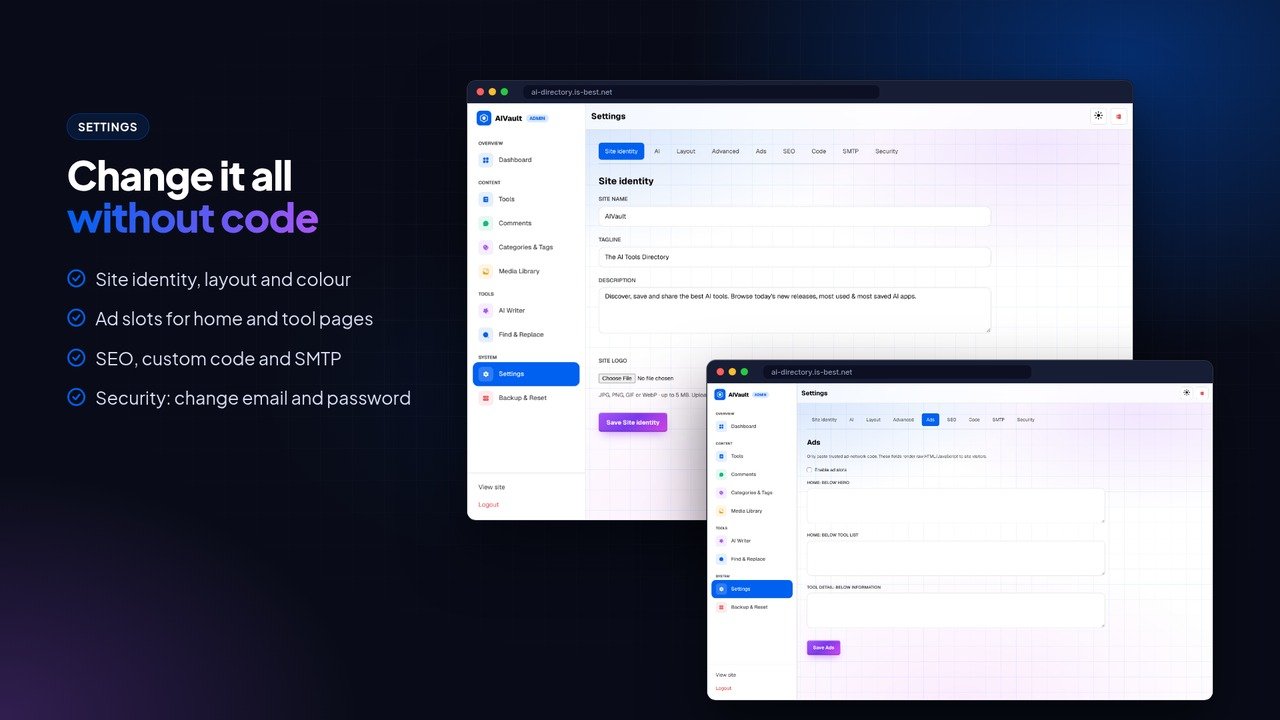
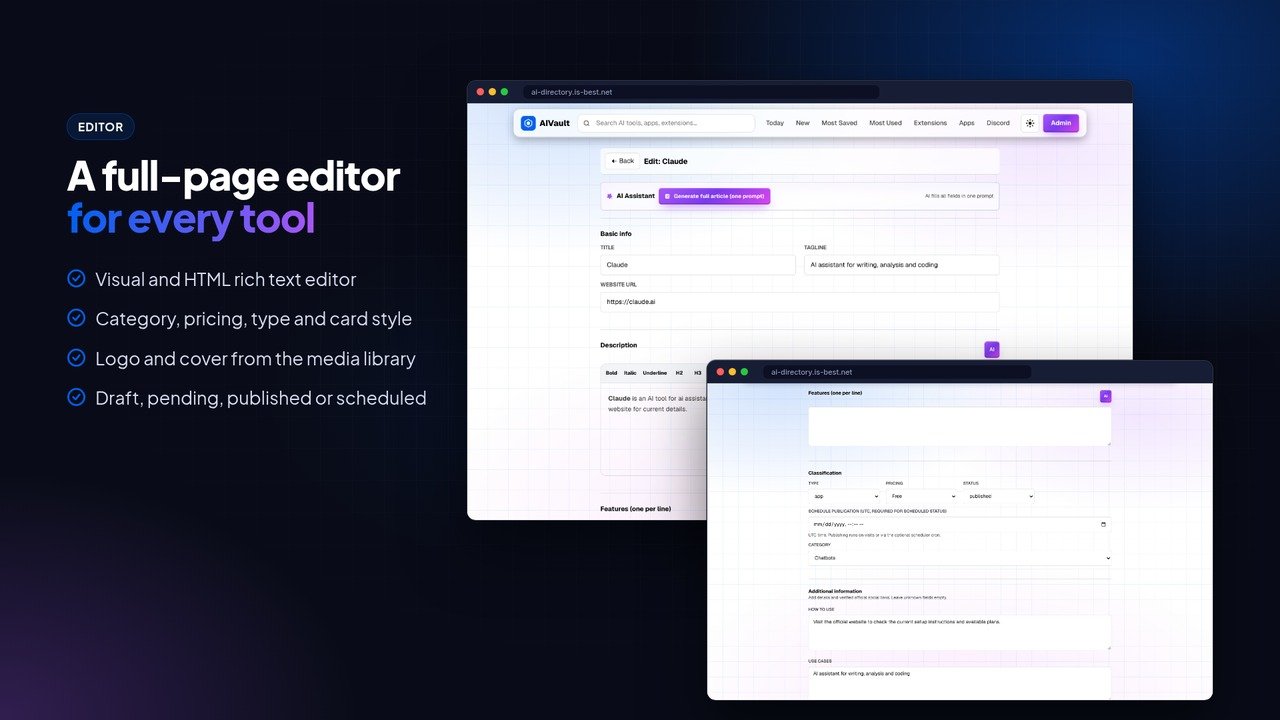
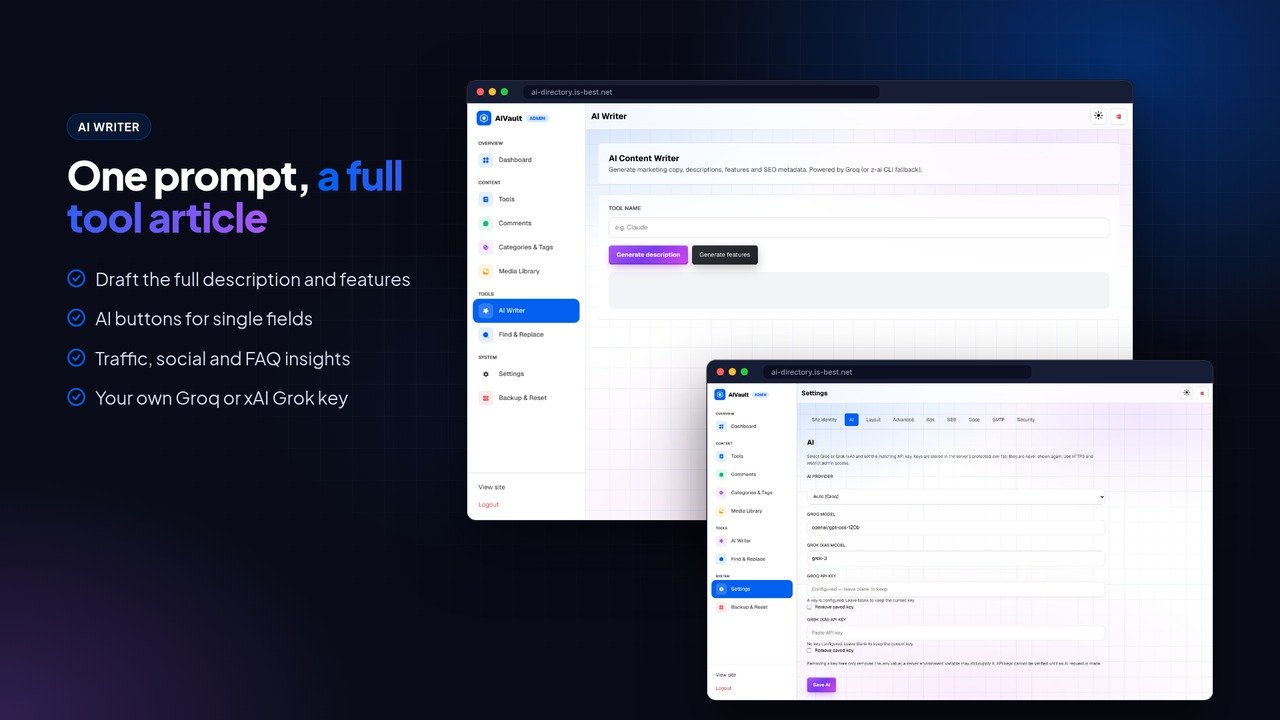
The admin panel covers the daily work: a dashboard with totals, a tools table with bulk publish, draft, feature, category and delete actions, a full-page editor with a visual and HTML rich text editor, scheduled publishing, comment moderation, categories and tags with colours and icons, a media library, find and replace, and ZIP backup and restore. Settings are split into Site identity, AI, Layout, Advanced, Ads, SEO, Code, SMTP and Security tabs. The AI writer can draft a full tool article from one prompt or fill single fields, using your own Groq or xAI Grok API key.
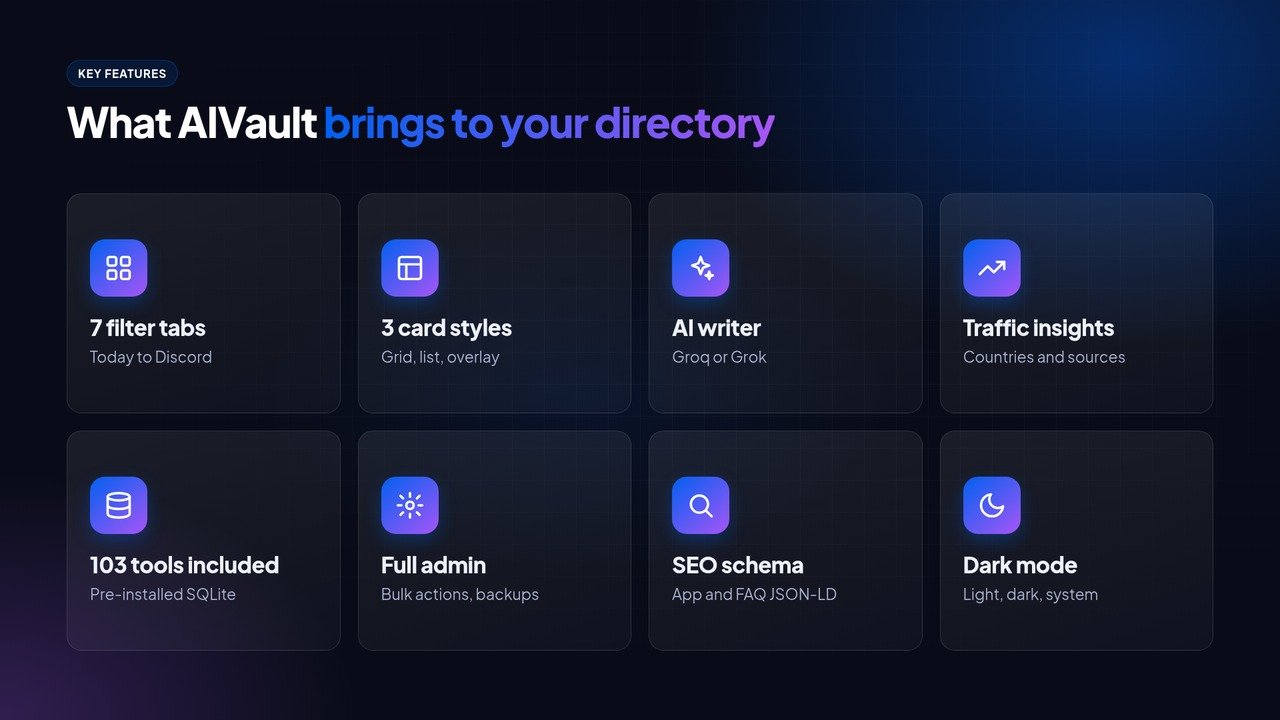
Key Features
Try the live demo
- Website: https://ai-directory.is-best.net/
- Admin panel: https://ai-directory.is-best.net/admin
- Email: admin@example.com
- Password: Admin@123456
Video guide: https://youtu.be/RjRSplOlQjs
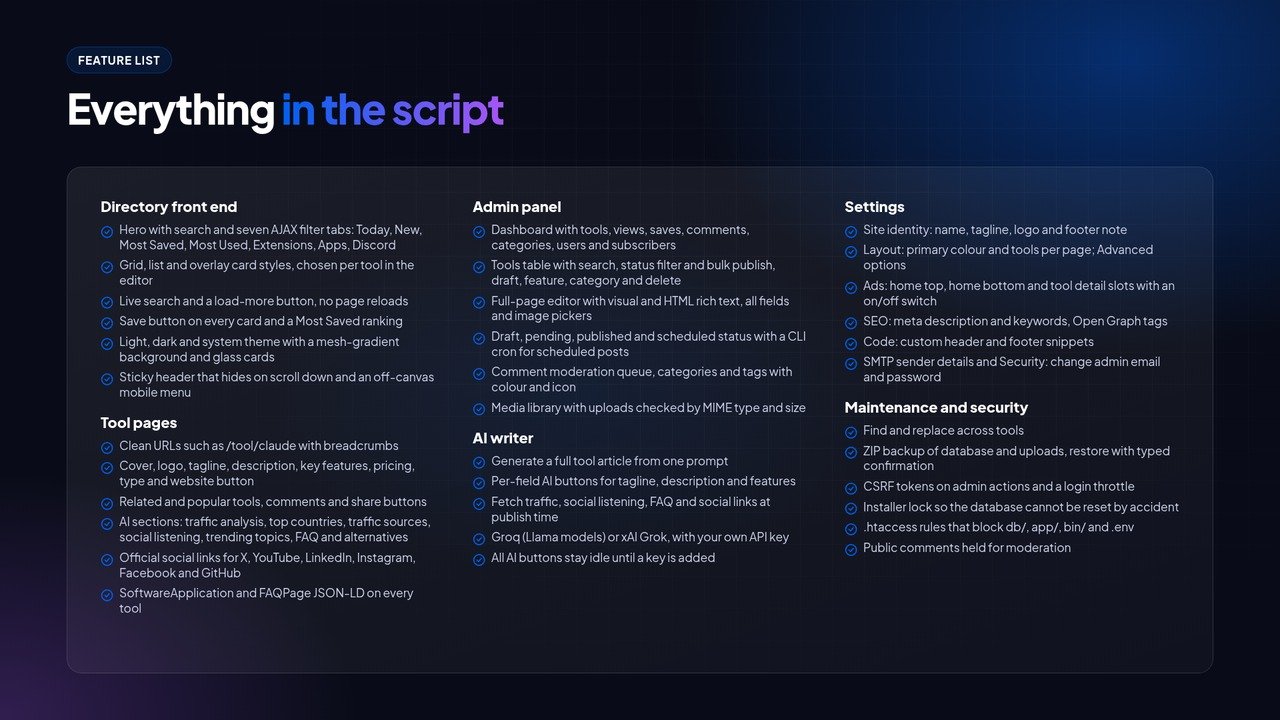
Directory front end
- Hero with search and seven AJAX filter tabs: Today, New, Most Saved, Most Used, Extensions, Apps, Discord
- Grid, list and overlay card styles, chosen per tool in the editor
- Live search and a load-more button, no page reloads
- Save button on every card and a Most Saved ranking
- Light, dark and system theme with a mesh-gradient background and glass cards
- Sticky header that hides on scroll down and an off-canvas mobile menu
Tool pages
- Clean URLs such as /tool/claude with breadcrumbs
- Cover, logo, tagline, description, key features, pricing, type and website button
- Related and popular tools, comments and share buttons
- AI sections: traffic analysis, top countries, traffic sources, social listening, trending topics, FAQ and alternatives
- Official social links for X, YouTube, LinkedIn, Instagram, Facebook and GitHub
- SoftwareApplication and FAQPage JSON-LD on every tool
Admin panel
- Dashboard with tools, views, saves, comments, categories, users and subscribers
- Tools table with search, status filter and bulk publish, draft, feature, category and delete
- Full-page editor with visual and HTML rich text, all fields and image pickers
- Draft, pending, published and scheduled status with a CLI cron for scheduled posts
- Comment moderation queue, categories and tags with colour and icon
- Media library with uploads checked by MIME type and size
AI writer
- Generate a full tool article from one prompt
- Per-field AI buttons for tagline, description and features
- Fetch traffic, social listening, FAQ and social links at publish time
- Groq (Llama models) or xAI Grok, with your own API key
- All AI buttons stay idle until a key is added
Settings
- Site identity: name, tagline, logo and footer note
- Layout: primary colour and tools per page, and Advanced options
- Ads: home top, home bottom and tool detail slots with an on/off switch
- SEO: meta description and keywords, Open Graph tags
- Code: custom header and footer snippets
- SMTP sender details and Security: change admin email and password
Maintenance and security
- Find and replace across tools
- ZIP backup of database and uploads, restore with typed confirmation
- CSRF tokens on admin actions and a login throttle
- Installer lock so the database cannot be reset by accident
- .htaccess rules that block db/, app/, bin/ and .env
- Public comments held for moderation
Made for
- Founders starting an AI tools directory or newsletter site
- Bloggers who review AI apps, extensions and Discord bots
- Agencies that want a curated tools page for clients
- SEO publishers building a niche software directory
- Developers who want a clean PHP base to extend
Requirements
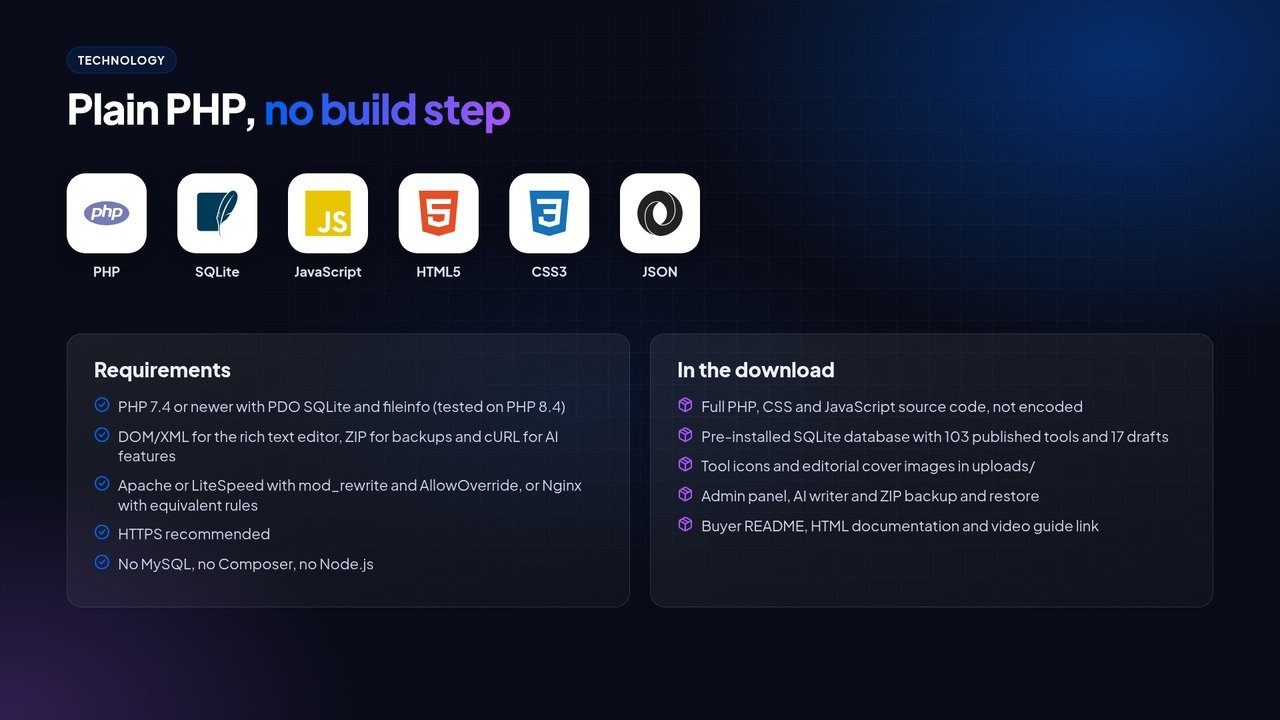
- PHP 7.4 or newer with PDO SQLite and fileinfo (tested on PHP 8.4)
- DOM/XML for the rich text editor, ZIP for backups and cURL for AI features
- Apache or LiteSpeed with mod_rewrite and AllowOverride, or Nginx with equivalent rules
- HTTPS recommended
- No MySQL, no Composer, no Node.js
What you get
- Full PHP, CSS and JavaScript source code, not encoded
- Pre-installed SQLite database with 103 published tools and 17 drafts
- Tool icons and editorial cover images in uploads/
- Admin panel, AI writer and ZIP backup and restore
- Buyer README, HTML documentation and video guide link
Good to know
The package is a pre-installed site: it contains the SQLite database, uploads and a temporary admin account. Sign in right after upload and change the email and password under Admin > Settings > Security. It is configured for its demo domain. On your own domain, change SITE_URL in .env and run Find and replace in the admin to update stored image URLs. Sample tool descriptions, pricing labels and logos are starting points, and check them against each product before going live. The AI features need your own Groq or xAI key.








Reviews
There are no reviews yet.