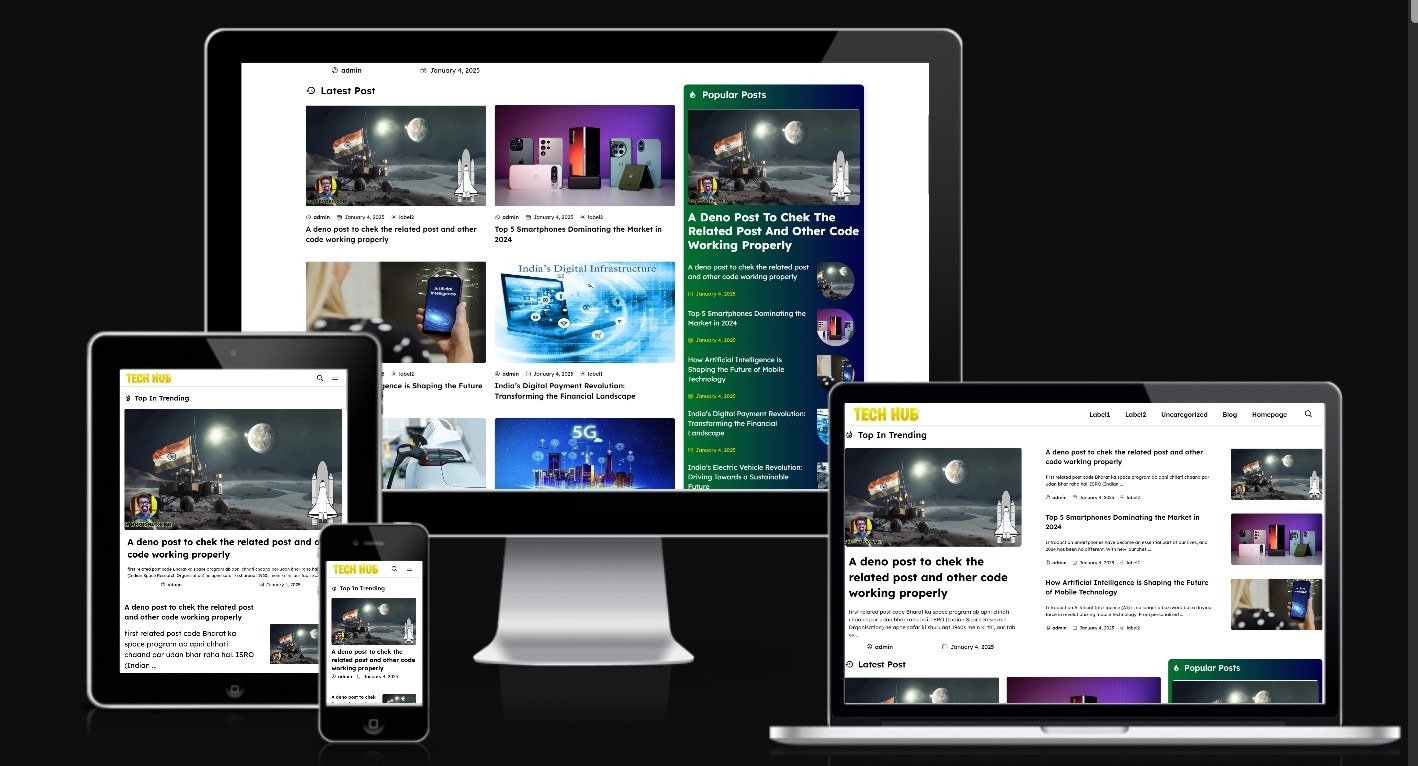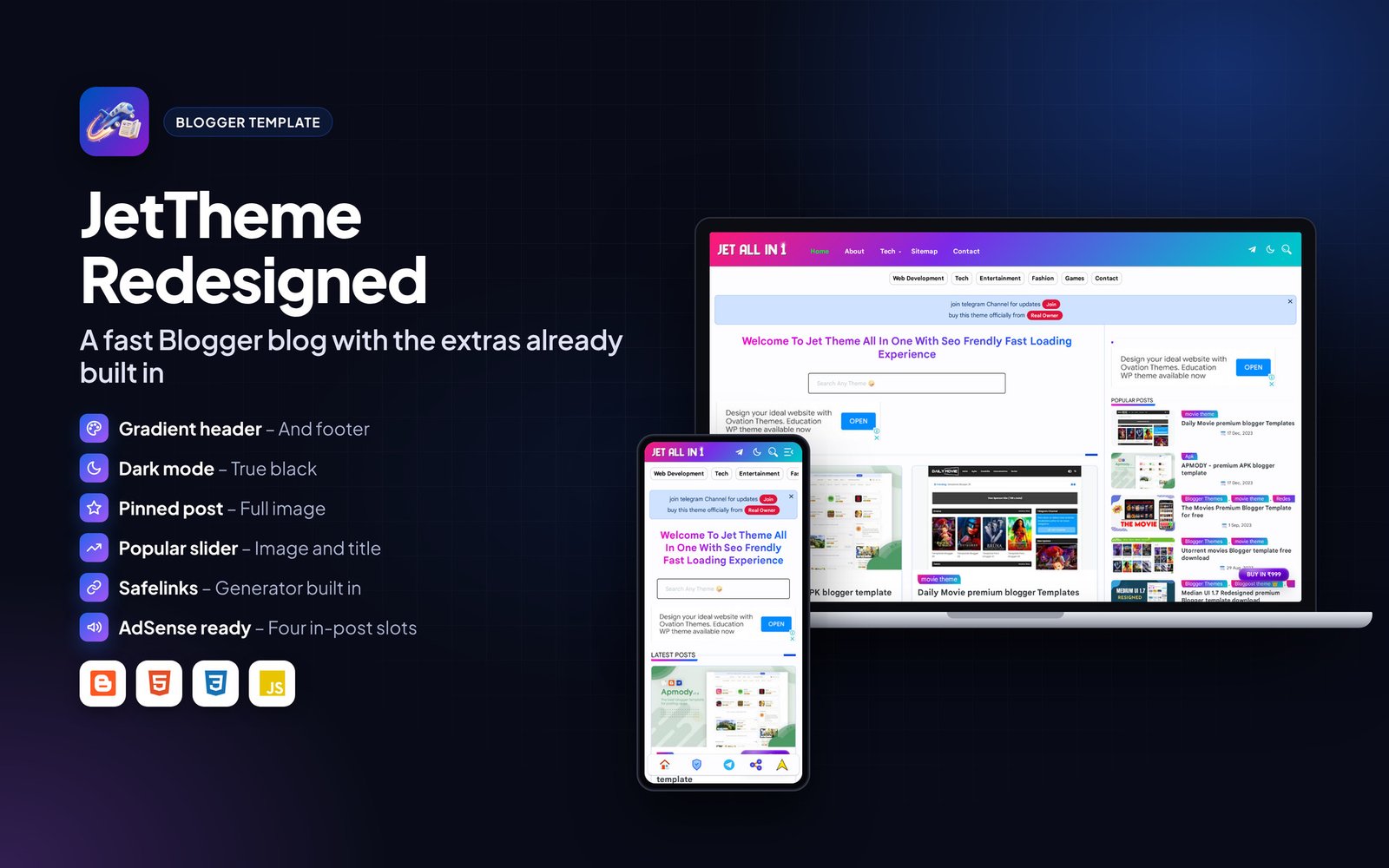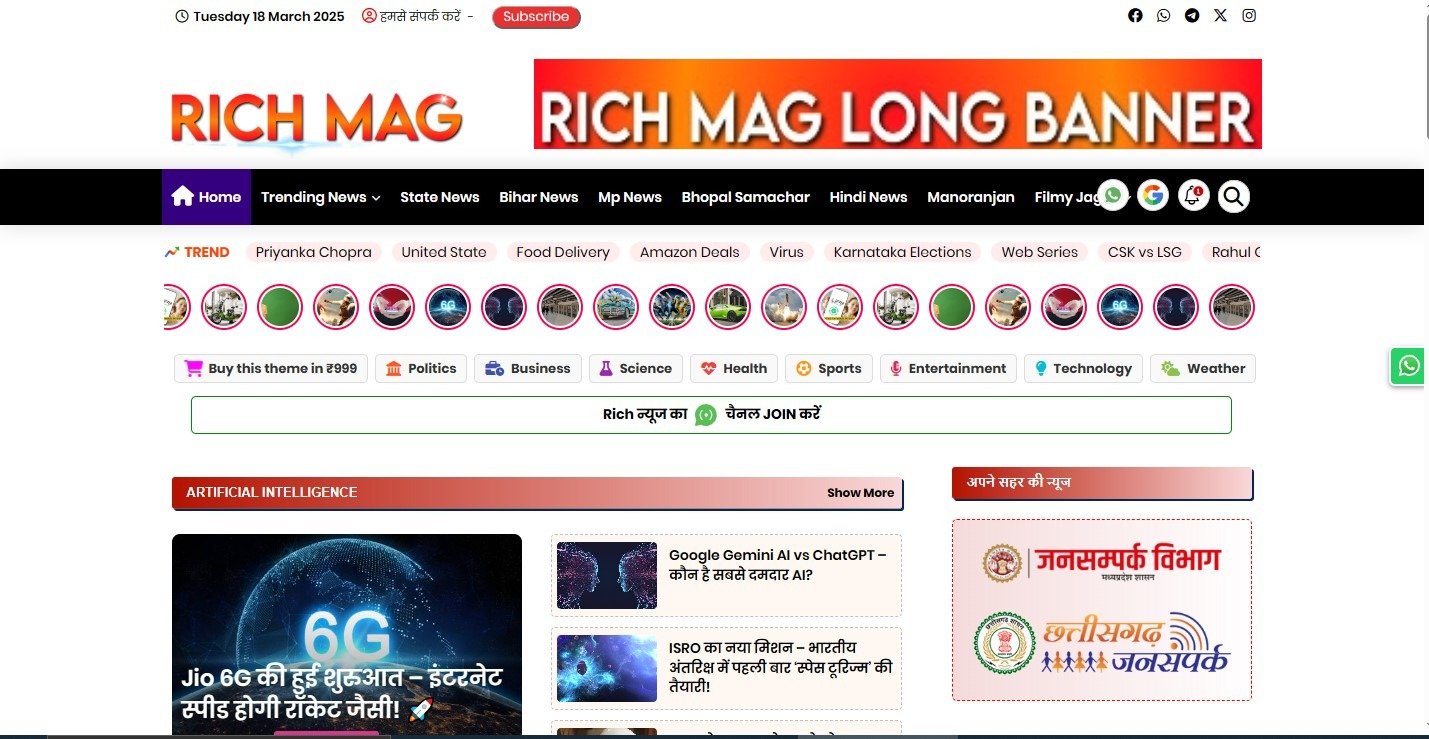

If you are facing image alignment issue in your post like this

Then you can fix is by removing some codes from your edit html
How to fix image showing in left in plus ui
Steps
- To fix this error go to blogger dashboard
- Then go to theme and edit html
- Then cntrl+f and search img and ad
- You will get css code like this one line no. 351 (can be deferent line no.)

- Now remove the all codes for img and ad
- After removing css your code look like this

- Now save the theme
- Now you will get your results like this

Conclusion
So in this article you learned how to fix image alignment problem of plus ui, thanks for reading if you found this helpful then share with your friends who are using plus ui theme