
🎉 GET 15% OFF ON ANY ORDER USE 15POFF COUPON CODE AND PURCHASE & DOWNLOAD YOUR THEME INSTANT 💎
















NovaPrint Hub – Cyber Cafe and Print Shop Website PHP Script
Original price was: ₹ 4,999.00.₹ 1,999.00Current price is: ₹ 1,999.00.
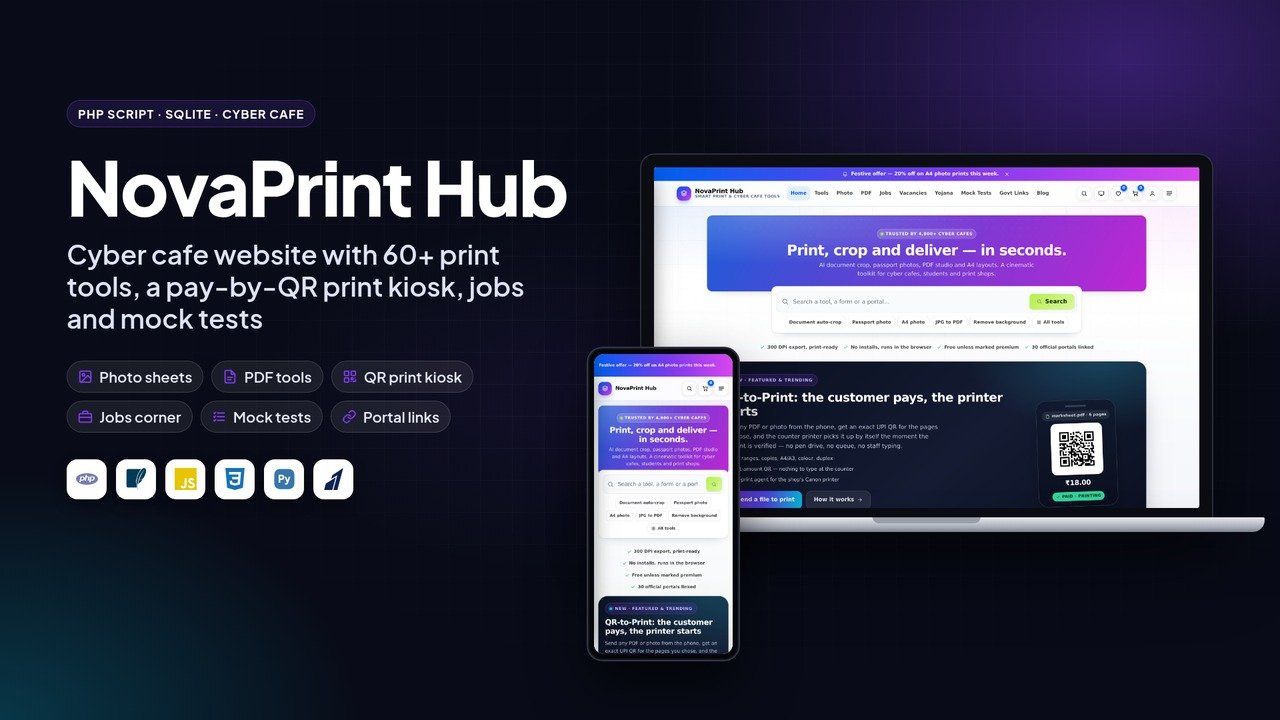
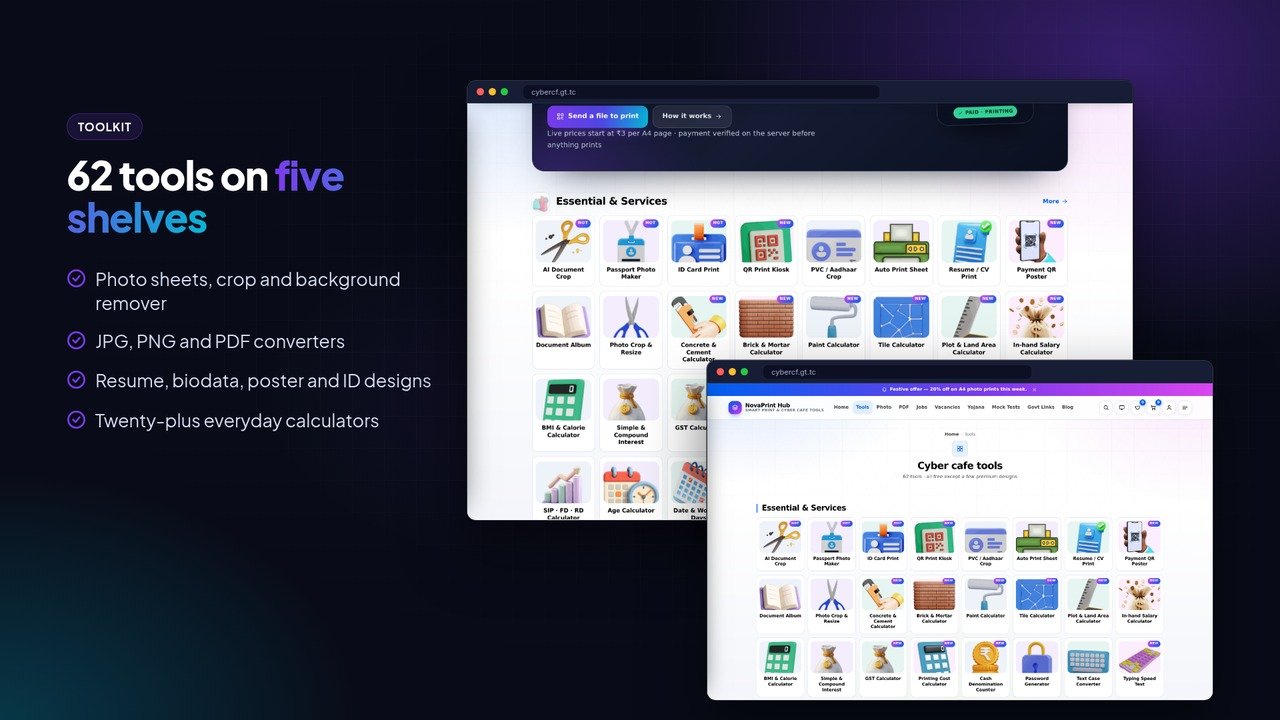
A website for cyber cafes and print shops: 62 browser tools for photos, PDFs and documents, a pay-by-QR print kiosk with a Windows print agent, jobs, mock tests and a full admin. PHP and SQLite.
NovaPrint Hub – Cyber Cafe and Print Shop Website PHP Script
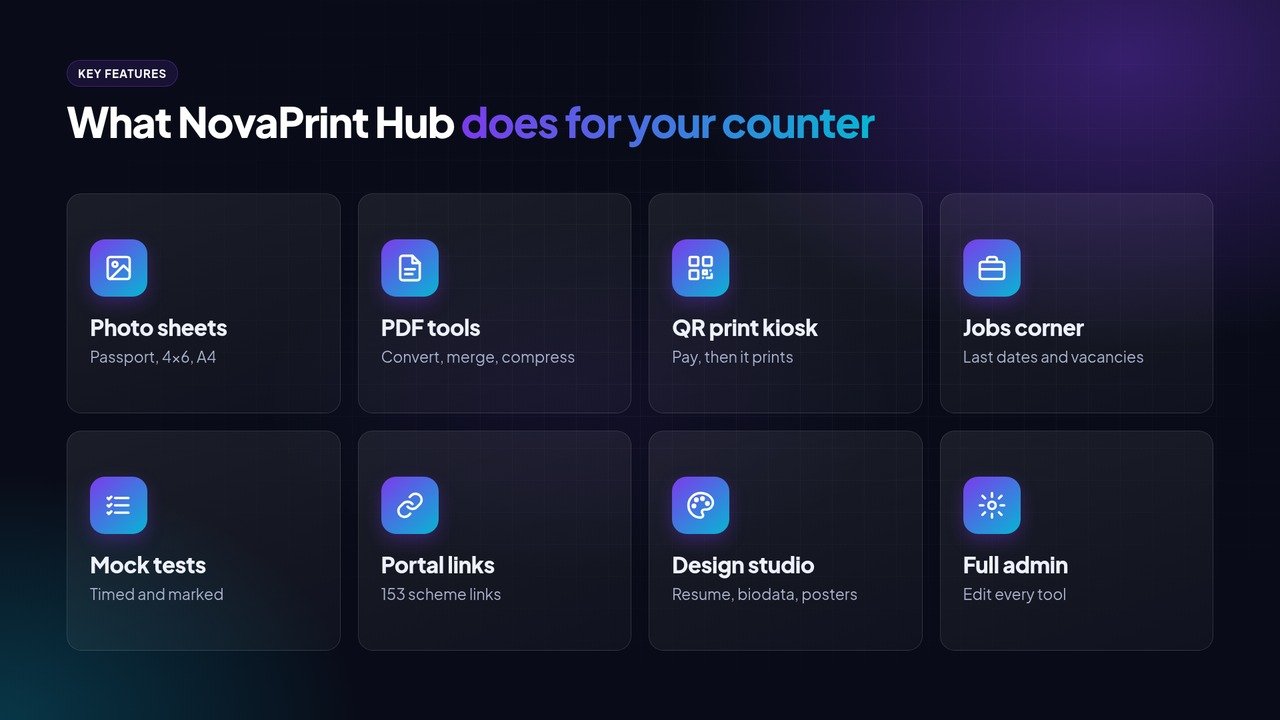
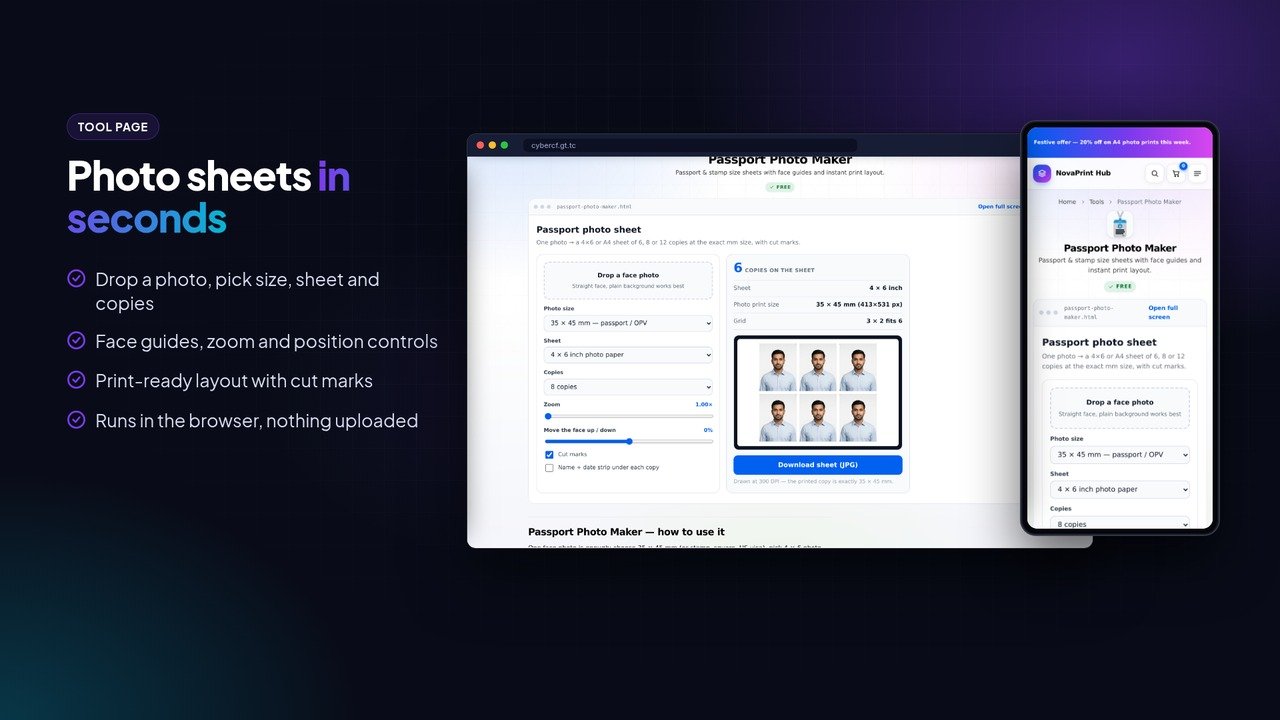
NovaPrint Hub is a PHP script for cyber cafes, photo studios and print shops that want a proper website of their own. It puts the jobs a counter does every day into the browser: passport and 4×6 photo sheets, document crop, JPG and PDF conversion, background removal, resumes, biodata, ID cards, posters and more than twenty everyday calculators. Customers can use the tools from home and walk in only to print.
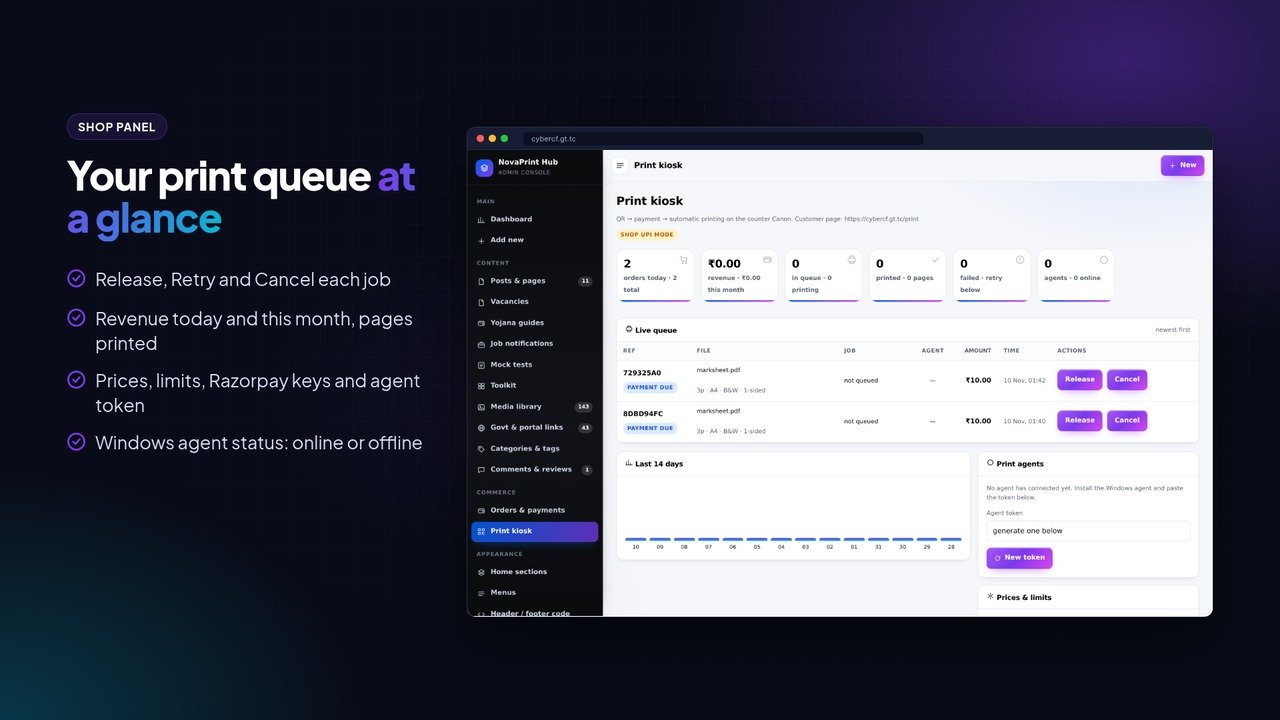
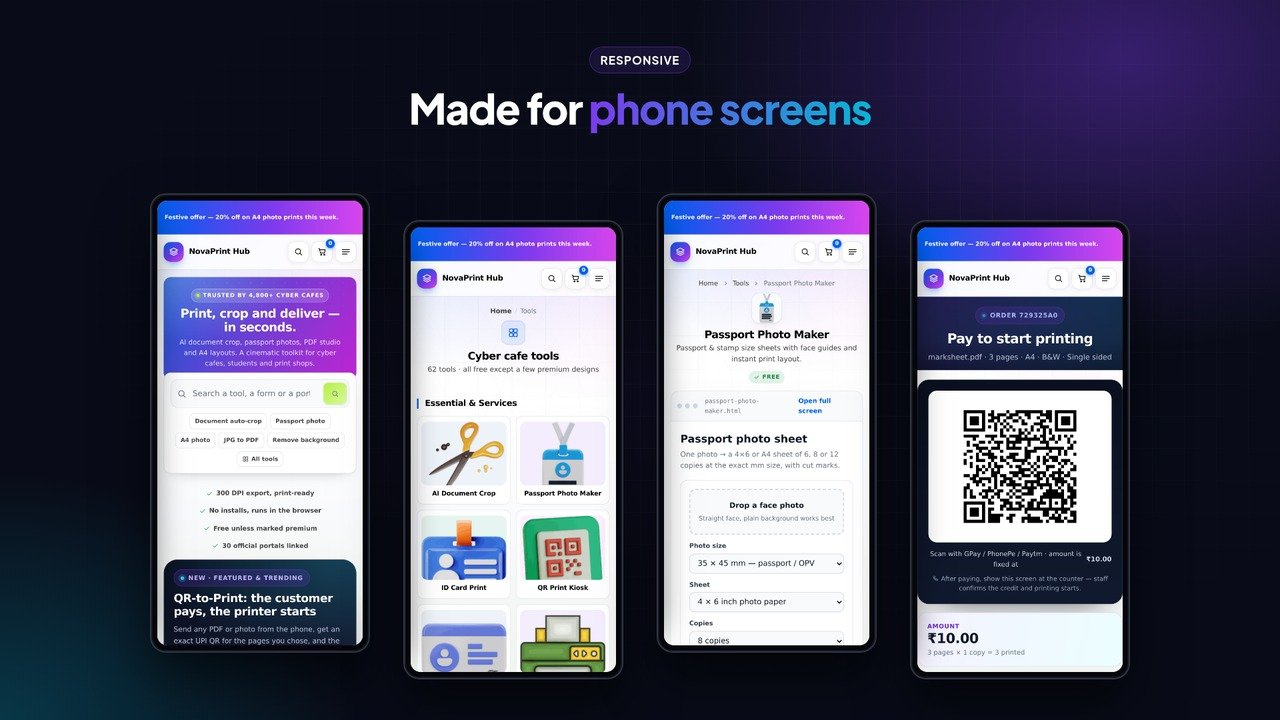
The headline feature is the QR print kiosk. A customer opens /print on a phone, uploads a PDF or photo, picks A4 or A3, colour or black and white, single or double sided, pages and copies, and sees the price straight away. They pay by an exact-amount UPI QR, and the job goes into a paid queue. A small Windows agent on the shop PC picks it up and prints it on the counter printer. Payment is confirmed on the server, either through Razorpay with a signed webhook or by staff pressing Release after they see the UPI credit, so nothing prints before the money arrives.
Around the tools sit the things that bring people back: job notifications with last dates, vacancies, yojana guides, timed mock tests marked in the browser, and a government portal directory with 153 scheme links in an accordion. Everything on the home page is a section you can rename, reorder or hide from the admin.
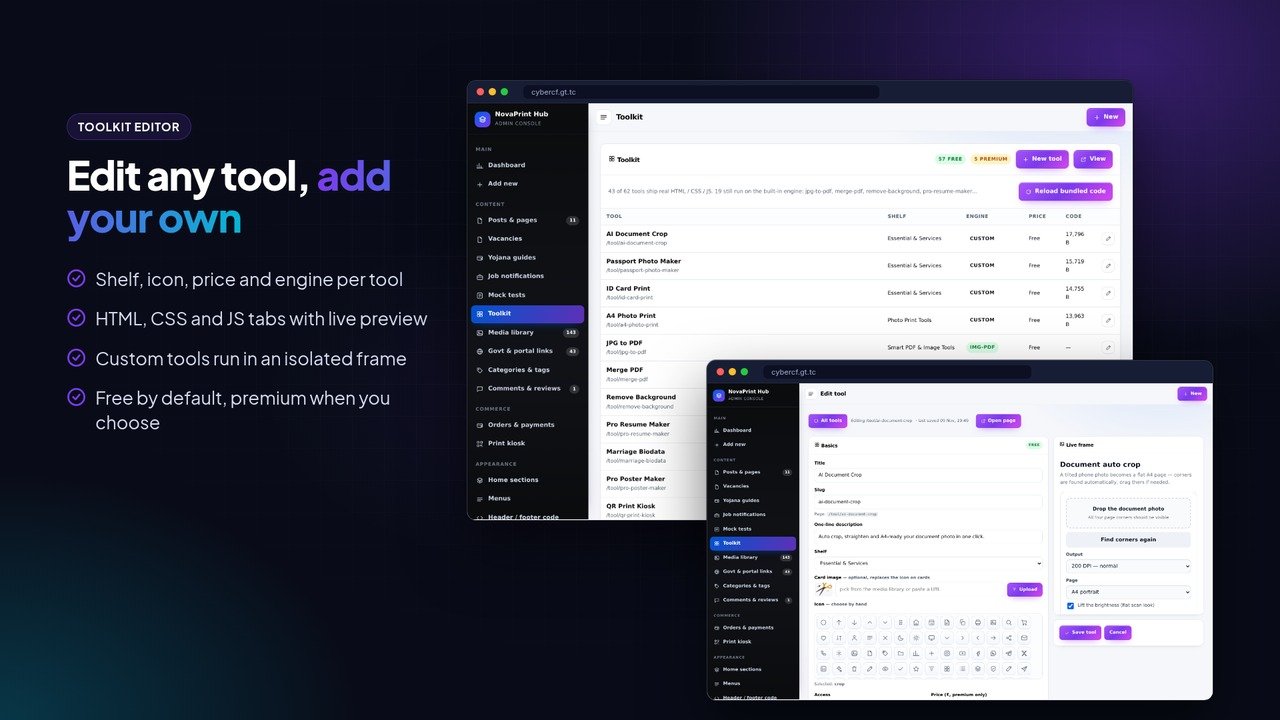
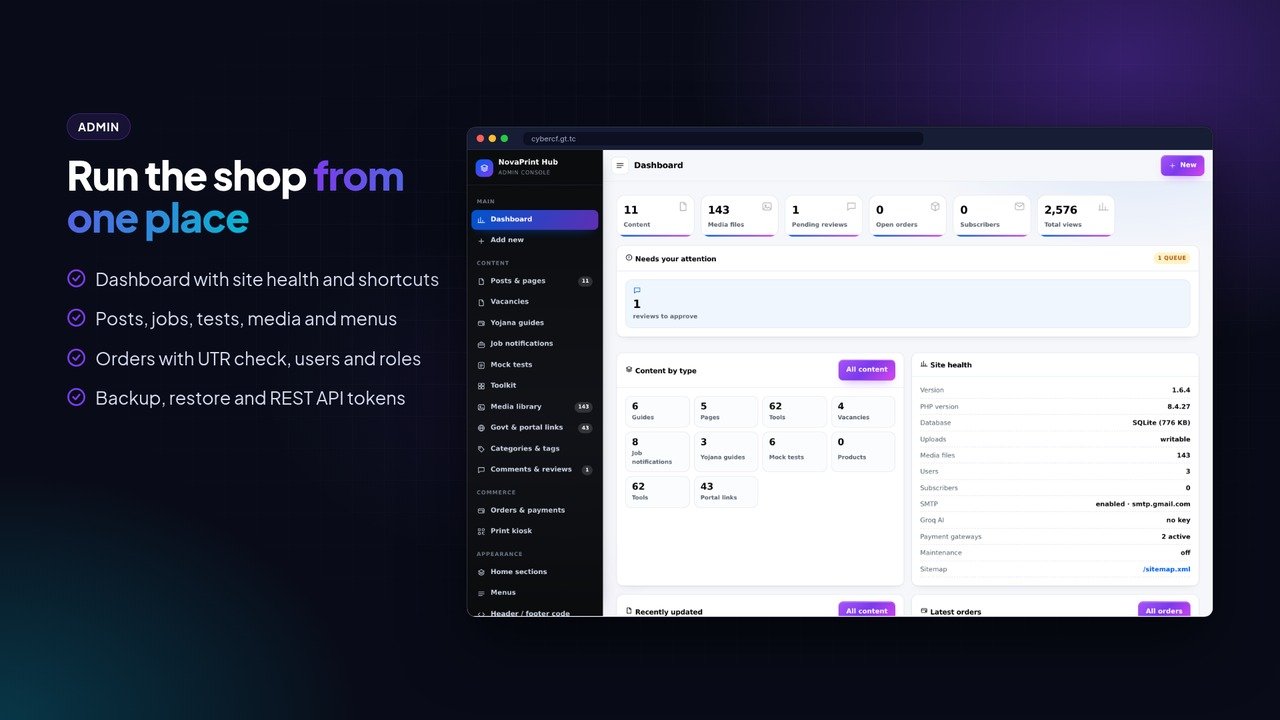
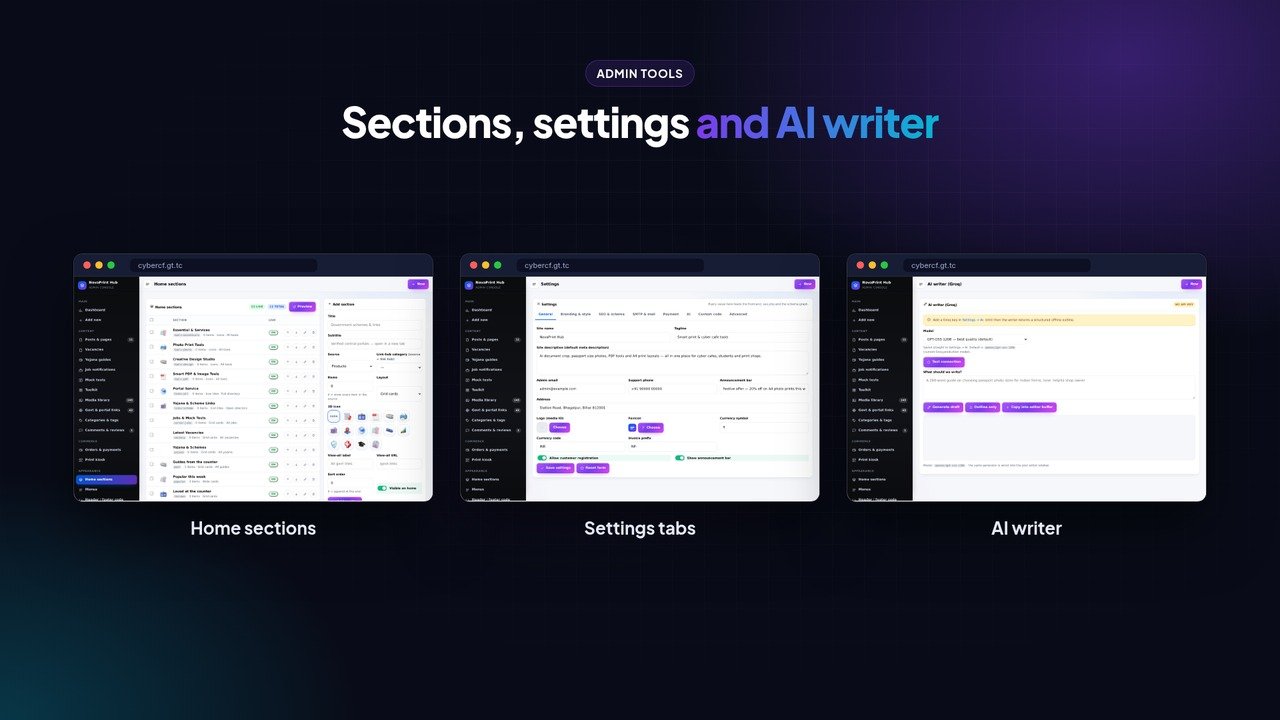
The admin covers the whole site: toolkit with an HTML, CSS and JS editor for each tool and a live preview, home sections, portal links, posts, media, menus, header and footer snippets, ads with click tracking, newsletter, orders with UTR check, users and roles, an AI writer that uses your own Groq key, REST API tokens, backup and restore. It runs on SQLite, so there is no database to create, and the tables and demo content are set up on the first visit.
Video guide: https://youtu.be/SiN3klJUpP4
Key Features
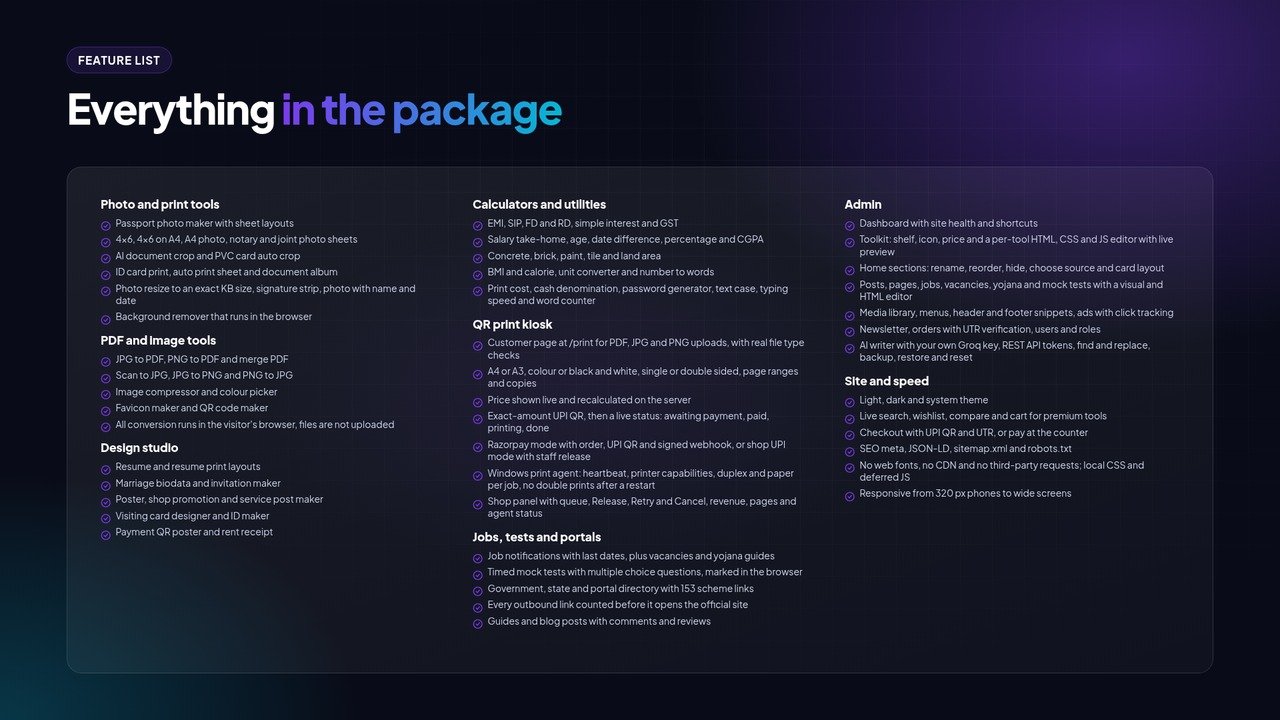
Photo and print tools
- Passport photo maker with sheet layouts
- 4×6, 4×6 on A4, A4 photo, notary and joint photo sheets
- AI document crop and PVC card auto crop
- ID card print, auto print sheet and document album
- Photo resize to an exact KB size, signature strip, photo with name and date
- Background remover that runs in the browser
PDF and image tools
- JPG to PDF, PNG to PDF and merge PDF
- Scan to JPG, JPG to PNG and PNG to JPG
- Image compressor and colour picker
- Favicon maker and QR code maker
- All conversion runs in the visitor’s browser, files are not uploaded
Design studio
- Resume and resume print layouts
- Marriage biodata and invitation maker
- Poster, shop promotion and service post maker
- Visiting card designer and ID maker
- Payment QR poster and rent receipt
Calculators and utilities
- EMI, SIP, FD and RD, simple interest and GST
- Salary take-home, age, date difference, percentage and CGPA
- Concrete, brick, paint, tile and land area
- BMI and calorie, unit converter and number to words
- Print cost, cash denomination, password generator, text case, typing speed and word counter
QR print kiosk
- Customer page at /print for PDF, JPG and PNG uploads, with real file type checks
- A4 or A3, colour or black and white, single or double sided, page ranges and copies
- Price shown live and recalculated on the server
- Exact-amount UPI QR, then a live status: awaiting payment, paid, printing, done
- Razorpay mode with order, UPI QR and signed webhook, or shop UPI mode with staff release
- Windows print agent: heartbeat, printer capabilities, duplex and paper per job, no double prints after a restart
- Shop panel with queue, Release, Retry and Cancel, revenue, pages and agent status
Jobs, tests and portals
- Job notifications with last dates, plus vacancies and yojana guides
- Timed mock tests with multiple choice questions, marked in the browser
- Government, state and portal directory with 153 scheme links
- Every outbound link counted before it opens the official site
- Guides and blog posts with comments and reviews
Admin
- Dashboard with site health and shortcuts
- Toolkit: shelf, icon, price and a per-tool HTML, CSS and JS editor with live preview
- Home sections: rename, reorder, hide, choose source and card layout
- Posts, pages, jobs, vacancies, yojana and mock tests with a visual and HTML editor
- Media library, menus, header and footer snippets, ads with click tracking
- Newsletter, orders with UTR verification, users and roles
- AI writer with your own Groq key, REST API tokens, find and replace, backup, restore and reset
Site and speed
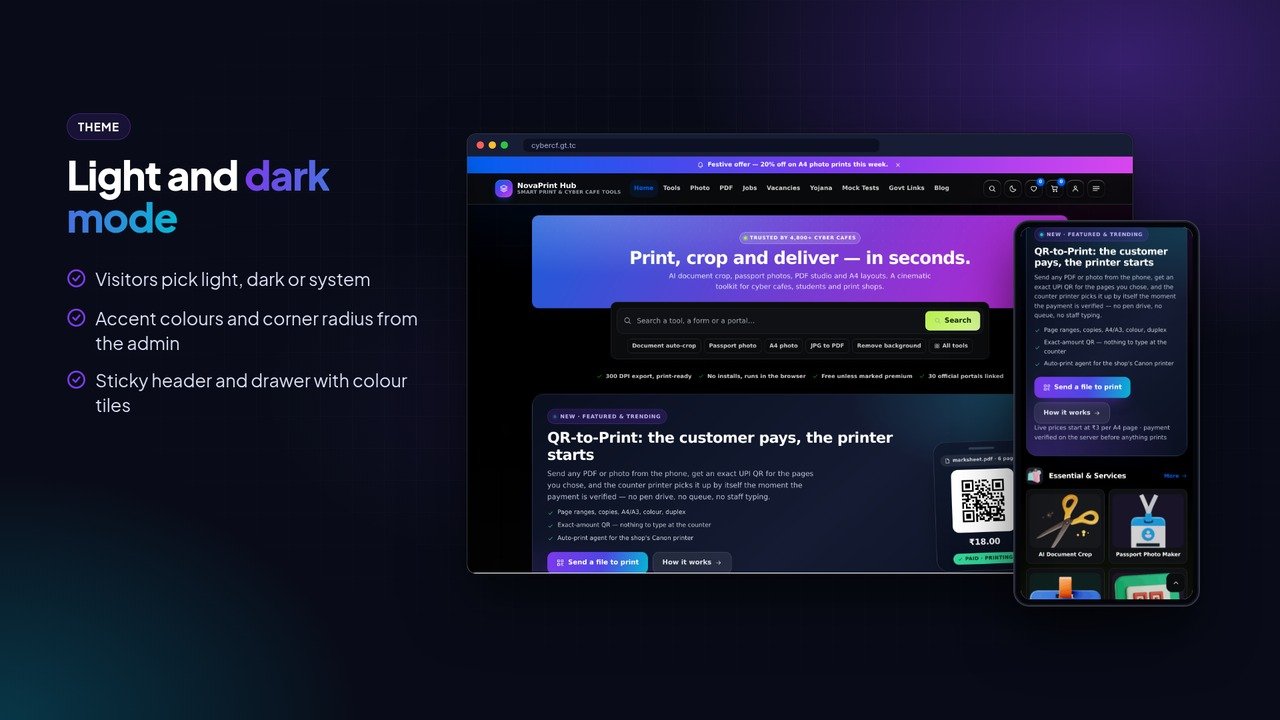
- Light, dark and system theme
- Live search, wishlist, compare and cart for premium tools
- Checkout with UPI QR and UTR, or pay at the counter
- SEO meta, JSON-LD, sitemap.xml and robots.txt
- No web fonts, no CDN and no third-party requests, and local CSS and deferred JS
- Responsive from 320 px phones to wide screens
Made for
- Cyber cafes and CSC centres
- Photo studios and print shops
- Xerox and lamination counters near schools and offices
- Form-filling and job-alert pages that want their own site
- Developers building a shop website for a local client
Requirements
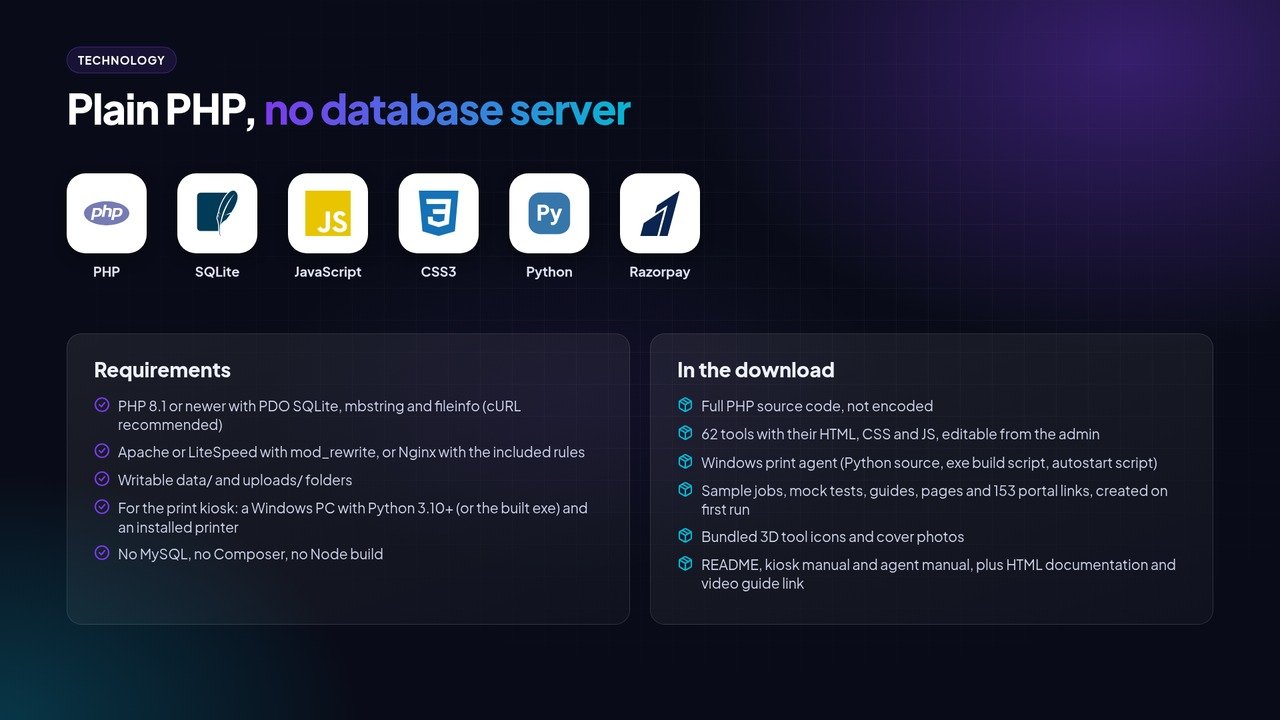
- PHP 8.1 or newer with PDO SQLite, mbstring and fileinfo (cURL recommended)
- Apache or LiteSpeed with mod_rewrite, or Nginx with the included rules
- Writable data/ and uploads/ folders
- For the print kiosk: a Windows PC with Python 3.10+ (or the built exe) and an installed printer
- No MySQL, no Composer, no Node build
What you get
- Full PHP source code, not encoded
- 62 tools with their HTML, CSS and JS, editable from the admin
- Windows print agent (Python source, exe build script, autostart script)
- Sample jobs, mock tests, guides, pages and 153 portal links, created on first run
- Bundled 3D tool icons and cover photos
- README, kiosk manual and agent manual, plus HTML documentation and video guide link
Good to know
The print kiosk needs a Windows PC at the shop running the included Python agent, and a printer installed in Windows. Razorpay mode needs your own Razorpay account, and in shop UPI mode staff release each paid job by hand. Store checkout for premium tools takes UPI QR with a UTR number or payment at the counter. Online gateway names can be switched on in settings, but only the print kiosk has a built-in Razorpay integration. The AI writer needs your own Groq API key. Job notifications, vacancies and mock tests in the demo are sample content, and update them with current information before going live.
Live demo
You must be logged in to post a review.
Related products

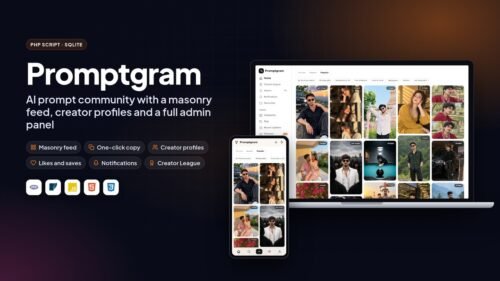
Promptgram – AI Prompt Sharing Community PHP Script
Original price was: ₹ 3,999.00.₹ 1,599.00Current price is: ₹ 1,599.00.A Pinterest-style community for AI image prompts. Masonry feed, creator profiles, follows, likes, comments and a full admin panel. Plain PHP and SQLite, runs on shared hosting.
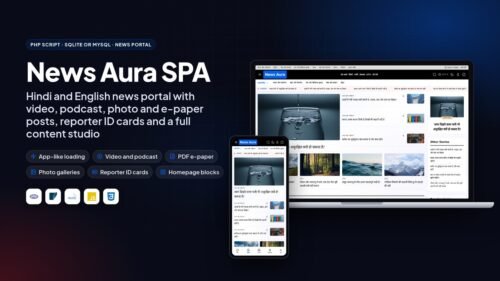
Prompts instagram UnlimitedLive DemoNews Aura SPA – Hindi & English News Portal PHP Script
Original price was: ₹ 4,999.00.₹ 1,999.00Current price is: ₹ 1,999.00.Standalone PHP news portal with app-like page loads, video, podcast, photo gallery and PDF e-paper posts, reporter ID cards with QR verification and a full content studio. SQLite or MySQL, no WordPress.
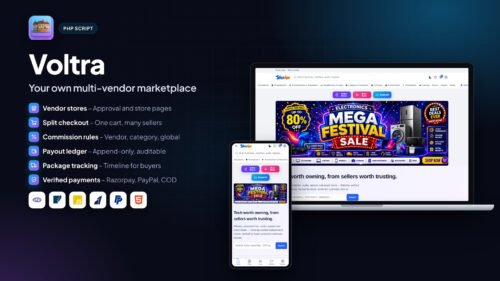
Reporter ID cardsUnlimitedLive DemoVoltra — Self-Hosted Multivendor PHP Marketplace
Original price was: ₹ 7,494.00.₹ 2,000.00Current price is: ₹ 2,000.00.Self-hosted multi-vendor store with split checkout, vendor dashboards, commission ledger, payouts, tracking and Razorpay / PayPal.
Free set-upUnlimitedLive DemoPULSE NEWS — Modern News & Magazine Php script
Original price was: ₹ 4,000.00.₹ 1,200.00Current price is: ₹ 1,200.00.News portal CMS with breaking ticker, eight homepage layouts, editorial workflow, reporter accounts, ads and SEO tools.
Php scriptUnlimitedLive DemoPrompt Plus – AI Photo Prompt Website PHP Script
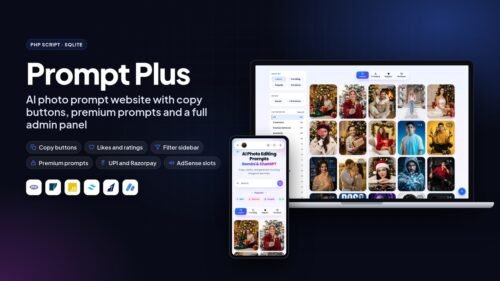
Original price was: ₹ 4,999.00.₹ 1,999.00Current price is: ₹ 1,999.00.Start your own Gemini and ChatGPT photo prompt website. Copy buttons, likes and ratings, premium prompts with UPI or Razorpay, AdSense slots and a full admin panel. Plain PHP and SQLite.
AdSense + UPI readyUnlimitedLive DemoNEXORA — Complete Kirana Store & E-Commerce Php script
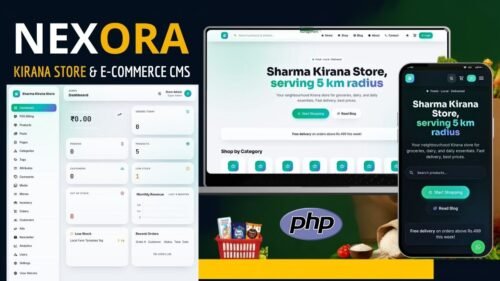
Original price was: ₹ 4,993.00.₹ 1,200.00Current price is: ₹ 1,200.00.Online grocery store with storefront, cart, COD and UPI checkout, stock, orders, media library and a full admin panel.
Php scriptUnlimitedLive DemoTent Shamiyana Booking PHP Script – Complete Bartan & Event Booking System
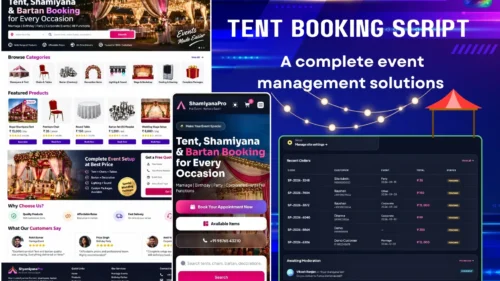
Original price was: ₹ 2,478.00.₹ 2,000.00Current price is: ₹ 2,000.00.Booking website for tent houses and event rental shops. Item catalogue, cart, booking form, email alerts and admin panel.
Php scriptUnlimitedLive DemoLibrary Management PHP Script with Seat Map, Fee Tracking, ID cards etc
Original price was: ₹ 8,387.00.₹ 2,000.00Current price is: ₹ 2,000.00.Study library and reading room manager: live seat map, fee tracking, receipts, book issue, student portal and digital ID cards.
Php scriptUnlimitedLive Demo



Reviews
There are no reviews yet.