



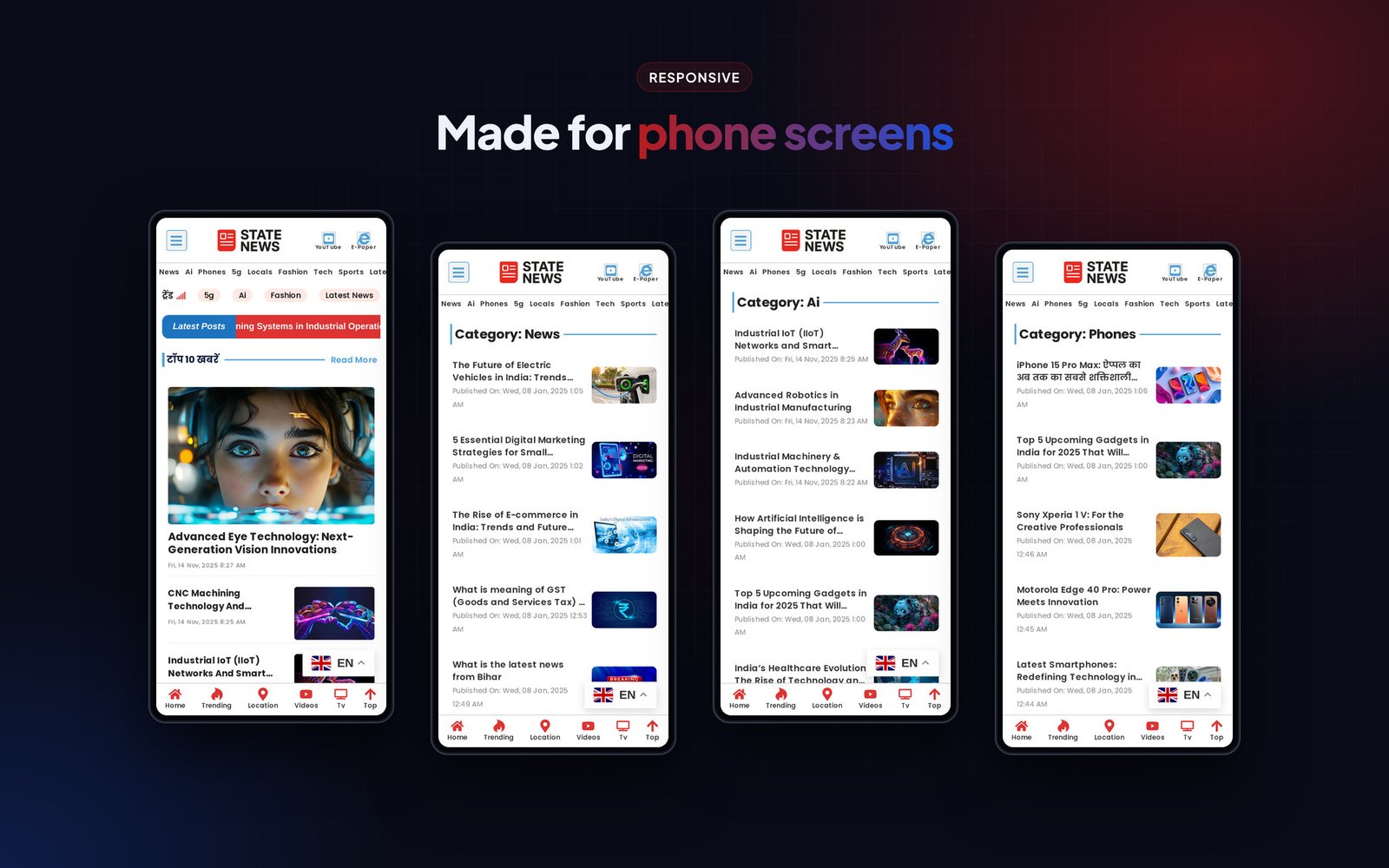
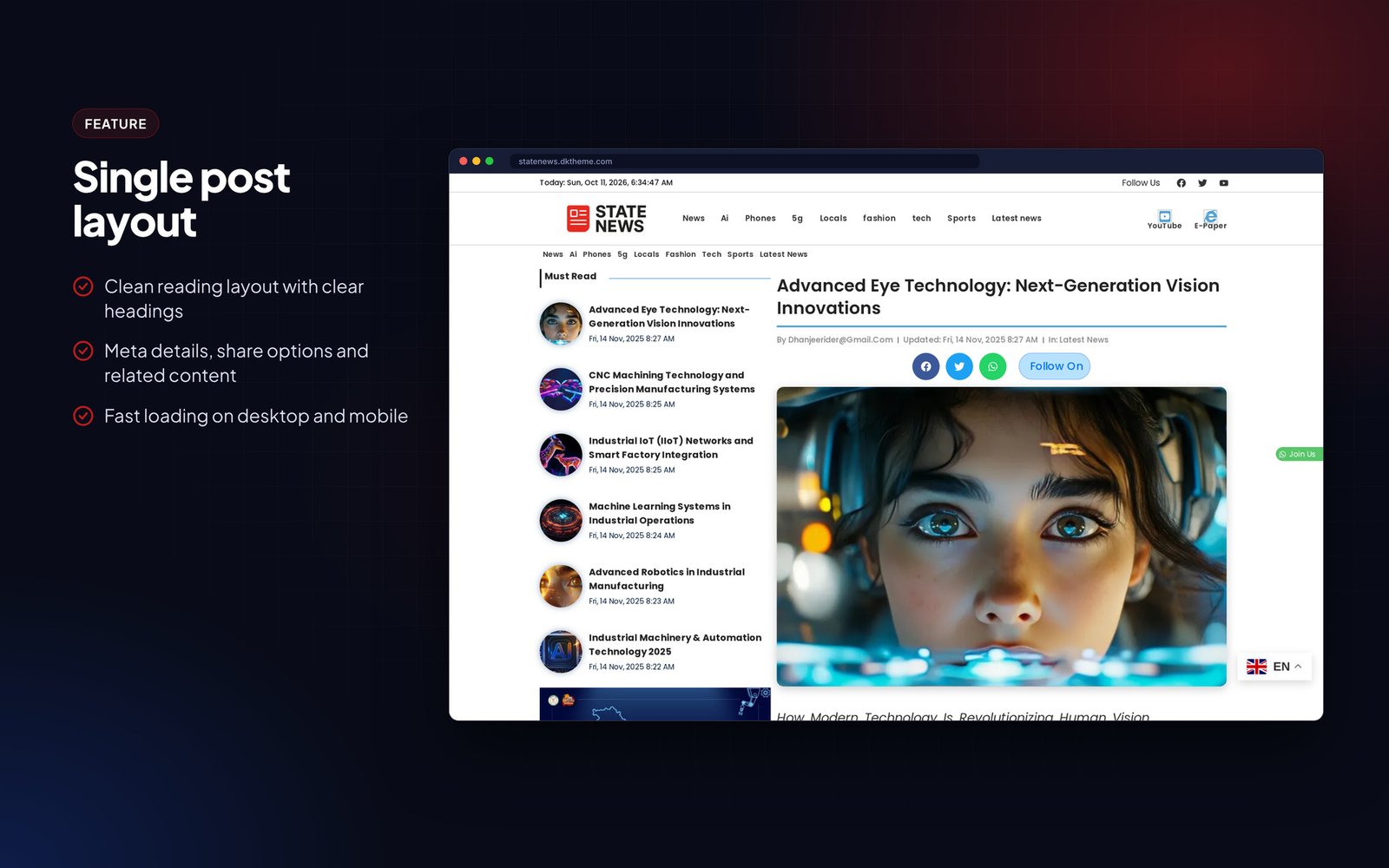
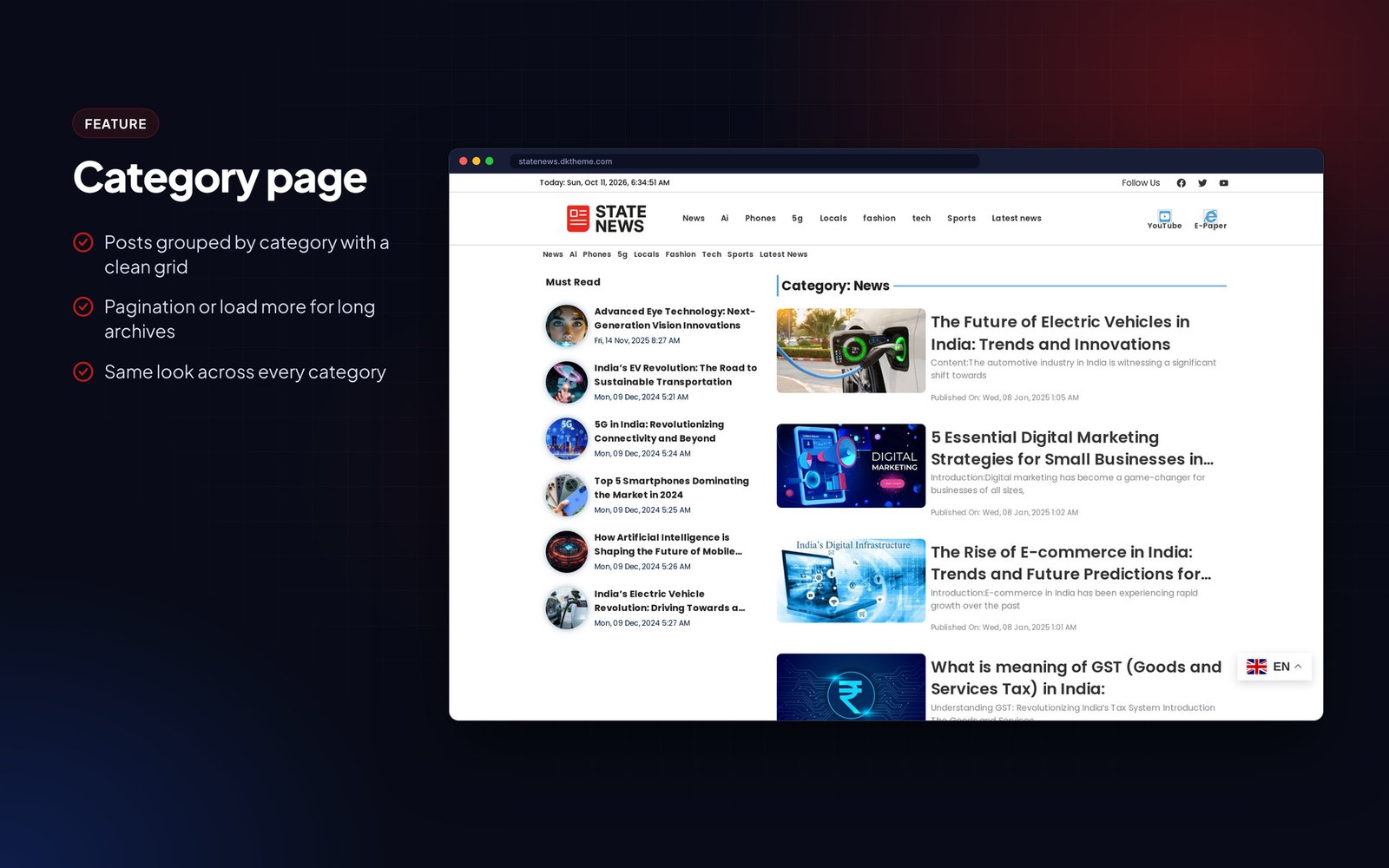
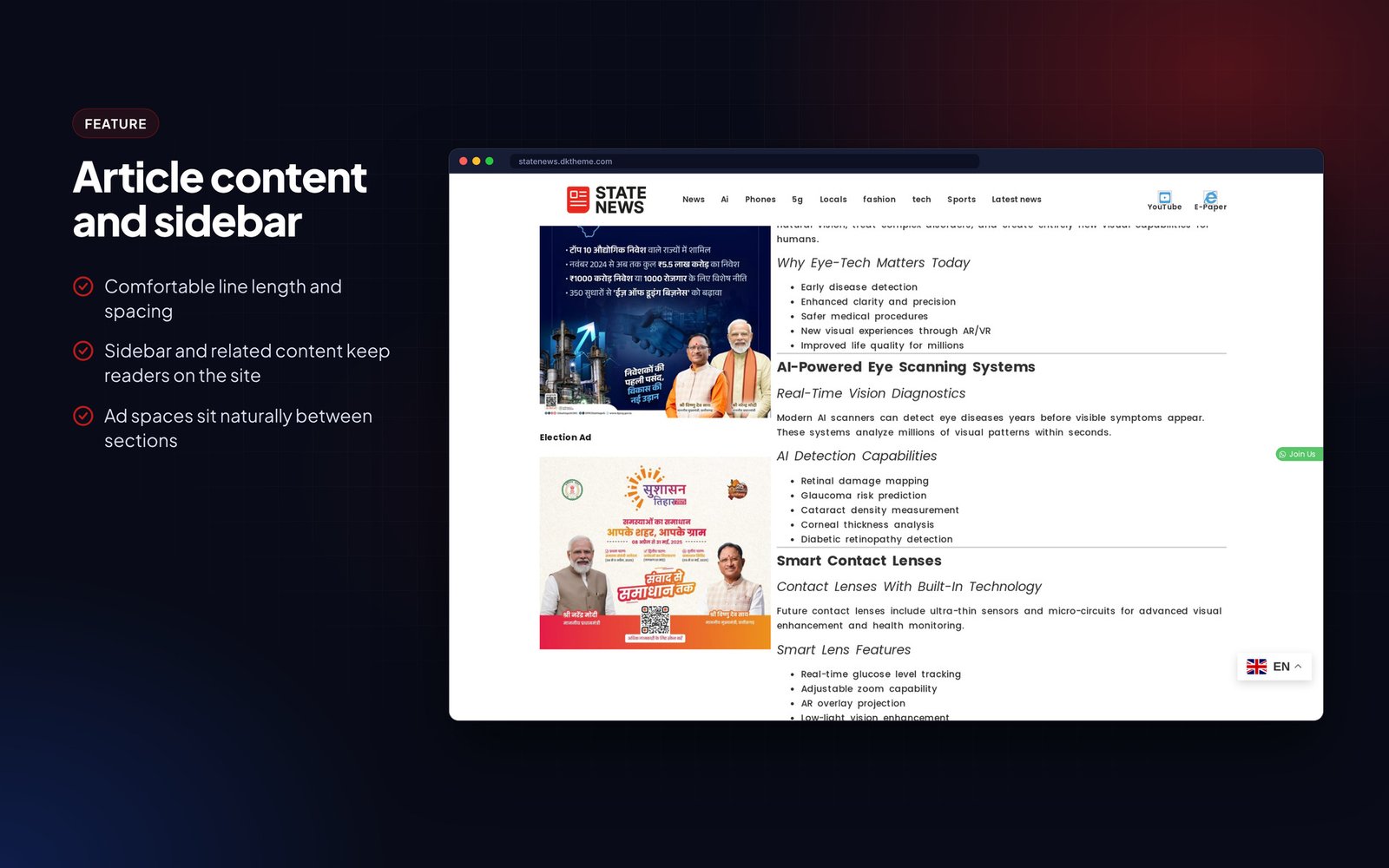
Description
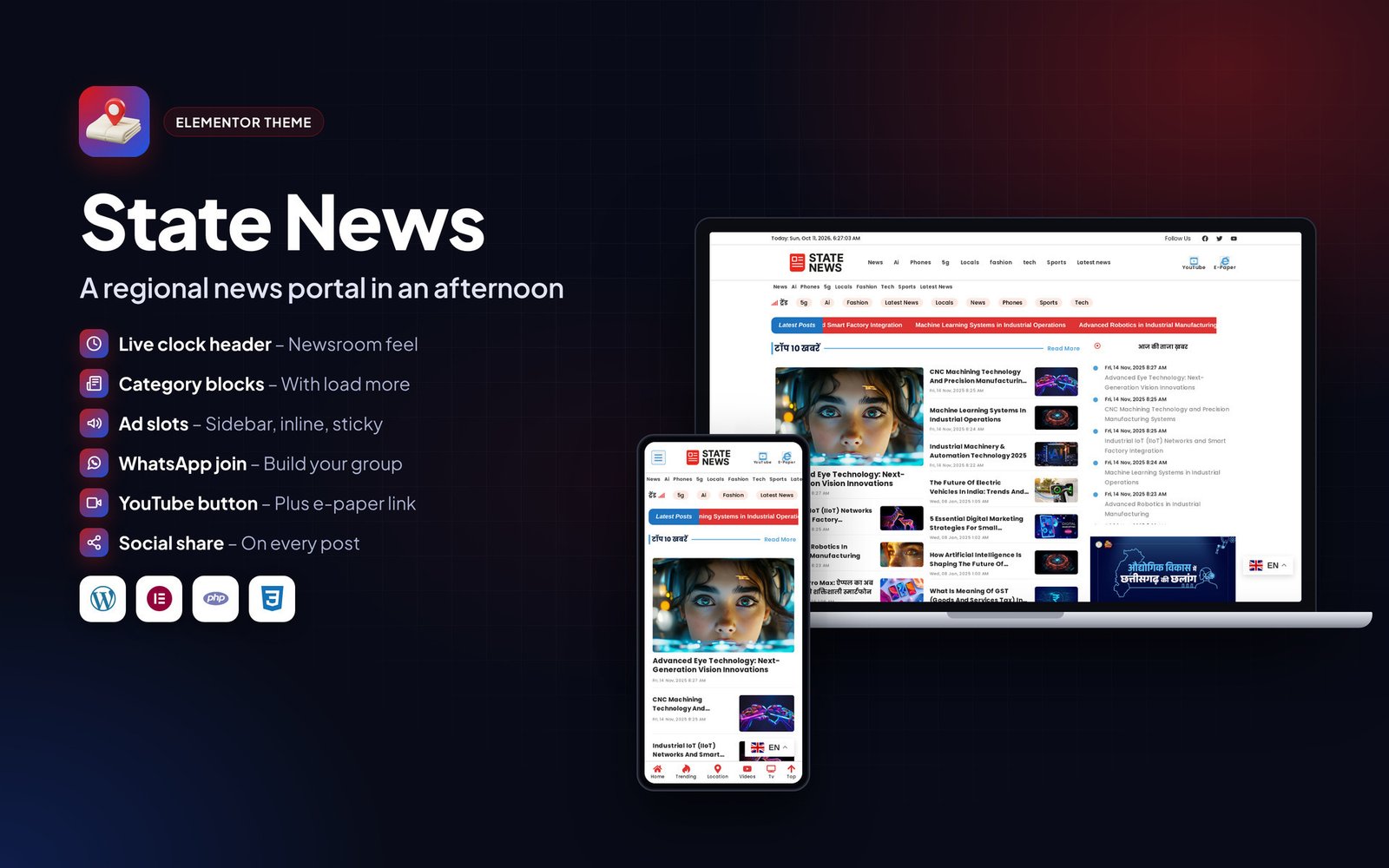
State News is an Elementor Pro theme for state-level and local news portals, niche update sites and small newsrooms.
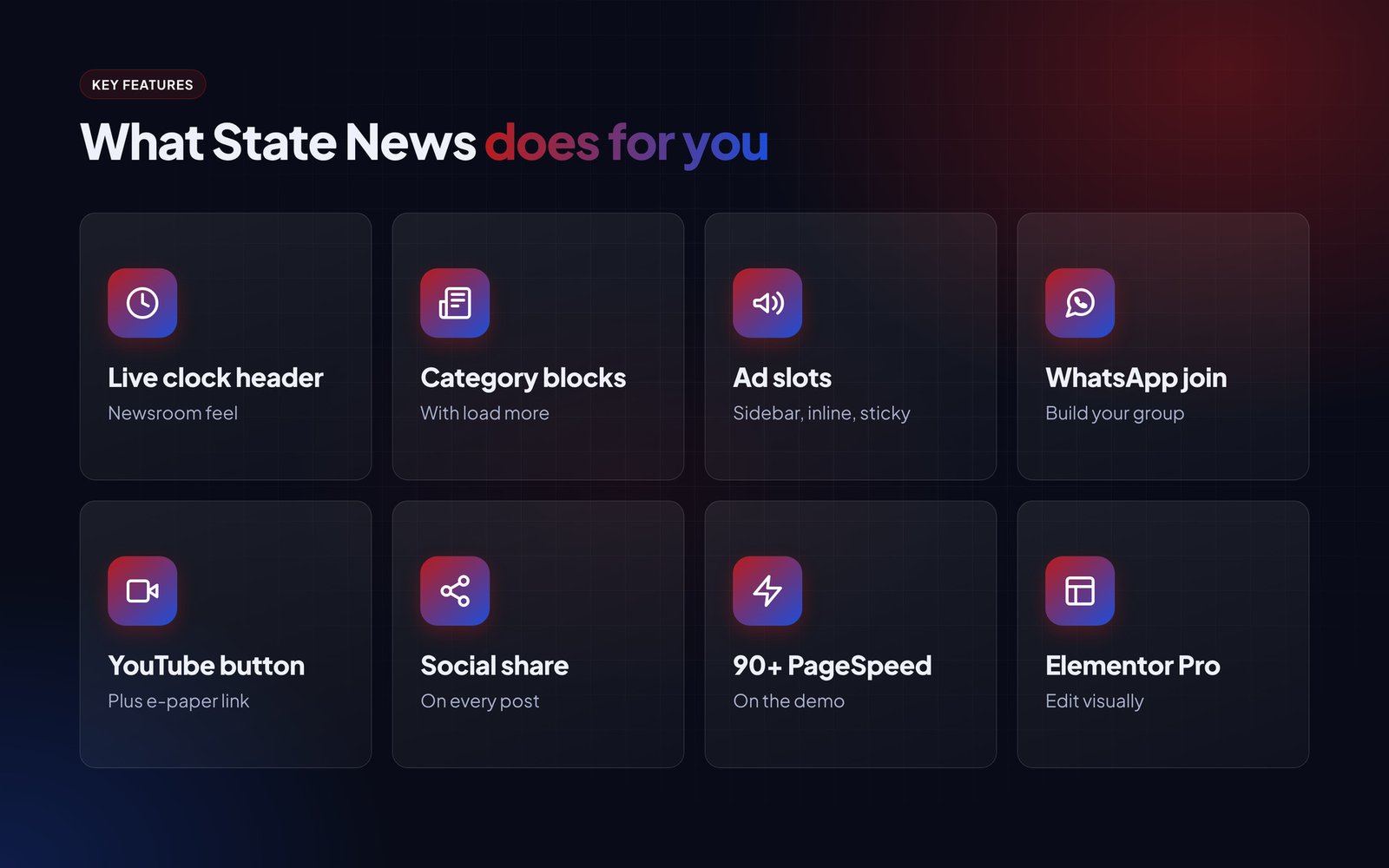
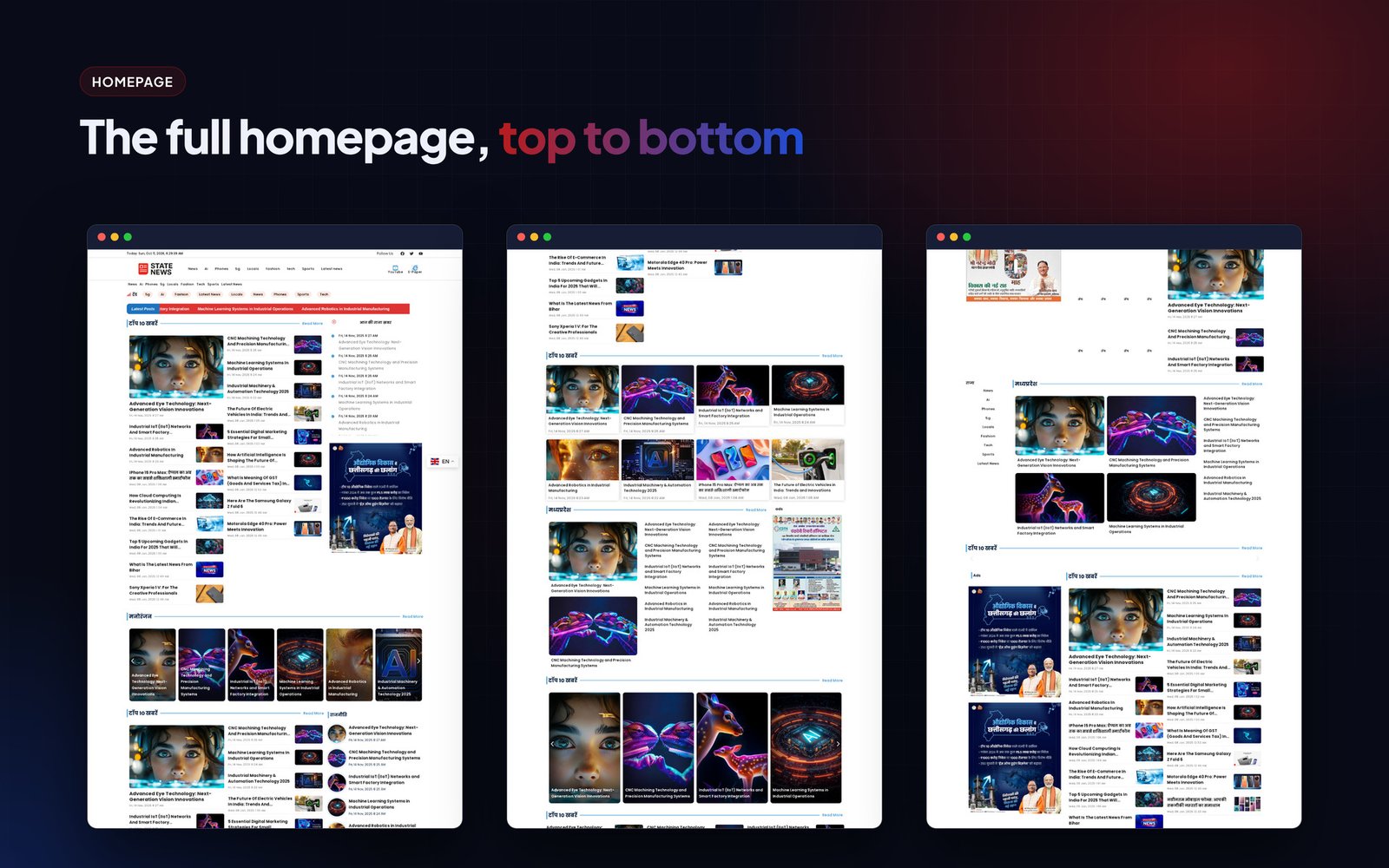
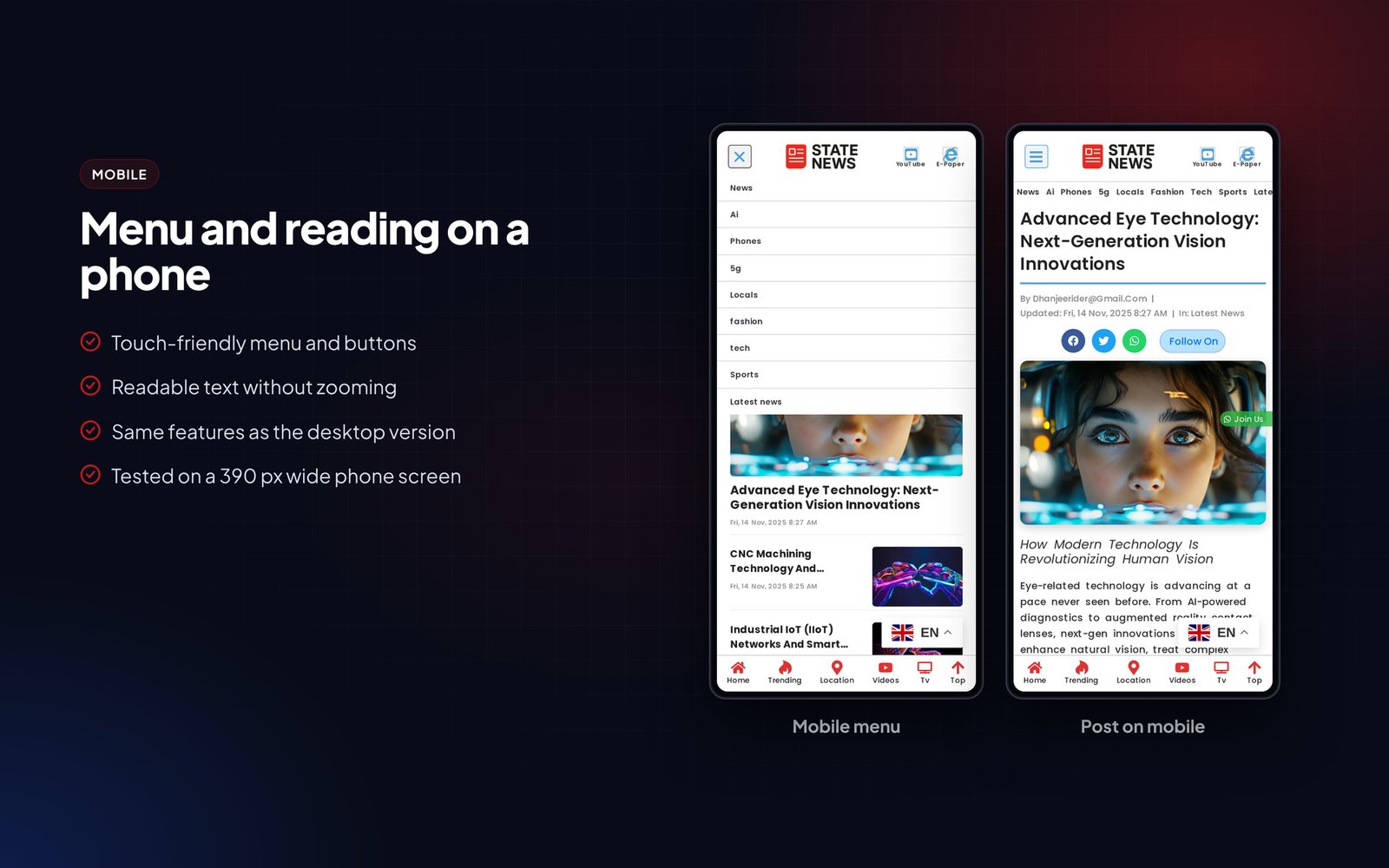
The header has a live clock, social icons, an off-canvas mobile menu and buttons for your YouTube channel and e-paper. The homepage loads news category by category with loop grid cards and a load more button, archives use a full-width grid, and there are ad areas in the sidebar, between posts and in a sticky sidebar slot. A fixed WhatsApp join button helps you build a group audience.
The demo scores 90+ on PageSpeed and every block can be edited in Elementor.
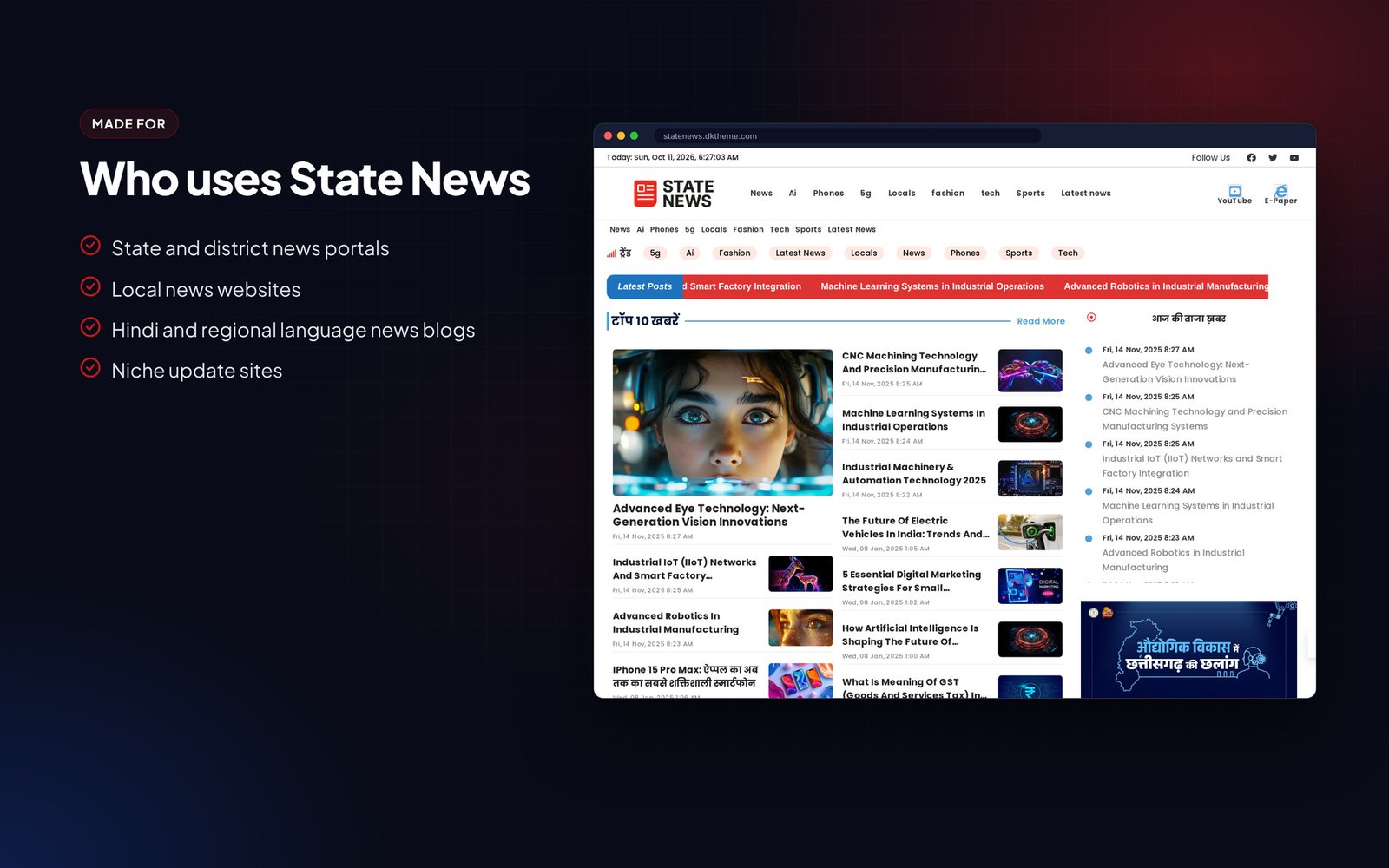
Who it is for
- State and district news portals
- Local news websites
- Hindi and regional language news blogs
- Niche update sites
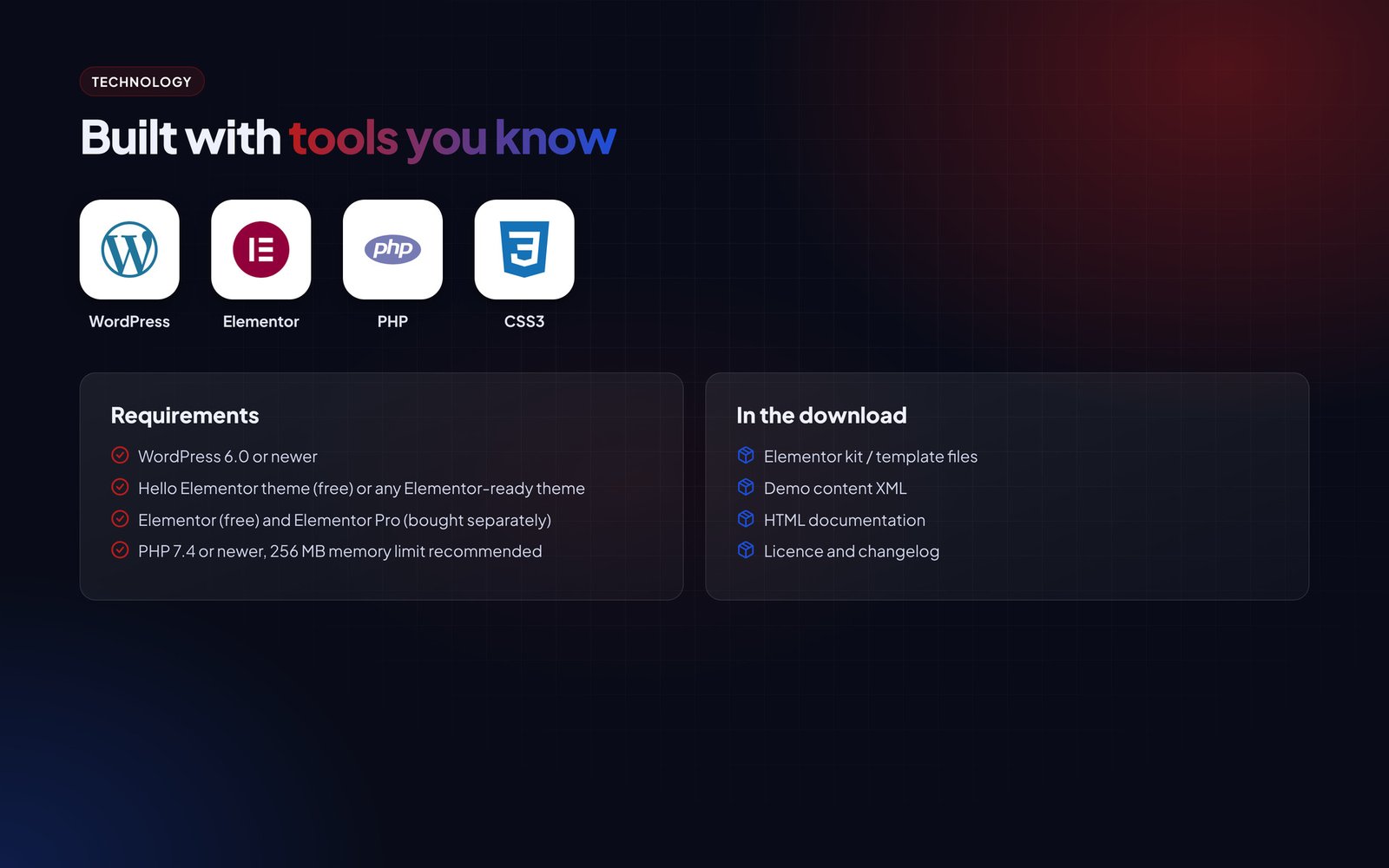
What is in the download
- Elementor kit / template files
- Demo content XML
- HTML documentation
- Licence and changelog
Good to know
- Images and articles in the live demo are for preview only and are not part of the download.
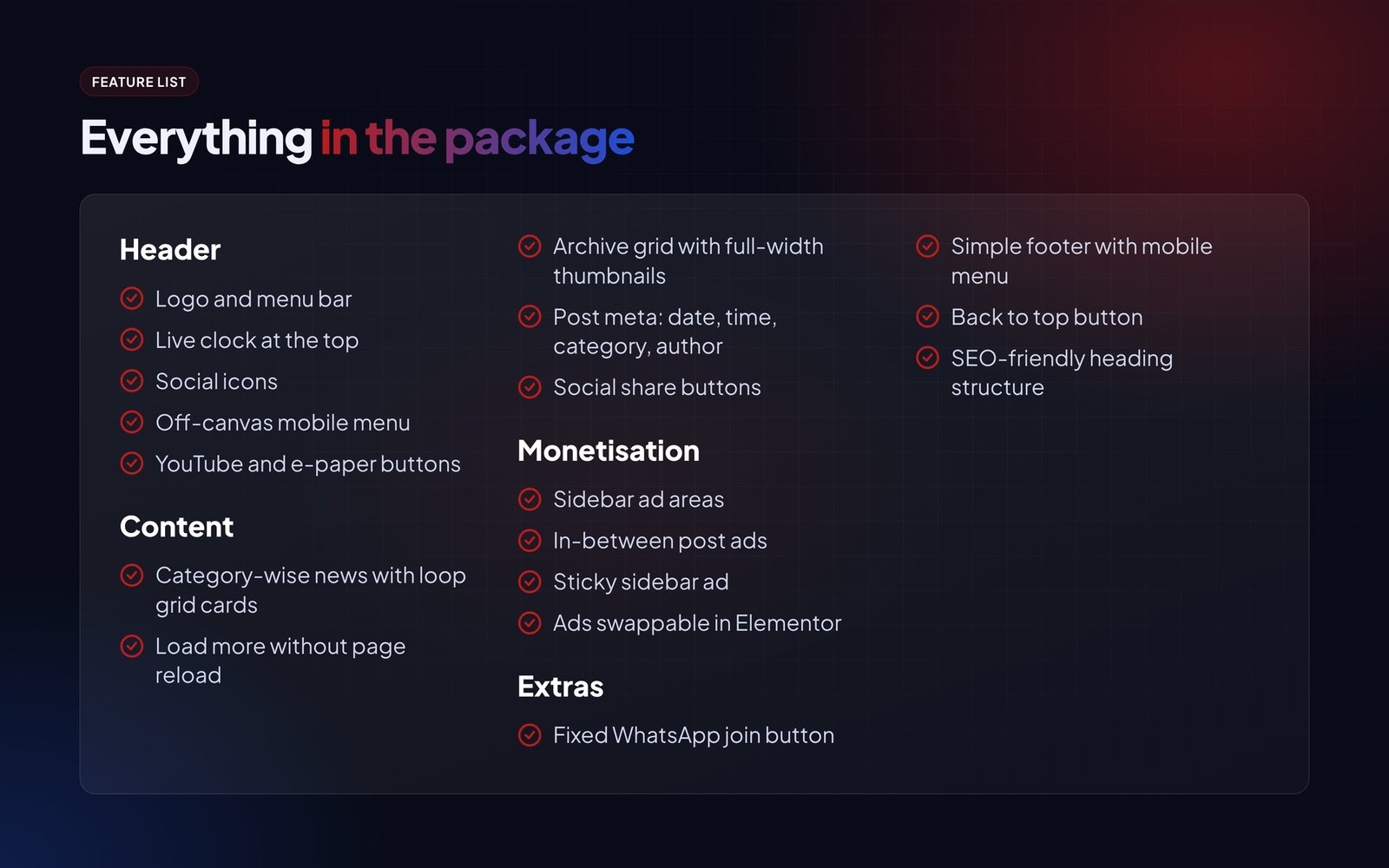
Features
Header
- Logo and menu bar
- Live clock at the top
- Social icons
- Off-canvas mobile menu
- YouTube and e-paper buttons
Content
- Category-wise news with loop grid cards
- Load more without page reload
- Archive grid with full-width thumbnails
- Post meta: date, time, category, author
- Social share buttons
Monetisation
- Sidebar ad areas
- In-between post ads
- Sticky sidebar ad
- Ads swappable in Elementor
Extras
- Fixed WhatsApp join button
- Simple footer with mobile menu
- Back to top button
- SEO-friendly heading structure
Requirements
- WordPress 6.0 or newer
- Hello Elementor theme (free) or any Elementor-ready theme
- Elementor (free) and Elementor Pro (bought separately)
- PHP 7.4 or newer, 256 MB memory limit recommended
Instructions
- Install the Hello Elementor theme and activate it.
- Install Elementor and Elementor Pro.
- Go to Elementor > Tools > Import / Export (or Templates > Kit Library > Import) and upload the kit ZIP.
- Import the demo posts with Tools > Import > WordPress if you want the same sample content.
- Open Templates > Theme Builder and check the header, footer, single post and archive conditions.
- Change the logo, colours and fonts in Site Settings.
- Replace the sample posts with your own.
The Documentation folder inside the download has the same steps with screenshots, plus answers to common questions.




Reviews
There are no reviews yet.