
🎉 GET 15% OFF ON ANY ORDER USE 15POFF COUPON CODE AND PURCHASE & DOWNLOAD YOUR THEME INSTANT 💎
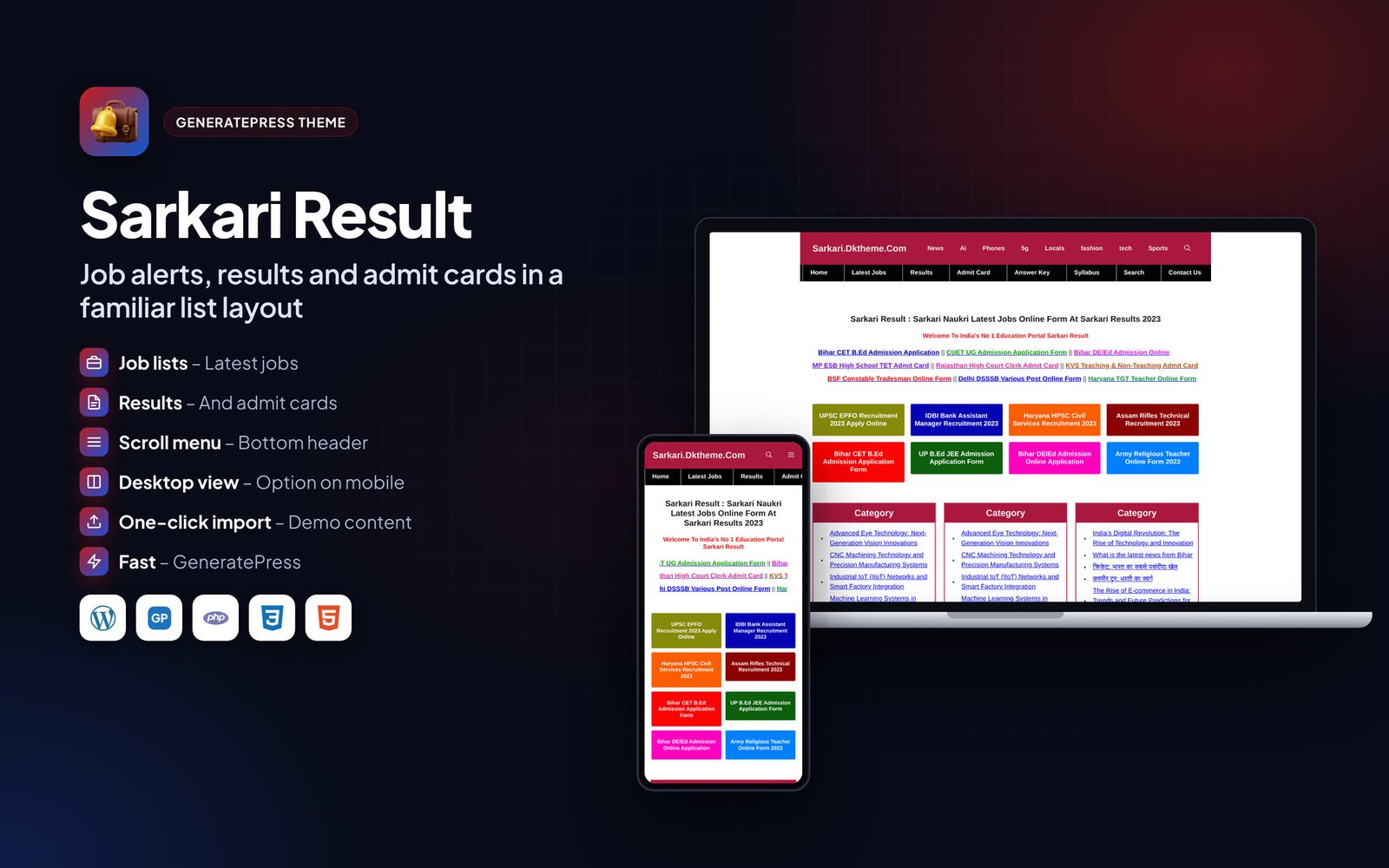
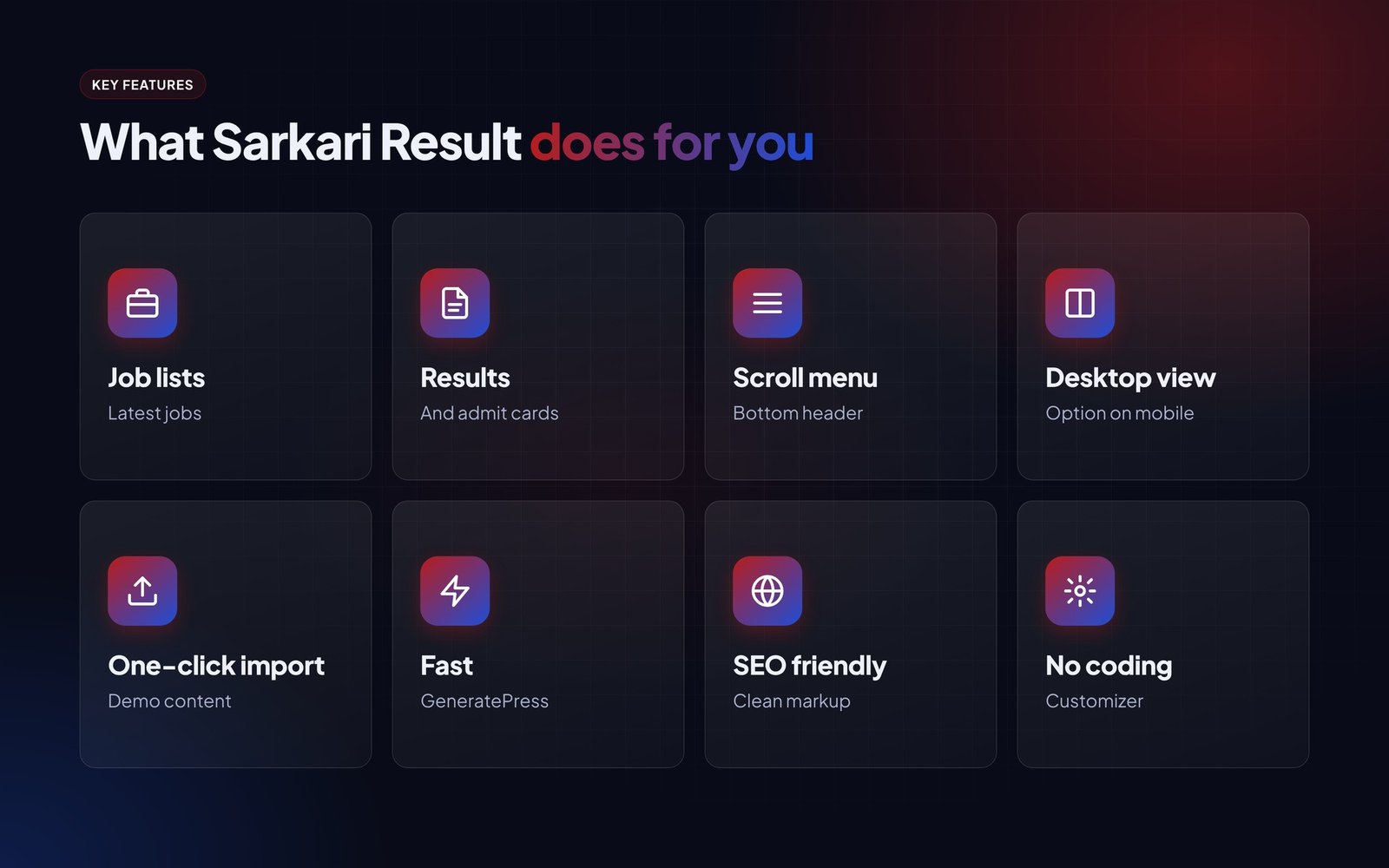
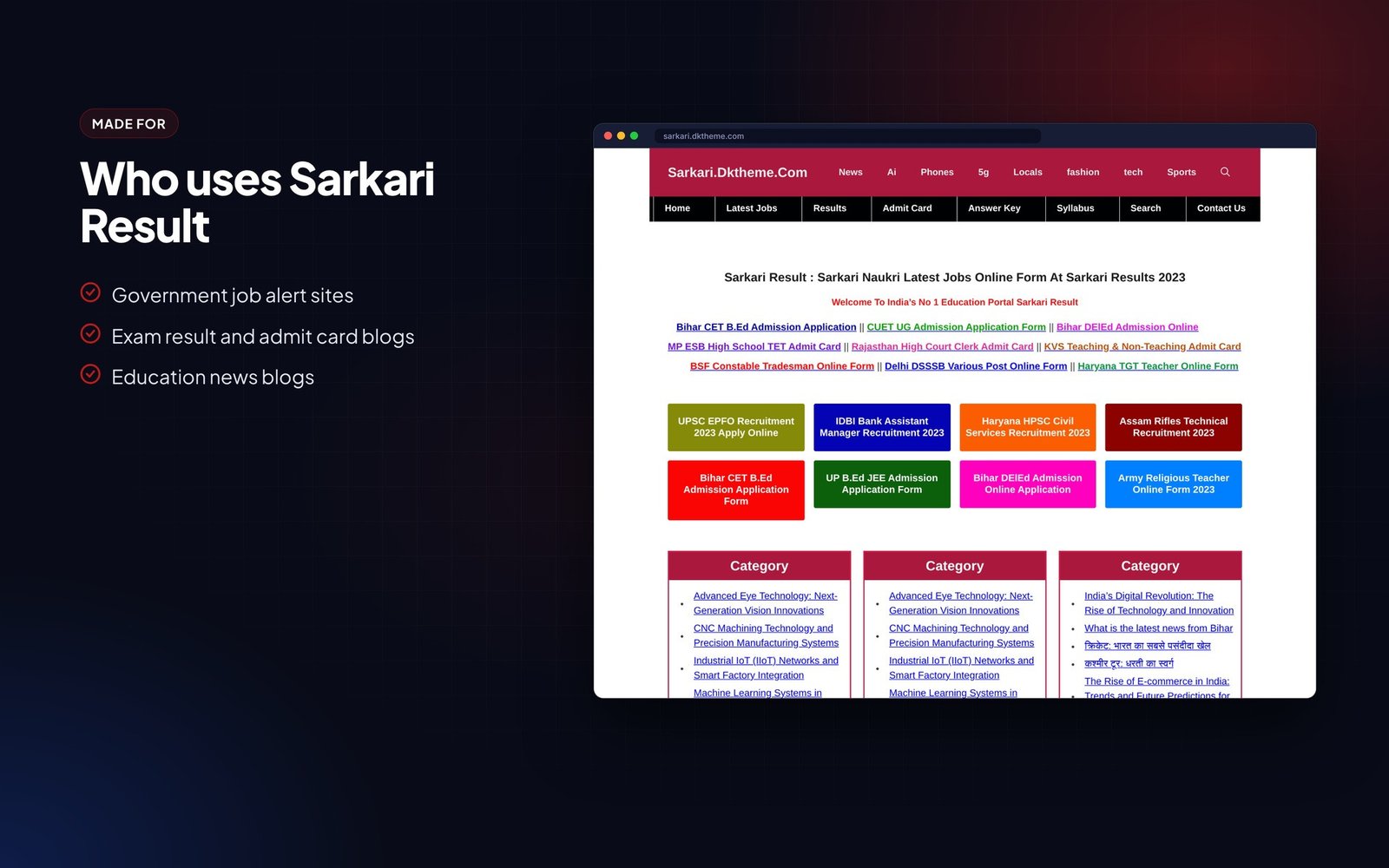
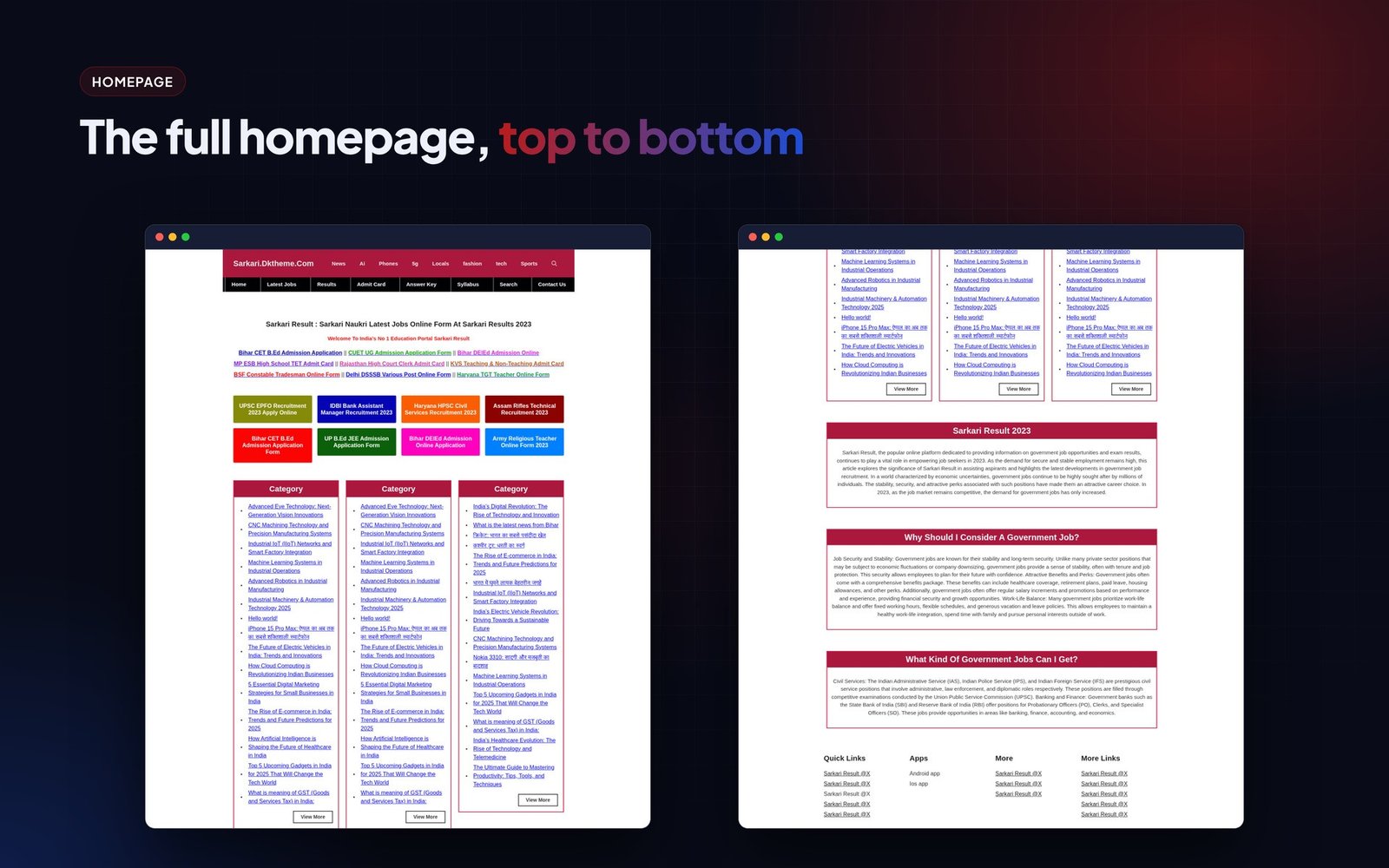
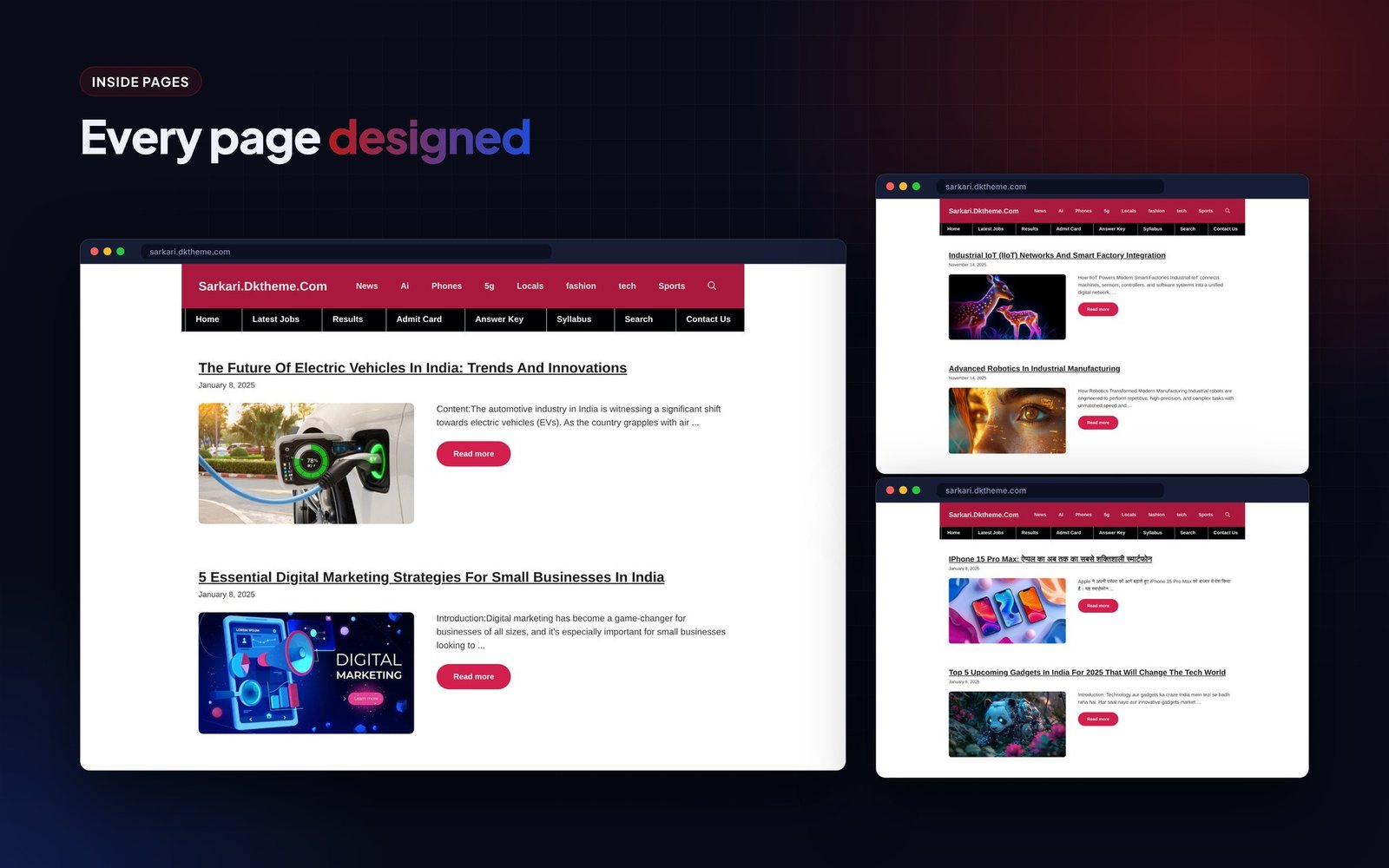
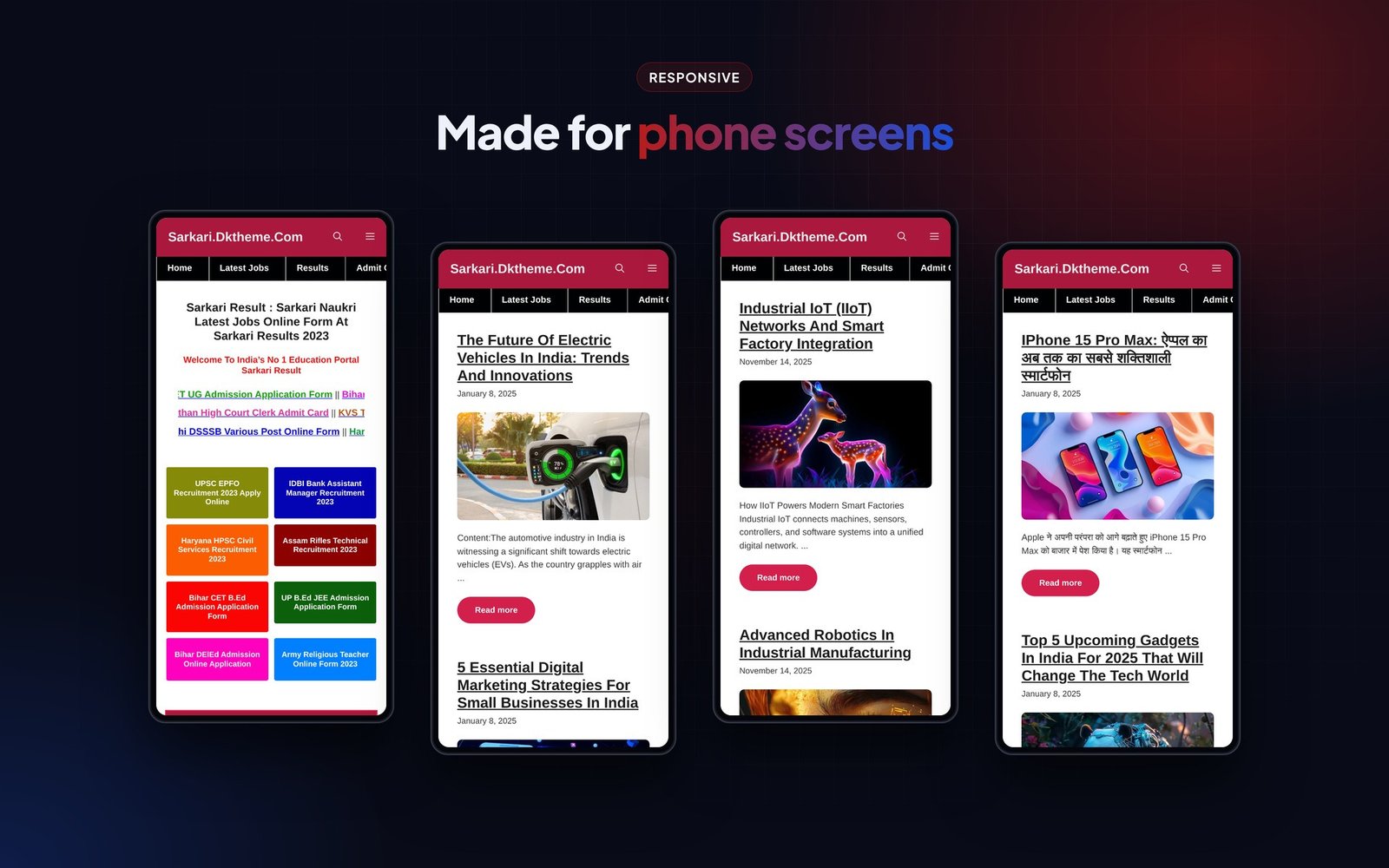

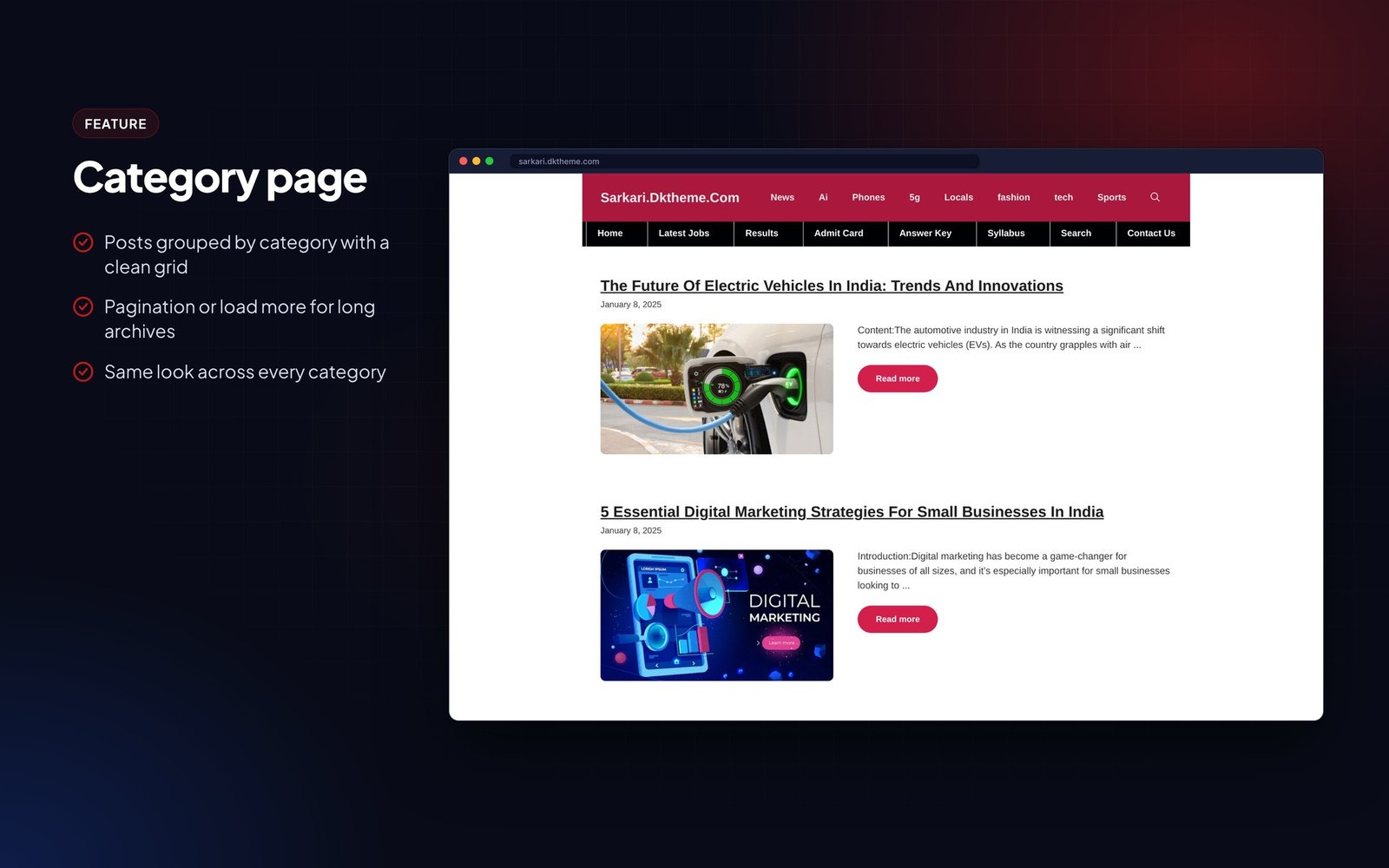
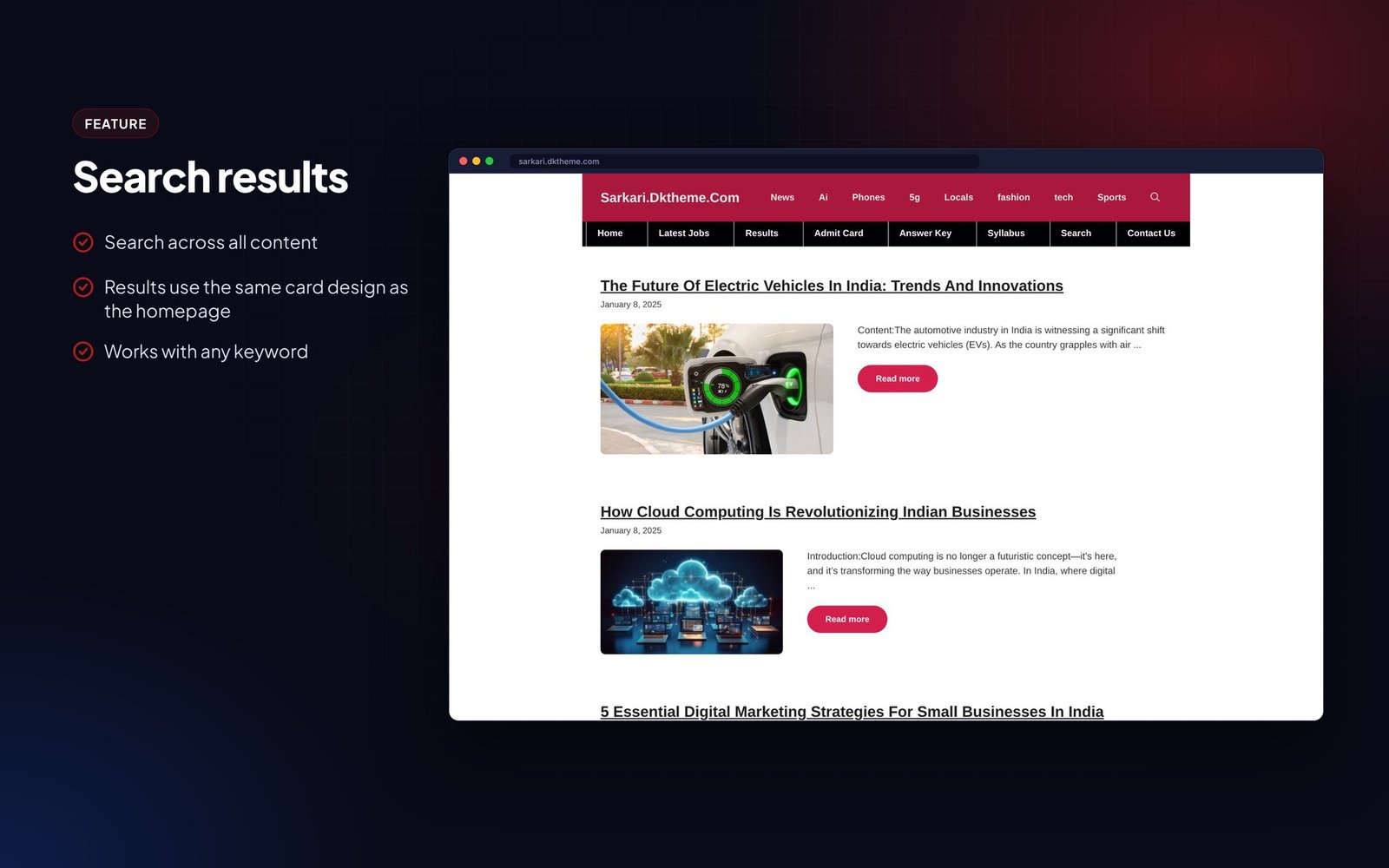
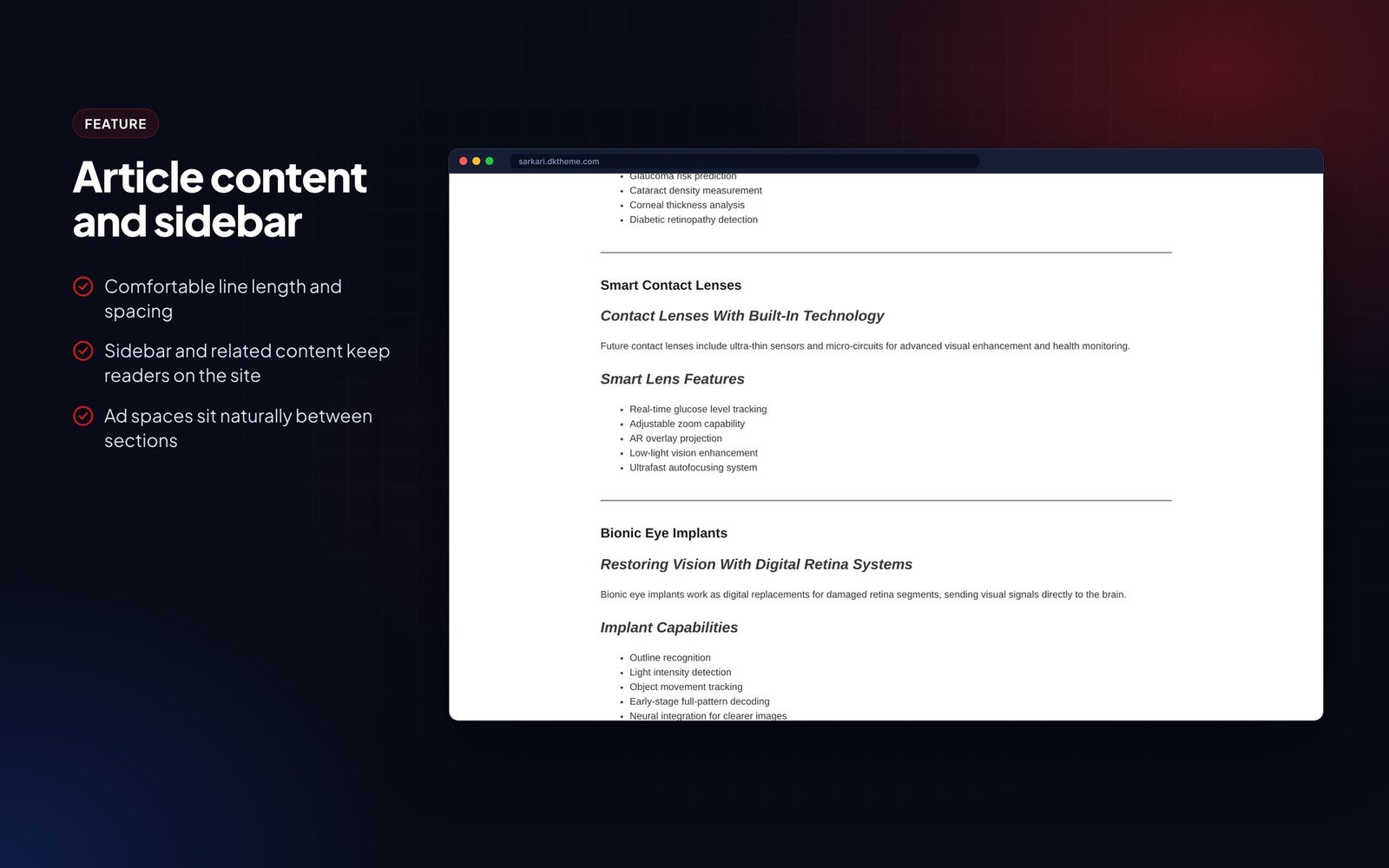










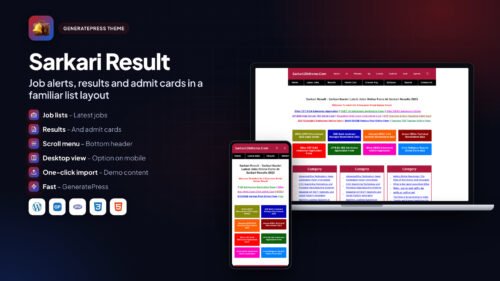
Sarkari Result is a GeneratePress theme for government job alert websites. It uses the dense link-list layout that job seekers in India are used to, with latest jobs, results and admit cards side by side on the homepage.
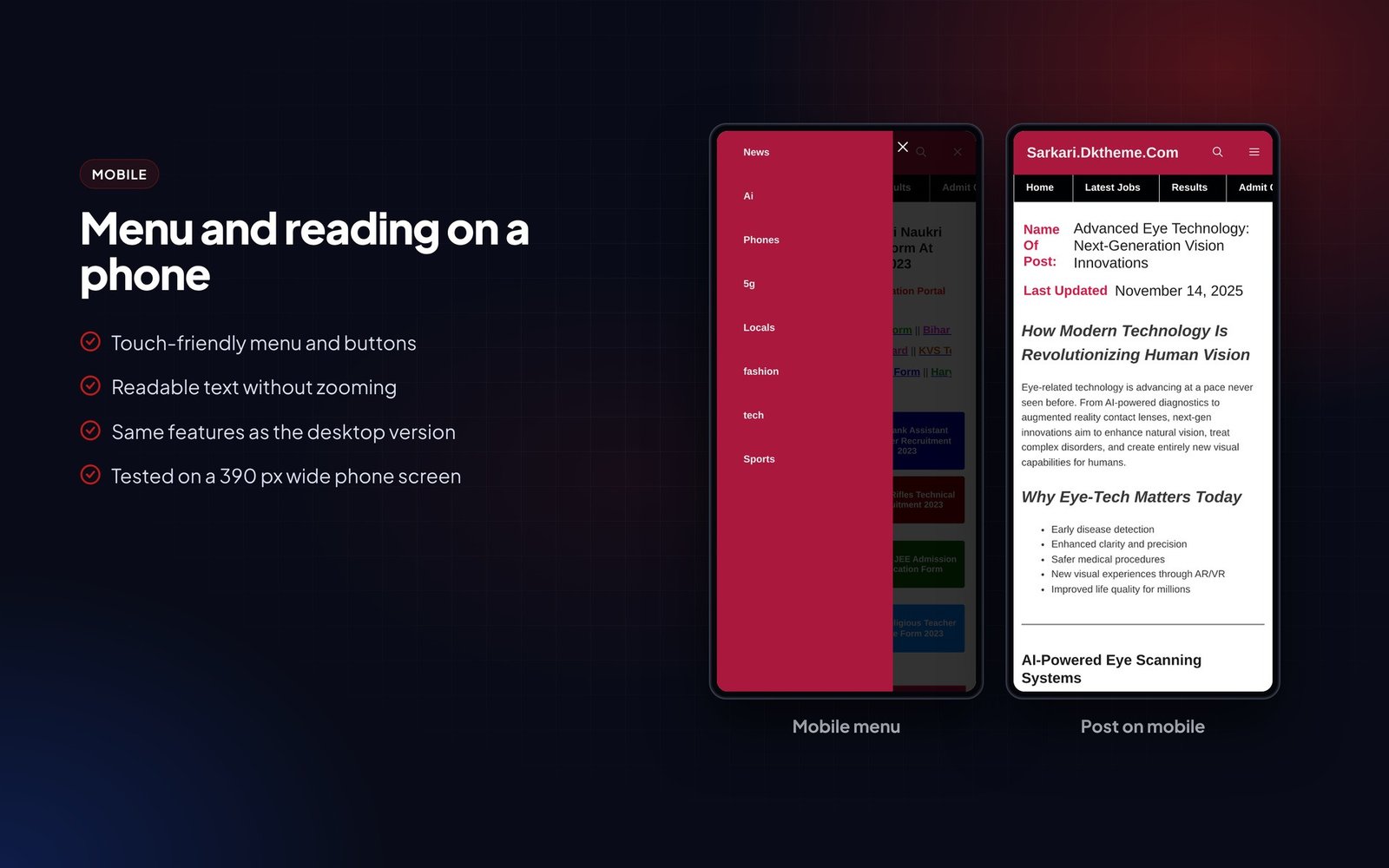
It has a scrolling bottom header menu, a custom footer where links are added by highlighting text, and an option that shows the desktop layout on phones, which many readers of these sites prefer. Demo content can be imported in one click.
Built on GeneratePress, it loads fast with a 90+ PageSpeed target.
Who it is for
- Government job alert sites
- Exam result and admit card blogs
- Education news blogs
What is in the download
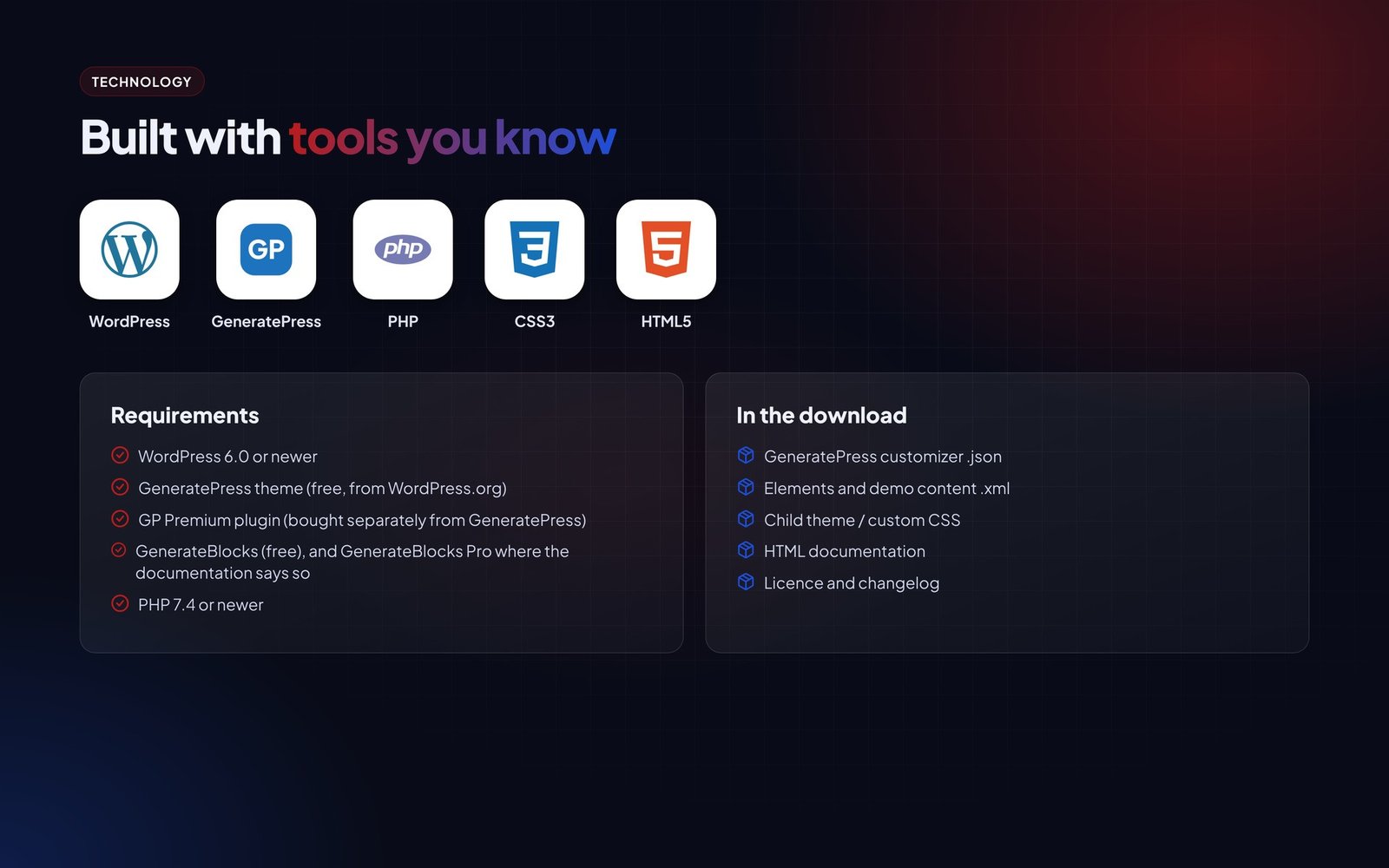
- GeneratePress customizer .json
- Elements and demo content .xml
- Child theme / custom CSS
- HTML documentation
- Licence and changelog
Good to know
- Requires GeneratePress (free) and GP Premium. GP Premium is not included and must be bought by the buyer from GeneratePress.
- Images and articles in the live demo are for preview only and are not part of the download.
Features
Layout
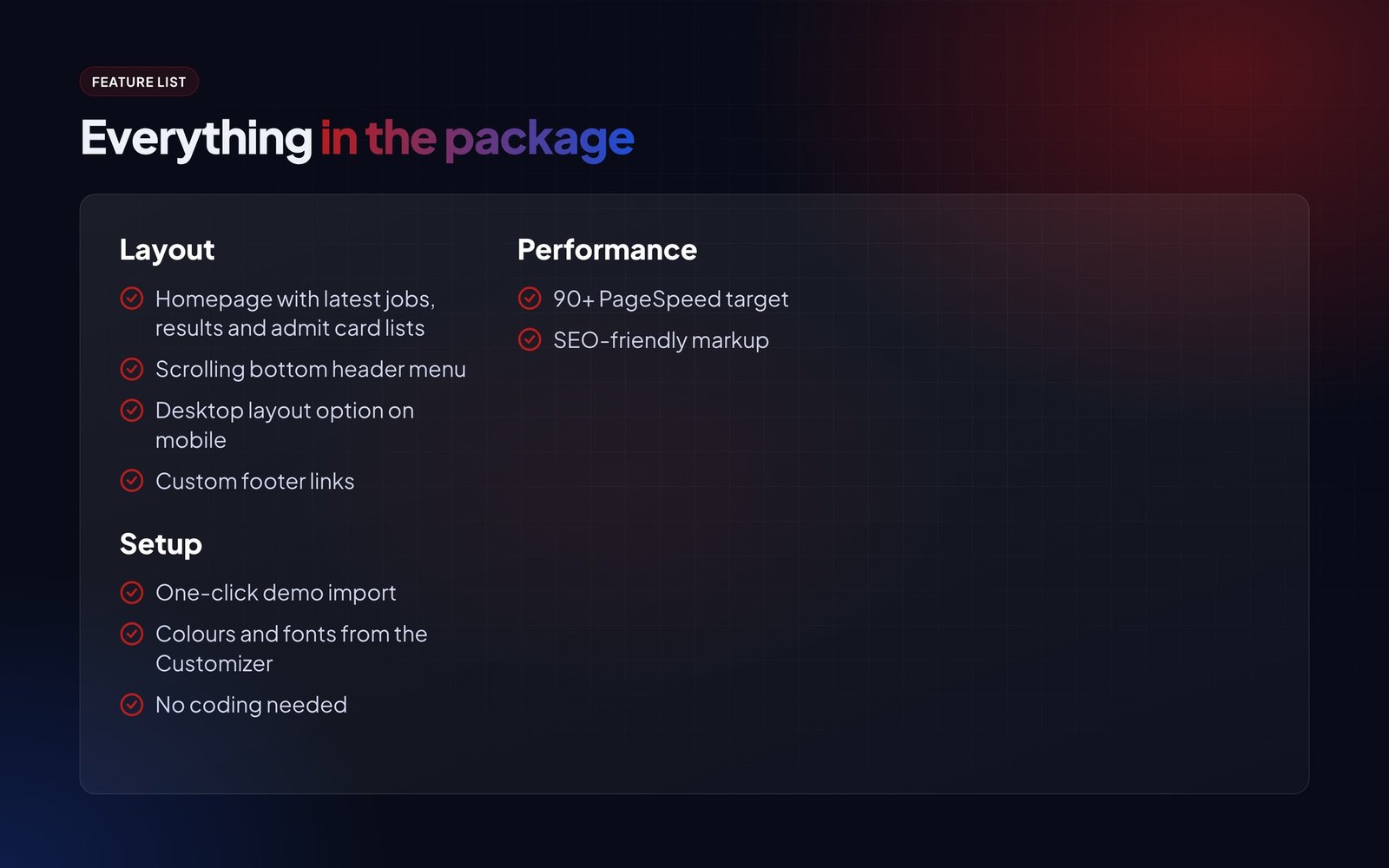
- Homepage with latest jobs, results and admit card lists
- Scrolling bottom header menu
- Desktop layout option on mobile
- Custom footer links
Setup
- One-click demo import
- Colours and fonts from the Customizer
- No coding needed
Performance
- 90+ PageSpeed target
- SEO-friendly markup
Requirements
- WordPress 6.0 or newer
- GeneratePress theme (free, from WordPress.org)
- GP Premium plugin (bought separately from GeneratePress)
- GenerateBlocks (free), and GenerateBlocks Pro where the documentation says so
- PHP 7.4 or newer
Instructions
- Install and activate the free GeneratePress theme from Appearance > Themes > Add New.
- Install GP Premium and activate the Elements, Blog, Colors and Typography modules.
- Install GenerateBlocks (and GenerateBlocks Pro if the documentation lists it).
- Go to Appearance > GeneratePress > Import / Export and import the customizer .json file from the package.
- Import the elements and demo content with Tools > Import > WordPress using the .xml file.
- Set your homepage under Settings > Reading and assign the menus.
- Change the logo, colours and fonts in the Customizer.
The Documentation folder inside the download has the same steps with screenshots, plus answers to common questions.
0
1 review for Sarkari Result WordPress Theme:
You must be logged in to post a review.
Related products

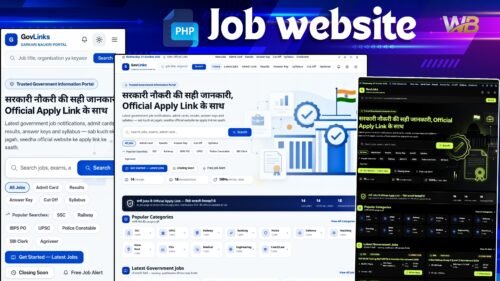
Sarkari Naukri Portal (GovLinks) — Complete Government Job Website Solution
Original price was: ₹ 6,000.00.₹ 1,200.00Current price is: ₹ 1,200.00.Government job news portal: jobs, admit cards, results, answer keys, syllabus, job schema, ads manager and optional AI writer.
Job updates site UnlimitedLive Demo

Rohan bansal (verified owner) –
Best support services from admin ????????